
WordPress security is a set of operating practices, not a plugin setting. A site can still be compromised through stolen credentials, vulnerable or abandoned software, unsafe hosting configuration, a supplier account or a missed update. The right controls depend on the site’s data, business impact and recovery needs.
Keep software supported and current
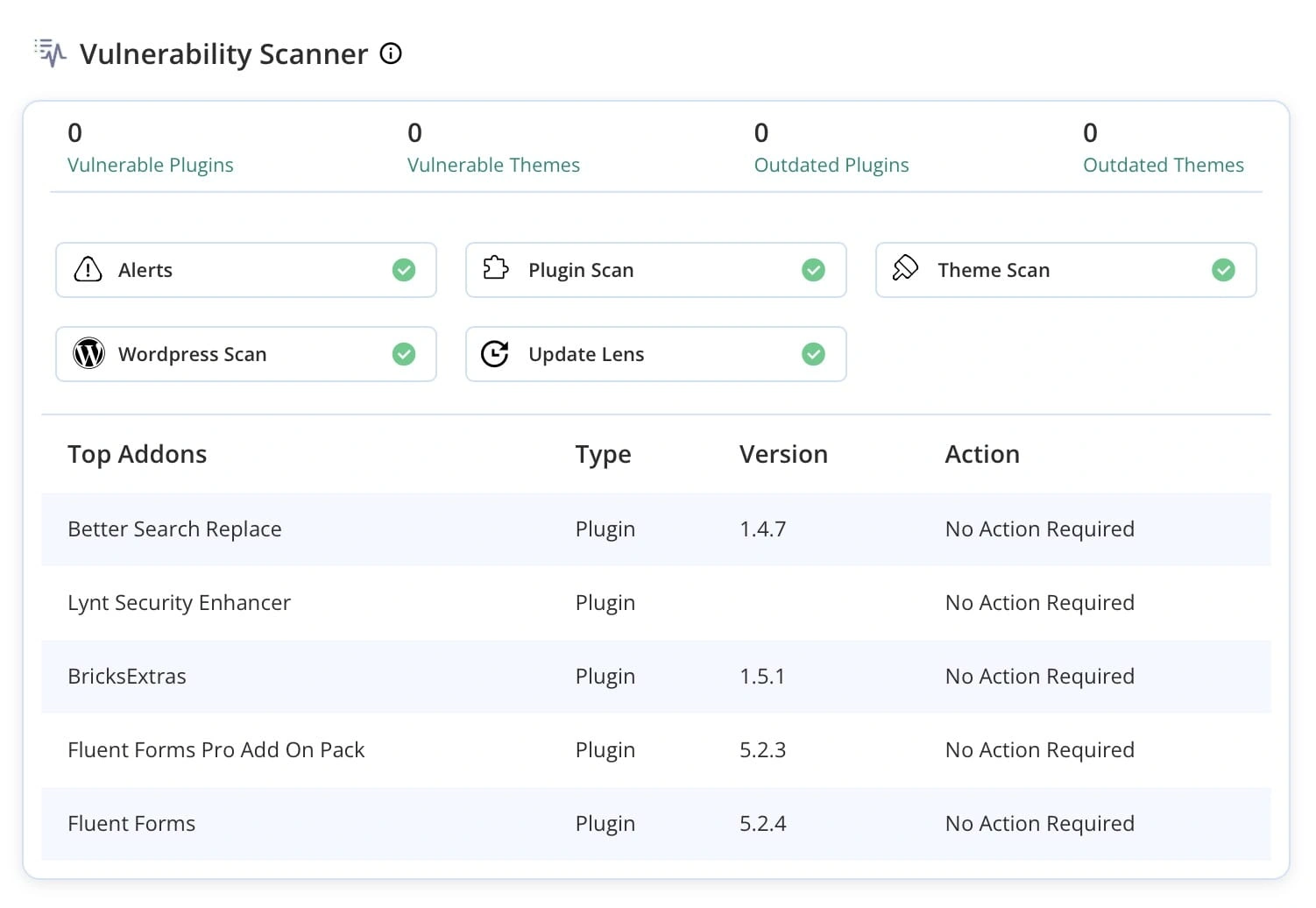
Update WordPress core, themes and plugins through a controlled process. Review compatibility and test important functions, especially on business-critical sites. Remove software that is unused or no longer supported. Keep a record of versions and who is responsible for applying updates. As of 20 October 2026, WordPress.org lists version 7.1.3 as its latest release; check the official release information before planning an update because versions change.
Limit access and protect accounts
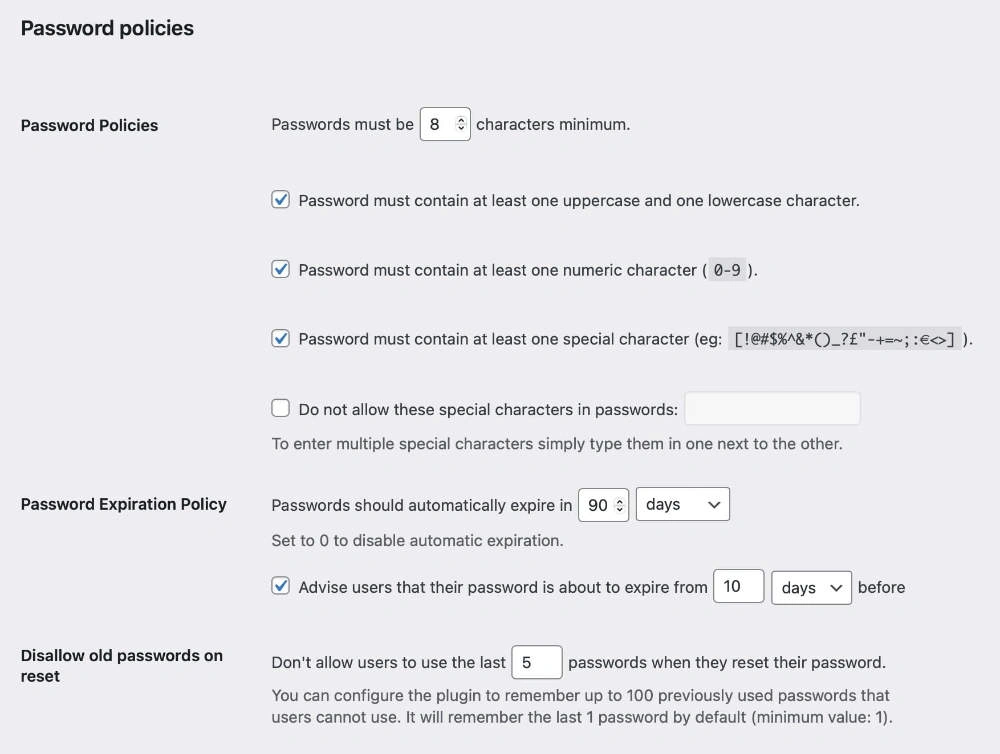
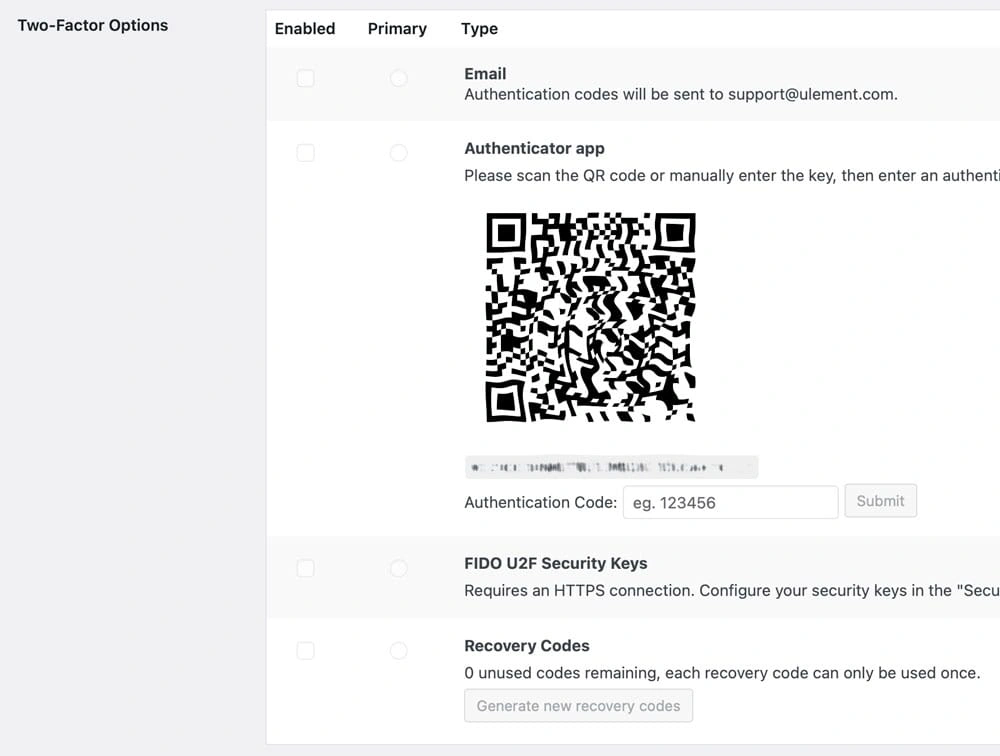
Give each person a separate account with only the capabilities needed for their work. Remove old users and supplier access when it is no longer required. Use unique passwords stored in a password manager and enable multi-factor authentication for administrative and hosting accounts where available. Protect recovery email accounts as carefully as the website itself.
Reduce the impact of a compromised site
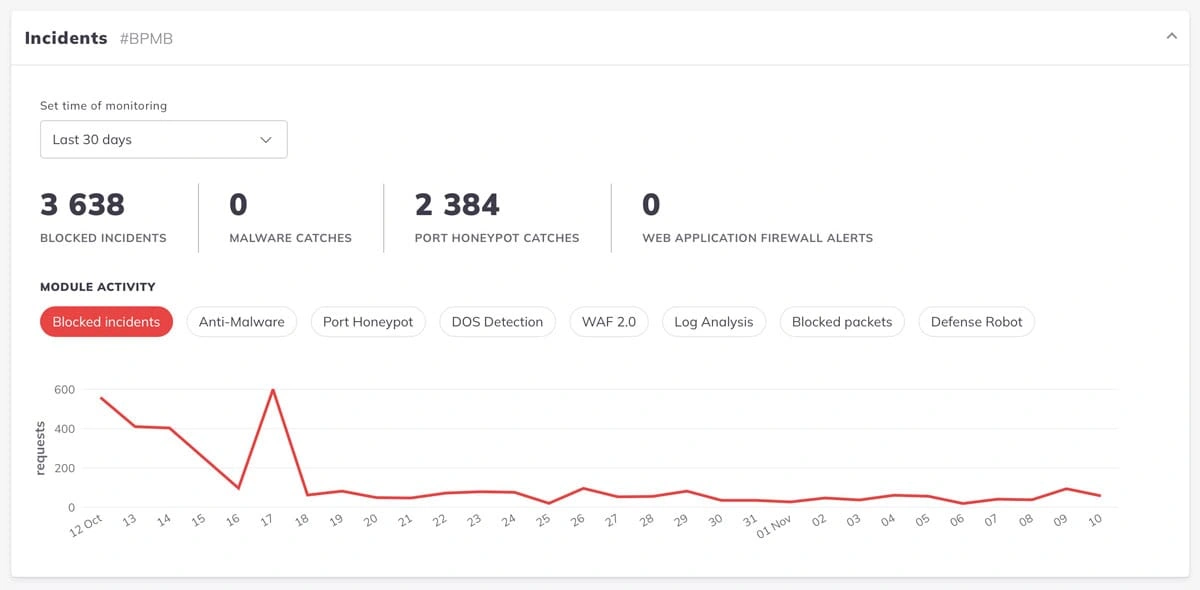
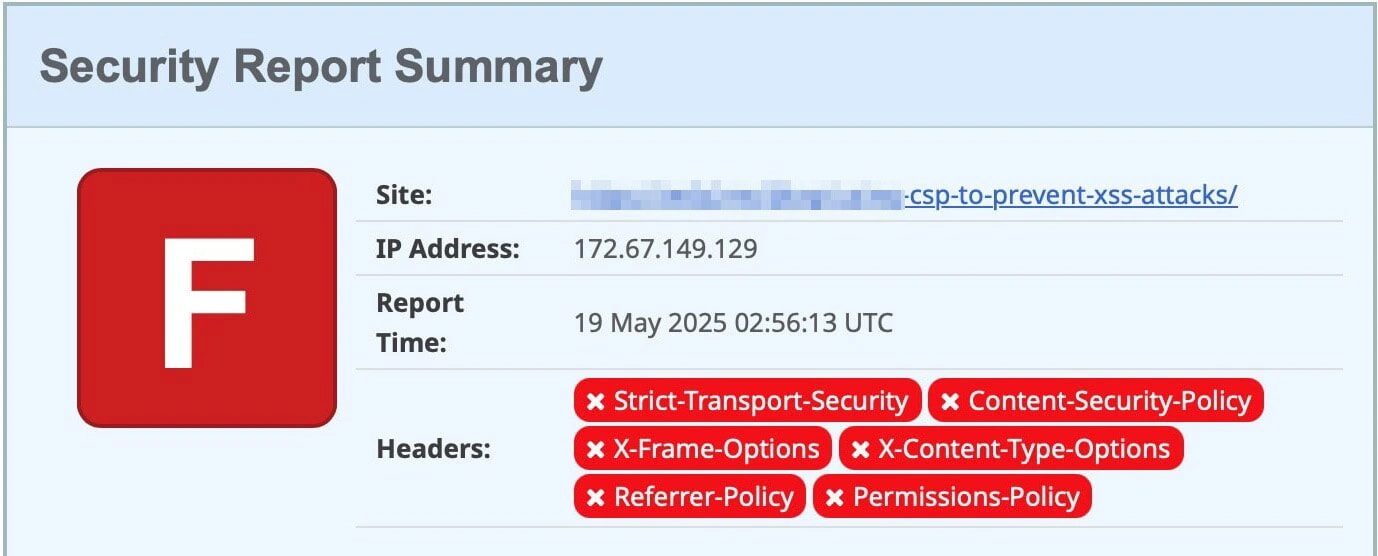
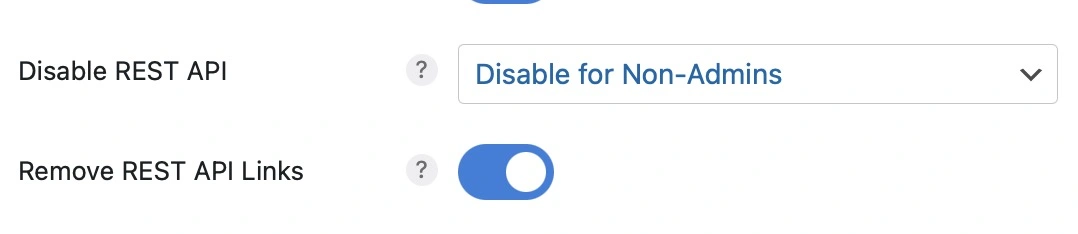
Keep sites or client environments separated where practical, so one compromised account does not automatically expose unrelated sites. Restrict file and database access to the processes that need it. Use HTTPS, maintain supported server software and review the hosting provider’s access and incident procedures. A firewall or malware scanner may add a layer of detection or filtering, but cannot replace updates, access controls or recovery planning.
Back up and rehearse recovery
Keep backups in a separate location with access controls. Include the database and files needed to restore the site, and define how often backups run based on acceptable data loss. Test restoration to a safe environment. Confirm who can declare an incident, isolate the site, contact the host, preserve evidence, notify affected parties where required and approve recovery.
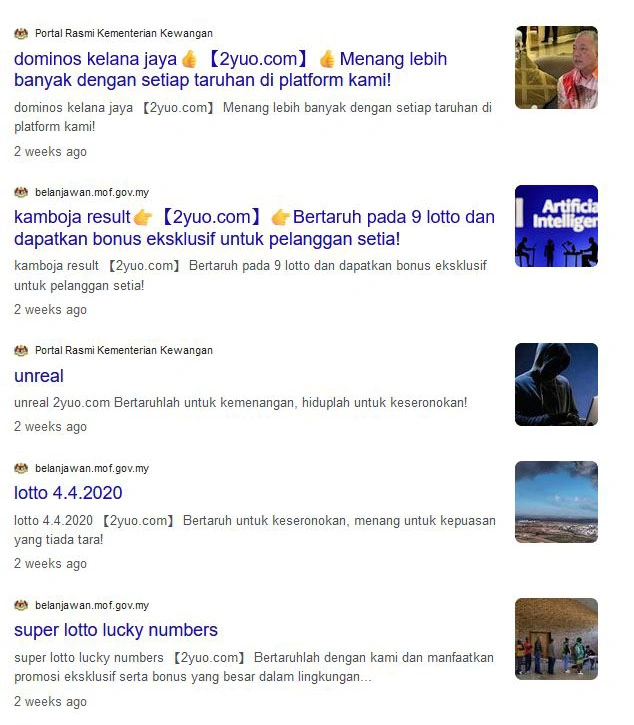
Monitor update failures, unusual administrator changes, unexpected files and hosting alerts. If compromise is suspected, preserve relevant logs, limit further access, involve qualified responders and restore from a known-clean backup only after identifying and addressing the entry point. A scan result alone is not proof that a site is clean.
Does a security plugin make WordPress secure?
No single plugin can secure the whole environment. Choose tools for a defined need, verify how they work with the host and other controls, and assign someone to respond to alerts.