
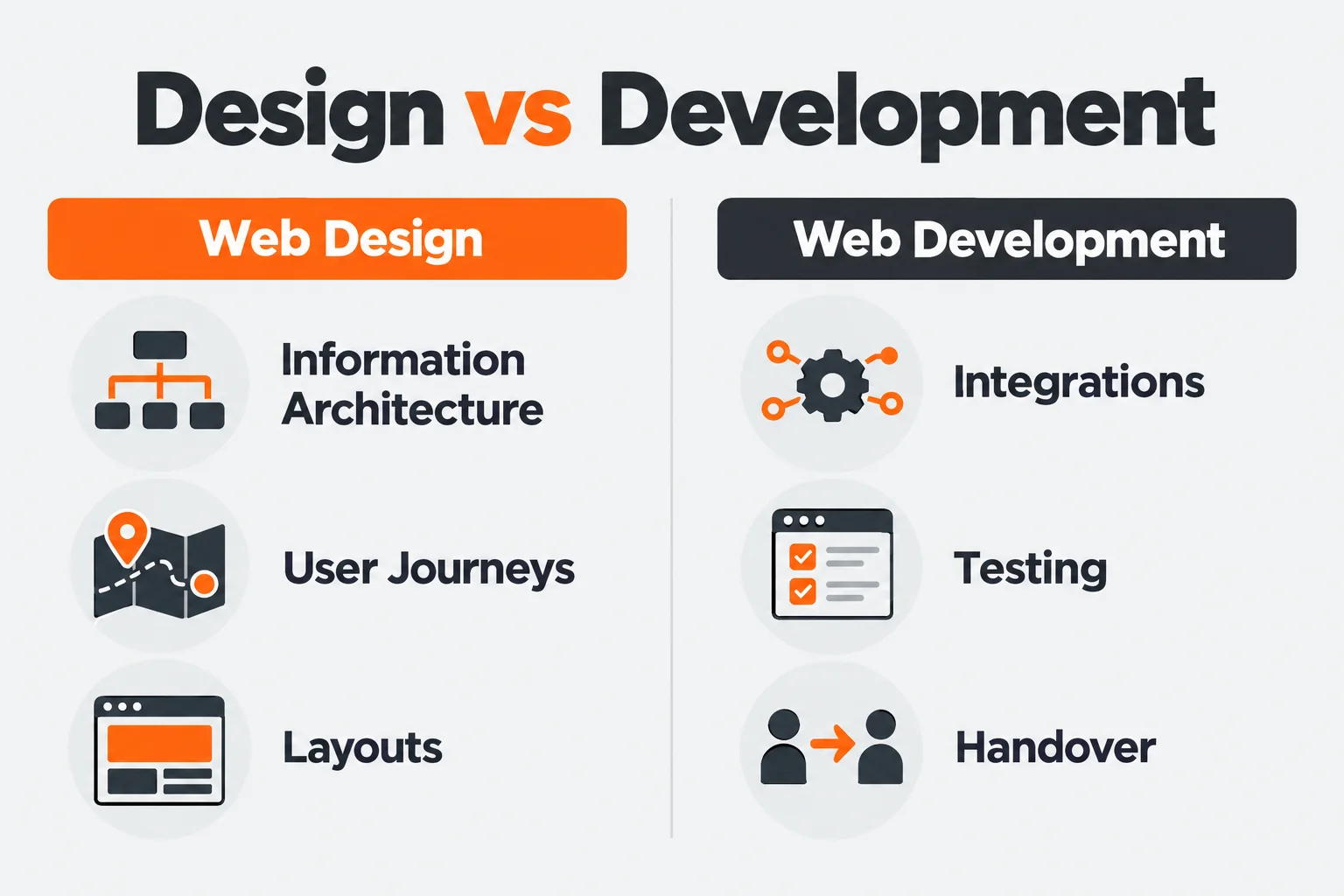
A website can pass a design review while its enquiry form sends nothing. It can load quickly on the developer’s laptop and struggle on a customer’s phone. The presentation gets approved. The operating problems arrive later.
Web design and development best practices should help your team catch those failures before visitors do. That requires clear content, usable interfaces, sound technical decisions, and someone responsible for checking the work.
At Ulement, we start by understanding how those parts connect. The visible problem is the starting point for investigation.
Key takeaways
- Define what visitors need to do before designing the pages.
- Prioritise failures by their effect on users and the business.
- Build accessibility, performance, and search requirements into the brief.
- Test what happens after a click, submission, or payment.
- Assign ownership for maintenance, accounts, and recovery.
Start with the task the website must support
Before discussing layouts, agree on what people need from the website.
For a service business, visitors usually need to understand the service, assess whether it fits, find credible evidence, and make an enquiry. An ecommerce customer needs accurate product information, clear delivery terms, and a working checkout.
Write down the main tasks. Then identify what each task requires.
| User task | Required information or function | Completion check |
|---|---|---|
| Assess a service | Scope, exclusions, suitability, and evidence | Visitor can explain whether the service fits |
| Request a quotation | Clear form, useful instructions, and routing | Enquiry reaches the responsible person |
| Buy a product | Product details, stock, delivery, and payment | Order and payment records agree |
| Find a document | Clear categories, search, and descriptive titles | Visitor finds the correct version |
| Update website content | Appropriate fields, permissions, and guidance | Editor completes the update without development help |
This gives the project something concrete to test.
Our web design work starts with these decisions: content structure, navigation, user journeys, and the behaviour the development team needs to implement.
Prioritise by consequence
A failed payment and an uneven margin do not belong in the same priority queue.
Assess each issue by who it affects, what it prevents, and whether a reasonable workaround exists.
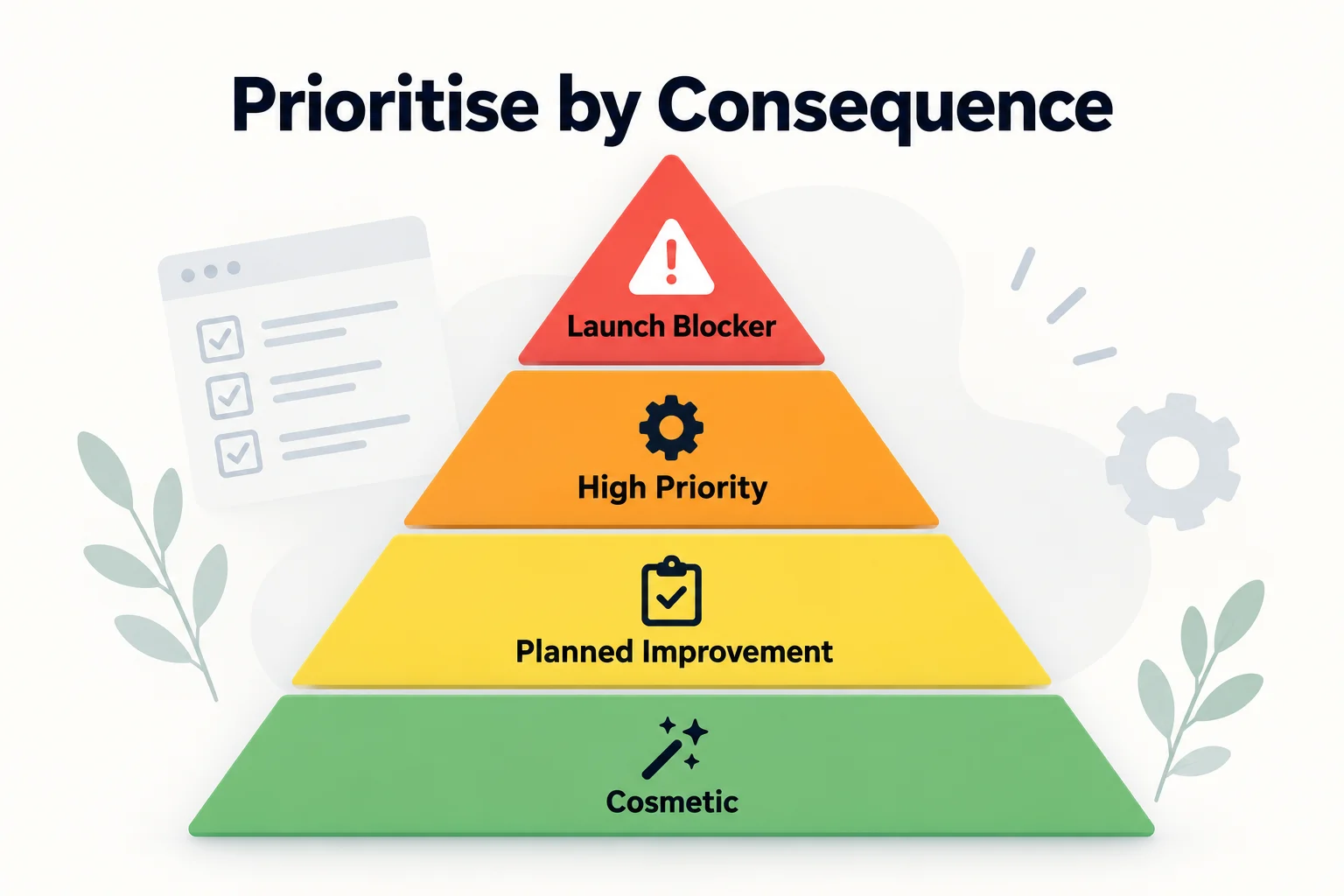
| Priority | Examples | Action |
|---|---|---|
| Launch blocker | Failed checkout, exposed records, unusable primary form | Resolve and retest before launch |
| High priority | Inaccessible navigation, incorrect redirects, severe delays on important pages | Resolve against the agreed launch requirements |
| Planned improvement | Confusing secondary content, inefficient editing, weak filters | Assign an owner and delivery date |
| Cosmetic refinement | Minor spacing or decorative differences | Address after more consequential work |
Record the evidence alongside the recommendation. “The form is broken” is incomplete. State which form, what was submitted, what happened, and where the process failed.
A useful finding gives the next person enough information to reproduce it.
Plan content before approving layouts
Designing around placeholder text postpones decisions the layout depends on.
A service page may need scope, exclusions, evidence, cost factors, and an enquiry route. If those requirements emerge after design approval, the team has to force them into a layout that was built for something else.
Before detailed design, agree on:
- The audience and purpose of each page.
- The questions it must answer.
- The content owner.
- The evidence available.
- The next action.
- The relationship to other pages.
Use wireframes to check the order. A visitor should understand the service before being asked to submit a detailed brief.
What this looked like in a Ulement project
A Malaysian government-linked company came to us with an outdated Liferay portal. Information was organised as a document library, navigation did not follow clear user needs, and routine content updates required technical assistance.
We rebuilt the portal on WordPress with reusable templates and structured content fields. The work included reorganising navigation, rewriting English and Malay content, reviewing existing URLs, and improving security and server management.
After launch, we checked redirects, server responses, performance, security controls, and enquiry journeys.
The content model affected both sides of the website: how visitors found information and how the client maintained it. Both needed attention.
Read the platform migration and content architecture case study.
Make navigation and copy easy to understand
Use labels visitors recognise. Internal department names and campaign language often need translation before they work as navigation.
Give each page a clear main heading. Write section headings that explain what follows. Use links that describe their destination.
“View maintenance plans” tells someone more than “Explore”.
Check the less polished parts of the journey too:
- Search results should help people distinguish between pages.
- Empty listings should explain whether no content exists or a filter needs changing.
- Form errors should identify the problem and preserve valid entries.
- Missing pages should return a 404 response and offer useful routes.
- Unavailable services should explain what someone can do next.
These states are part of the design. Leaving them to default software messages creates avoidable confusion.
Build reusable components with complete behaviour
A design system should reduce repeated decisions for visitors, editors, and developers.
Define shared typography, colours, spacing, buttons, forms, navigation, and content components. Include the states people encounter during use: keyboard focus, errors, loading, selection, and confirmation.
A form design is incomplete if it only shows empty fields.
Use design tokens, which are named values for shared styles, where they help maintain consistency. Changing a colour or spacing rule should not require hunting through individual pages.
Choose images that explain the subject. Product details, process diagrams, and annotated screenshots can answer questions that decorative imagery cannot.
Give motion a specific job. If an animation delays access to information or makes a task harder, remove it.
Test mobile use beyond the screenshot
Responsive design adapts the layout to different screen sizes. Mobile-first design starts with the constraints of a smaller screen.
Neither is proven by a narrow preview in a design tool.
On a real phone:
- Open the navigation.
- Find the relevant service or product.
- Enlarge the text.
- Complete the form or checkout.
- Read the confirmation.
- Verify the result in the receiving system.
Watch what happens when the on-screen keyboard opens. Check long labels, validation messages, menus, and sticky controls.
Use flexible layouts and appropriately sized images. Add breakpoints where the content needs them rather than choosing them solely around named devices.
Make accessibility part of acceptance
Set an accessibility target in the brief. Web Content Accessibility Guidelines (WCAG) 2.2 Level AA provides testable requirements covering areas such as keyboard access, contrast, focus, labels, and error assistance. Use the W3C quick reference to identify the applicable criteria.
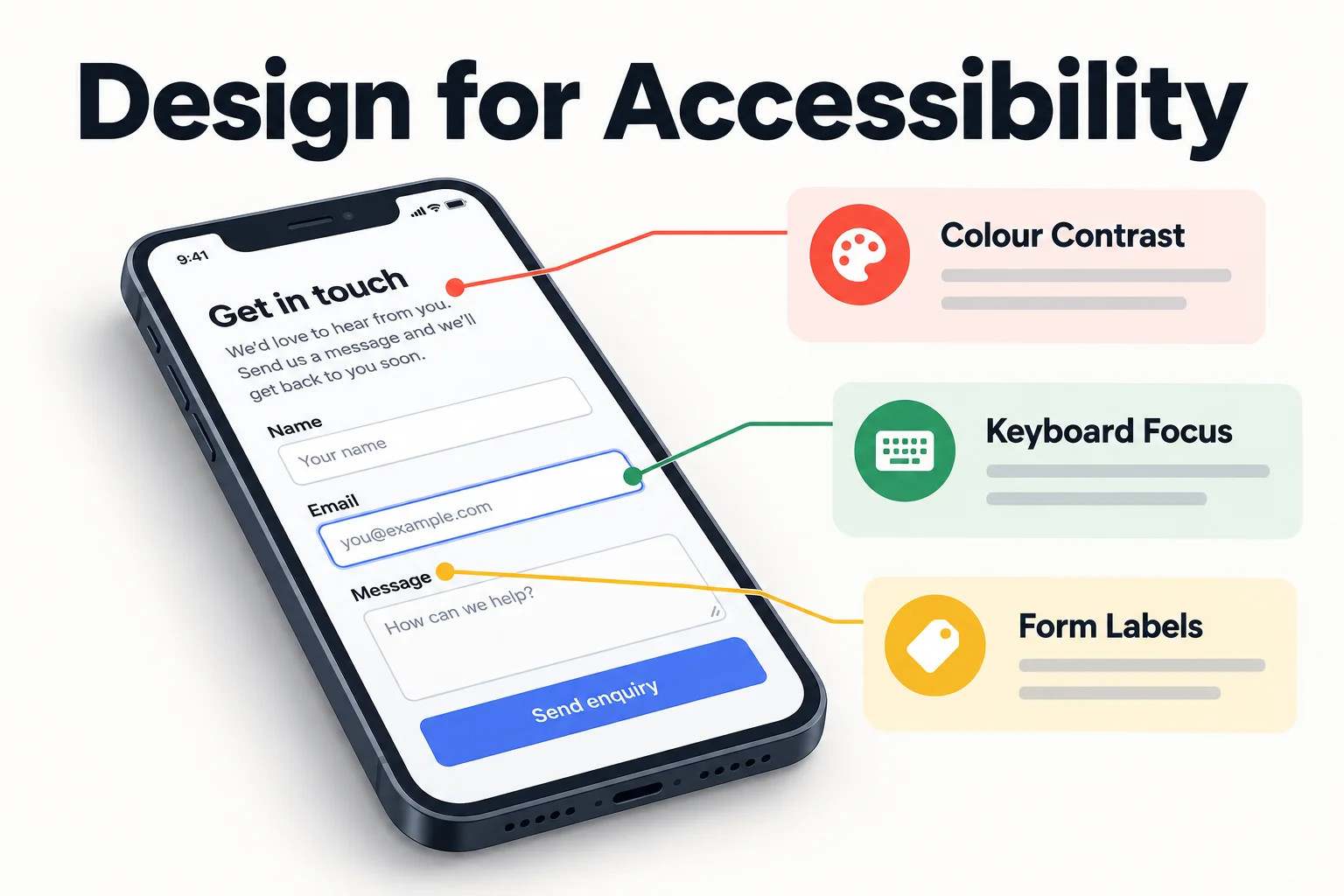
The foundations include:
- Semantic HTML and logical headings.
- Clear names and labels for controls.
- Keyboard operation with visible focus.
- Sufficient colour contrast.
- Errors explained in text.
- Useful alternative text for informative images.
- Captions for relevant video.
- Reduced-motion support.
Run automated checks, then test manually with a keyboard and screen reader. Include menus, dialogs, forms, and third-party widgets.
Record the pages, components, and journeys assessed. An automated score does not establish that the website is accessible.
Measure performance under realistic conditions
Performance includes loading, responsiveness, and visual stability.
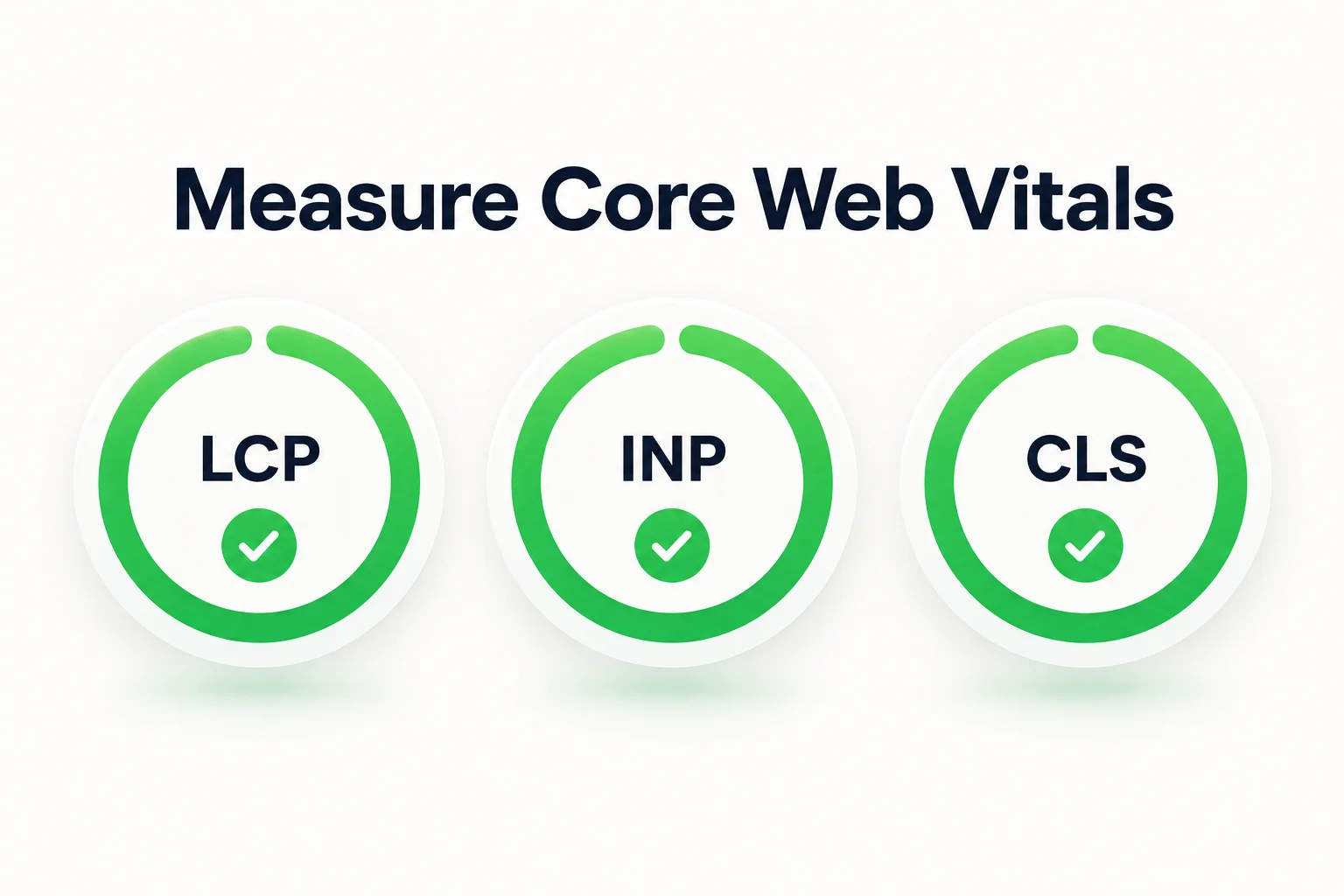
Google’s Core Web Vitals use these “good” thresholds:
| Metric | What it measures | Target |
|---|---|---|
| Largest Contentful Paint (LCP) | Loading of the largest visible content element | 2.5 seconds or less |
| Interaction to Next Paint (INP) | Response to user interactions | 200 milliseconds or less |
| Cumulative Layout Shift (CLS) | Unexpected visual movement | 0.1 or less |
Google’s Web Vitals guidance recommends assessing all three at the 75th percentile and separating mobile and desktop experiences.
Lighthouse helps diagnose problems under simulated conditions. Real-user data shows what happens across actual devices, connections, and interactions. Use both where available.
Start improvements with the resources causing the delay:
- Resize and compress images.
- Avoid lazy-loading the main image needed immediately.
- Limit font files and weights.
- Remove unused scripts.
- Review trackers, chat tools, and embedded media.
- Reserve space for images and dynamic content.
- Configure caching and compression appropriately.
Set limits for page weight and scripts before adding more features. Every third-party tool becomes part of the experience your visitors have to load.
Build search requirements into the website
Give each important page a clear purpose. Its title, heading, content, and internal links should address the same need.
A service page needs enough information to support a buying decision. An article needs to answer the question in its title.
Then check the technical foundations:
| Item | What to check |
|---|---|
| Canonical URL | The preferred URL points to the intended page |
| XML sitemap | Important public URLs are included |
| Robots directives | Crawling and indexing instructions match the page’s purpose |
| Redirects | Replaced URLs lead to relevant destinations |
| Internal links | Important pages are reachable through crawlable links |
| JavaScript rendering | Important content and links remain accessible to search engines |
Google’s technical requirements for Search determine whether a page is eligible for indexing. Meeting them does not guarantee inclusion.
Use structured data where a supported type accurately describes the visible content. Validate it, but do not promise a rich result. Google’s structured data guidelines explain the conditions.
For an existing website, review search history before changing URLs or removing content. Our technical SEO service considers those dependencies alongside the proposed changes.
Choose technology the team can operate
Select the content management system and framework around the work they need to support.
Assess:
- Who publishes and approves content.
- What editors need to change.
- Which systems must connect.
- What permissions are required.
- Who maintains the platform.
- What licences and hosting will cost.
- How the organisation can move its content and data later.
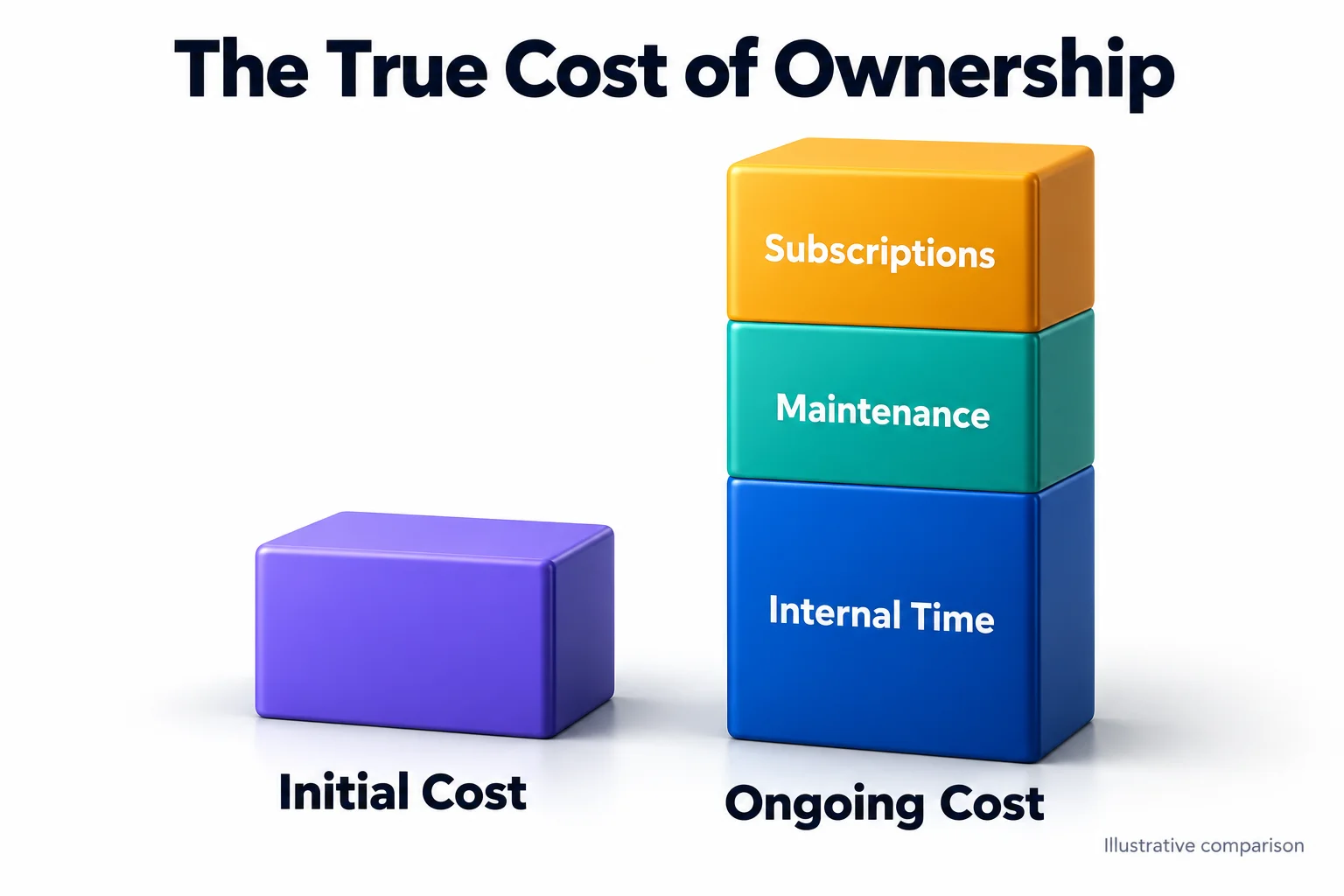
A cheaper build can create expensive routine work if every update requires a developer.
Use reusable components, version control, proportionate code review, and documentation. For integrations, define the expected response and what happens when the other system is unavailable.
Our web development service covers these implementation decisions and the checks required before production acceptance.
Protect data and test recovery
Use HTTPS, secure authentication, appropriate permissions, server-side validation, and context-appropriate output encoding.
Validation checks whether submitted information is acceptable. Output encoding helps prevent that information from being interpreted as executable code where it is displayed.
OWASP’s input validation guidance explains why validation must happen on the server. Browser validation helps users correct mistakes, but it can be bypassed.
Keep dependencies supported, protect secrets, and give accounts only the access they need. Apply rate limiting where repeated requests could abuse or overload a function.
Define the backup and recovery process:
- Identify the files, database, and configuration needed.
- Store protected copies separately.
- Assign access and restoration responsibility.
- Restore a copy in a controlled environment.
- Check the functions the organisation depends on.
A backup notification confirms that a process ran. A restoration test provides evidence that the backup is usable.
Verify the result after the click
A success message can conceal a failed handoff.
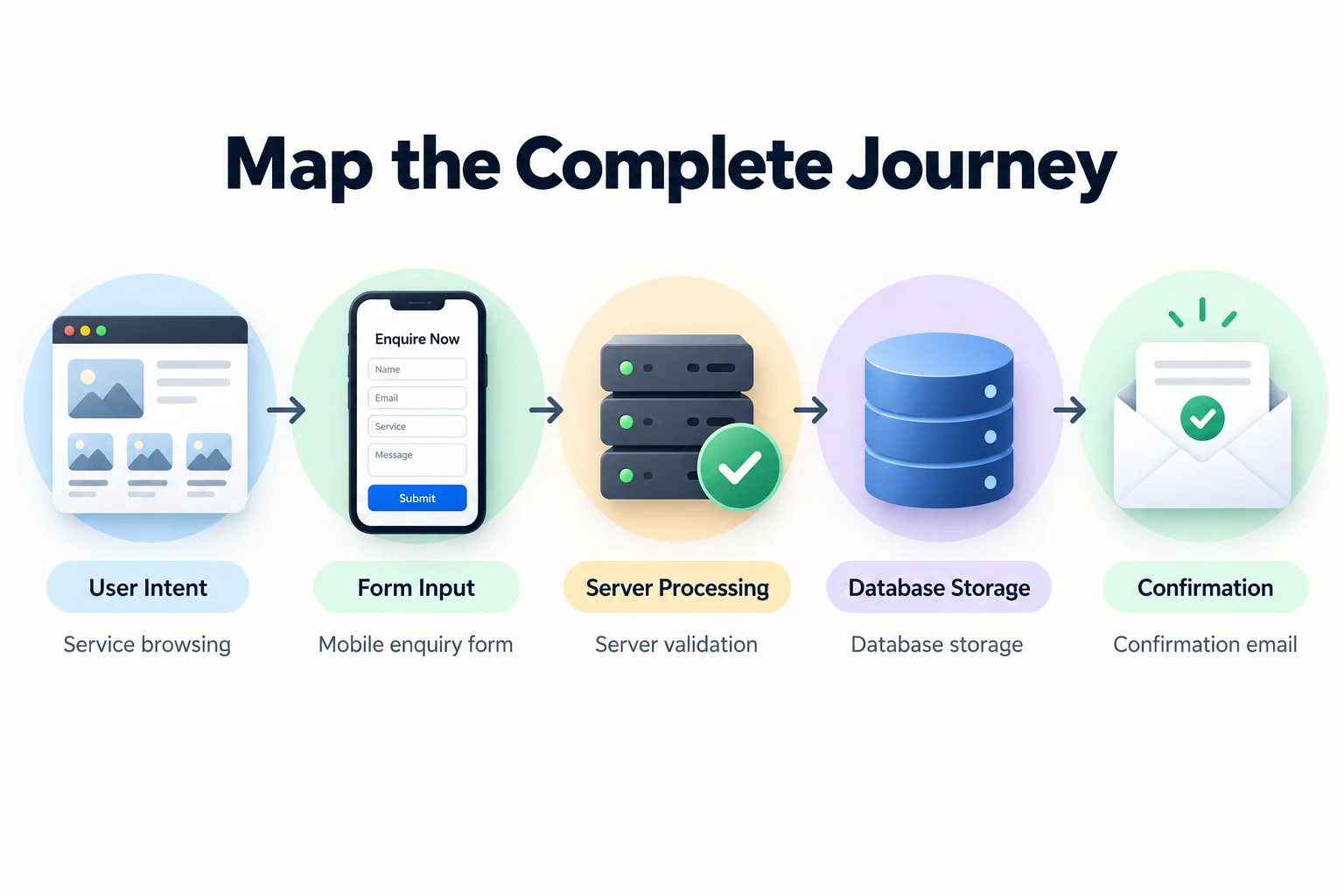
Consider a form that appears to submit correctly while the sales team reports missing enquiries. Check the process in stages.
| Stage | Evidence to check |
|---|---|
| Browser | Request sent and response received |
| Server | Validation and processing completed |
| Storage | Enquiry recorded where intended |
| Routing | Correct mailbox or connected system received it |
| Confirmation | Visitor message accurately describes the outcome |
| Analytics | Event records the intended stage of completion |
This helps distinguish a form problem from an email, integration, or measurement problem.
Keep the form proportionate to the enquiry. Ask for information the team will use, explain unfamiliar fields, and state what happens next.
Measure completed actions where possible. A button click and a received enquiry describe different stages.
Launch against a checklist
Choose tests according to the consequence of failure. Automate repeatable checks where useful and test important journeys manually.
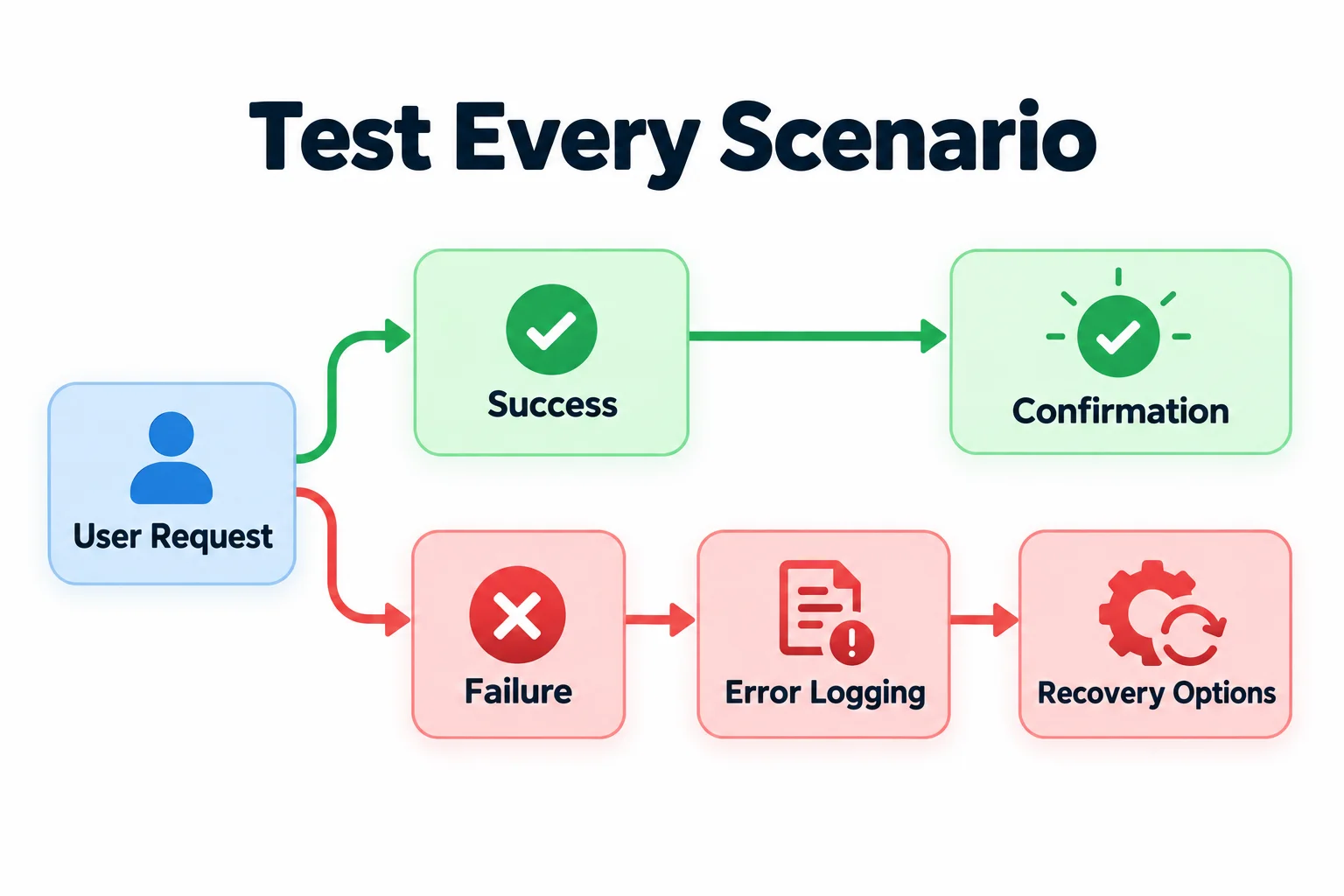
Before launch, verify:
- Forms, checkout, bookings, and account workflows.
- Keyboard access and agreed accessibility requirements.
- Navigation, links, redirects, and missing-page behaviour.
- Indexing settings, canonical URLs, and sitemaps.
- Analytics events and privacy settings.
- Production access and configuration.
- Backups and restoration instructions.
- Rollback steps and launch responsibilities.
Test in staging, then repeat critical checks on the live website. Hosting, credentials, email delivery, caching, and external connections can behave differently in production.
Name the person who approves launch and the person who can reverse it.
Assign ownership after launch
A website needs ongoing decisions about content, software, infrastructure, and access.
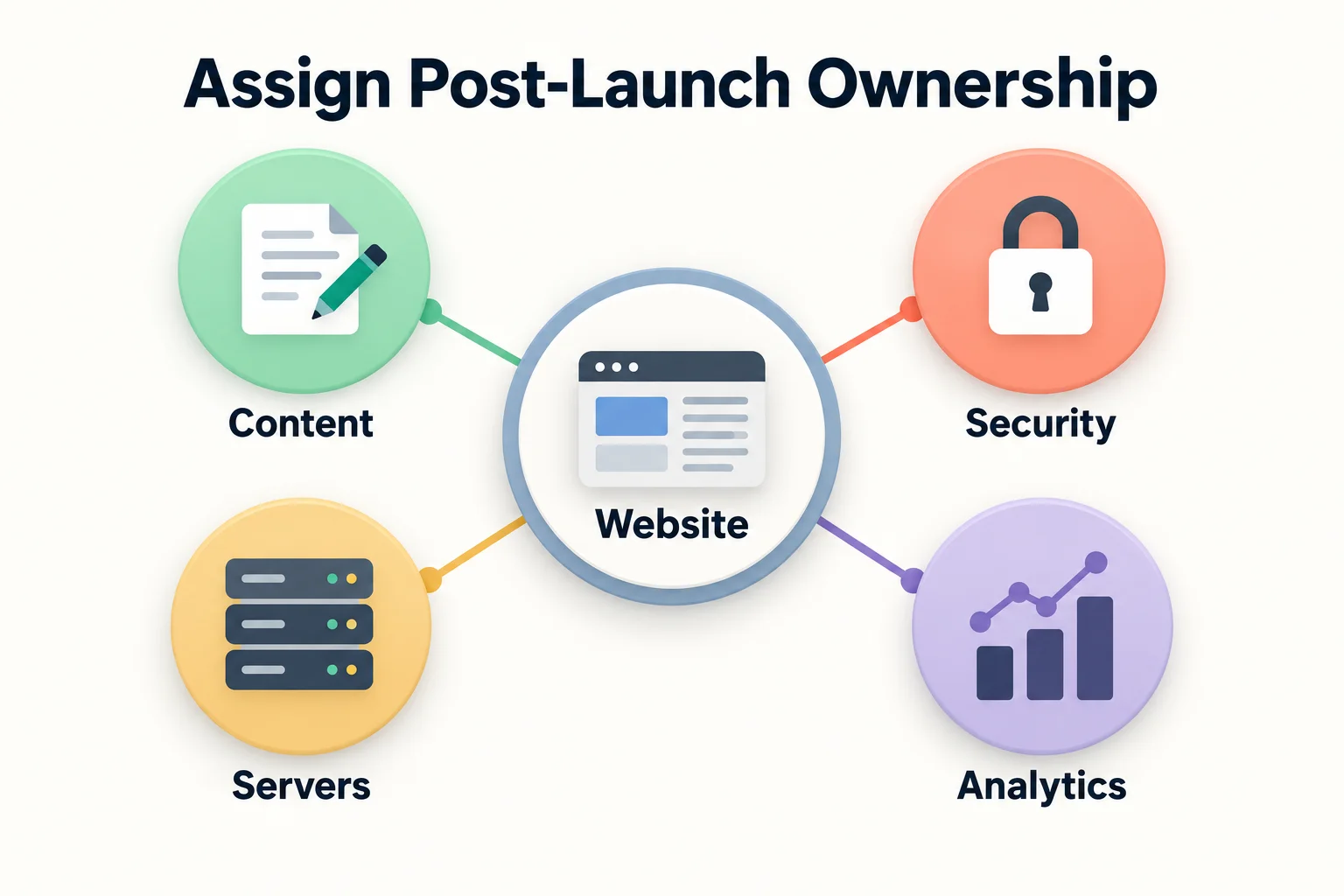
Agree on who:
- Approves updates and content changes.
- Receives and acts on alerts.
- Tests critical journeys.
- Reviews search and performance data.
- Verifies recovery.
- Controls domains, hosting, licences, and administrator accounts.
Use privacy-conscious analytics. Keep sensitive information out of recordings, event names, URLs, and reports.
Set review frequency around the website’s change rate and business importance. Retest affected journeys after significant updates.
Our website maintenance and support service defines the ongoing work and responsibilities. New functionality and larger changes need their own scope and acceptance checks.
Frequently asked questions
What should a small business prioritise?
Start with clear service information, usable mobile navigation, accessible forms, secure administration, and recoverable backups. Confirm that public pages can be indexed and that enquiries reach someone responsible for replying.
What is the difference between responsive and mobile-first design?
Responsive design adapts a layout to different screen sizes. Mobile-first design begins with the smaller-screen experience, then expands the layout where more space is available.
How do you check accessibility, performance, and SEO?
Combine automated checks with manual testing. Use keyboard and screen reader checks, performance diagnostics, crawl reviews, and Search Console. Test representative pages and complete journeys.
Can a website builder or CMS meet these requirements?
Yes, if its components, configuration, hosting, and integrations provide the required control. Check accessibility, performance, indexing, data handling, and maintenance requirements before choosing the platform.
How often should a website be reviewed?
Monitor failures continuously where practical. Schedule deeper reviews according to how often the website changes and what a failure would affect. Retest critical journeys after significant changes.
Does an existing website need rebuilding?
Assess the current system first. Content, configuration, design, or development changes may resolve the problem. Consider a rebuild when the architecture prevents the required improvements or makes them disproportionately difficult to maintain.
Decide what needs fixing first
Follow one important task from the visitor’s first page to the result your team receives. Record the failures, assign owners, and agree on the evidence needed to close each issue.
If you need help assessing the current website, discuss your requirements with Ulement.
About the author
Julian Song is Ulement’s founder and Principal Digital Architect. His work covers WordPress development, technical SEO, security, performance, and ongoing website care.
Tags: Web Design, Web Development, Accessibility