
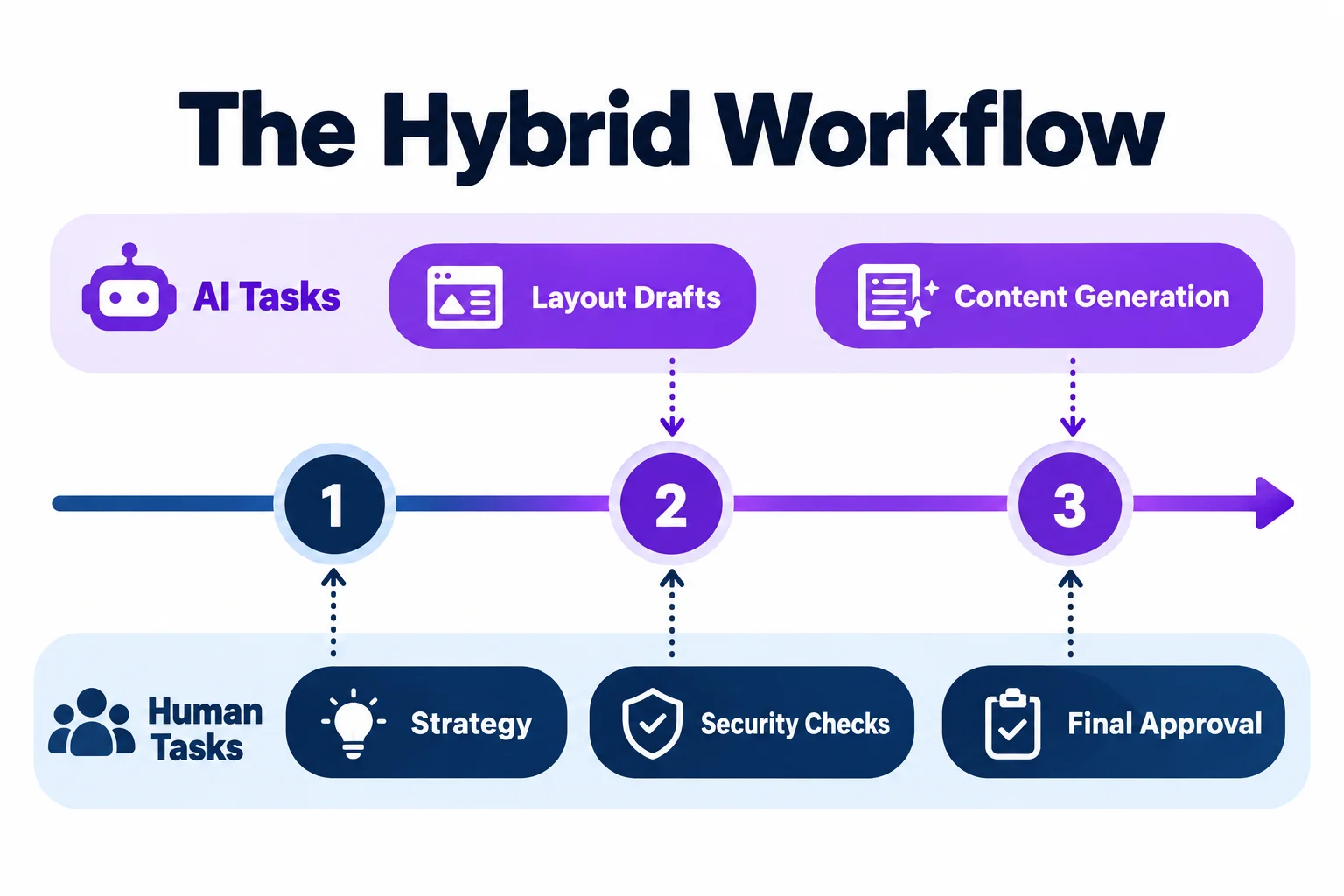
AI can reduce the time needed to produce a website. Your team still needs to decide what belongs on it, check that it works, and maintain it after launch.
When comparing AI web design vs traditional web design, include that work in the decision. A low subscription price can be reasonable value for a straightforward site. It becomes less useful when your team spends weeks working around a requirement the platform cannot support.
Choose according to your content, functionality, internal skills, and operating costs.
Key takeaways
- AI can reduce production time. Content decisions, testing, and maintenance still need an owner.
- Compare the same scope. Include functionality, revisions, testing, and handover alongside design.
- Count your team’s time. Subscriptions are only part of the website’s operating cost.
- Test the hardest requirement first. Confirm essential integrations and workflows before committing to a platform.
- Keep control of the website. Establish who owns the accounts, maintains the code, and handles recovery.
Quick verdict
| Approach | Suitable when | Main consideration |
|---|---|---|
| AI website builder | You need standard pages and familiar features, and can handle editing and checks | Your requirements must fit the platform |
| Professional design and development | You need research, complex functionality, coordinated approvals, or specialist delivery | The proposal must define what the provider will deliver and verify |
| Hybrid workflow | AI can reduce production work while specialists handle decisions and review | Responsibility must remain clear |
Start by identifying the requirement most likely to cause difficulty. Ask the platform or provider to demonstrate it before discussing visual preferences.
What are you comparing?
AI website builders
AI website builders generate pages within a managed platform. You provide a description, content, or prompts, then edit the result using the available controls.
They can suit service websites, portfolios, and campaign pages. Check whether the required subscription supports your forms, languages, redirects, analytics, and integrations.
The platform sets the limits. Establish those limits before building around it.
AI code generators
AI code generators produce source code. Some also provide deployment and hosting.
Code access is useful only if your team or another developer can maintain what you receive. Before handover, establish who controls deployment, updates dependencies, and restores the site when a release fails.
A generated application needs technical ownership beyond the ability to request changes through a prompt.
Professionally delivered websites
A freelancer or agency may handle research, content planning, design, development, testing, and support. The agreement determines which of these you receive.
Many professionals use AI during production. Ask what they deliver, how they verify it, and who resolves defects.
Design and development are separate services
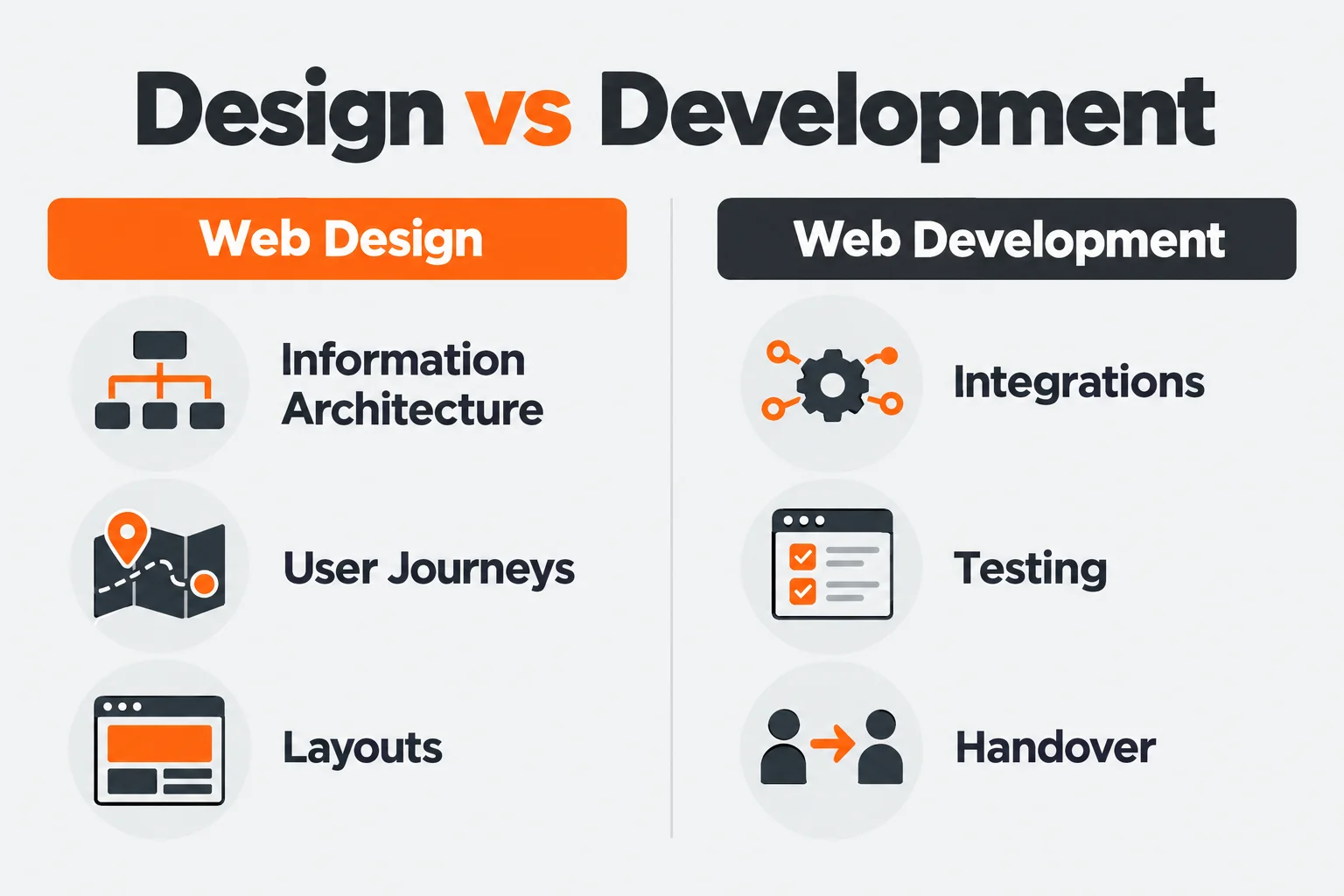
Web design defines the structure, visual rules, and interactions. Web development turns those decisions into a working website.
Ulement’s web design service covers information architecture, user journeys, responsive layouts, and implementation specifications. Web development covers the build, integrations, testing, and handover.
Compare equivalent scopes. A generated homepage and a tested production website are different deliverables.
Cost: Include your team’s time
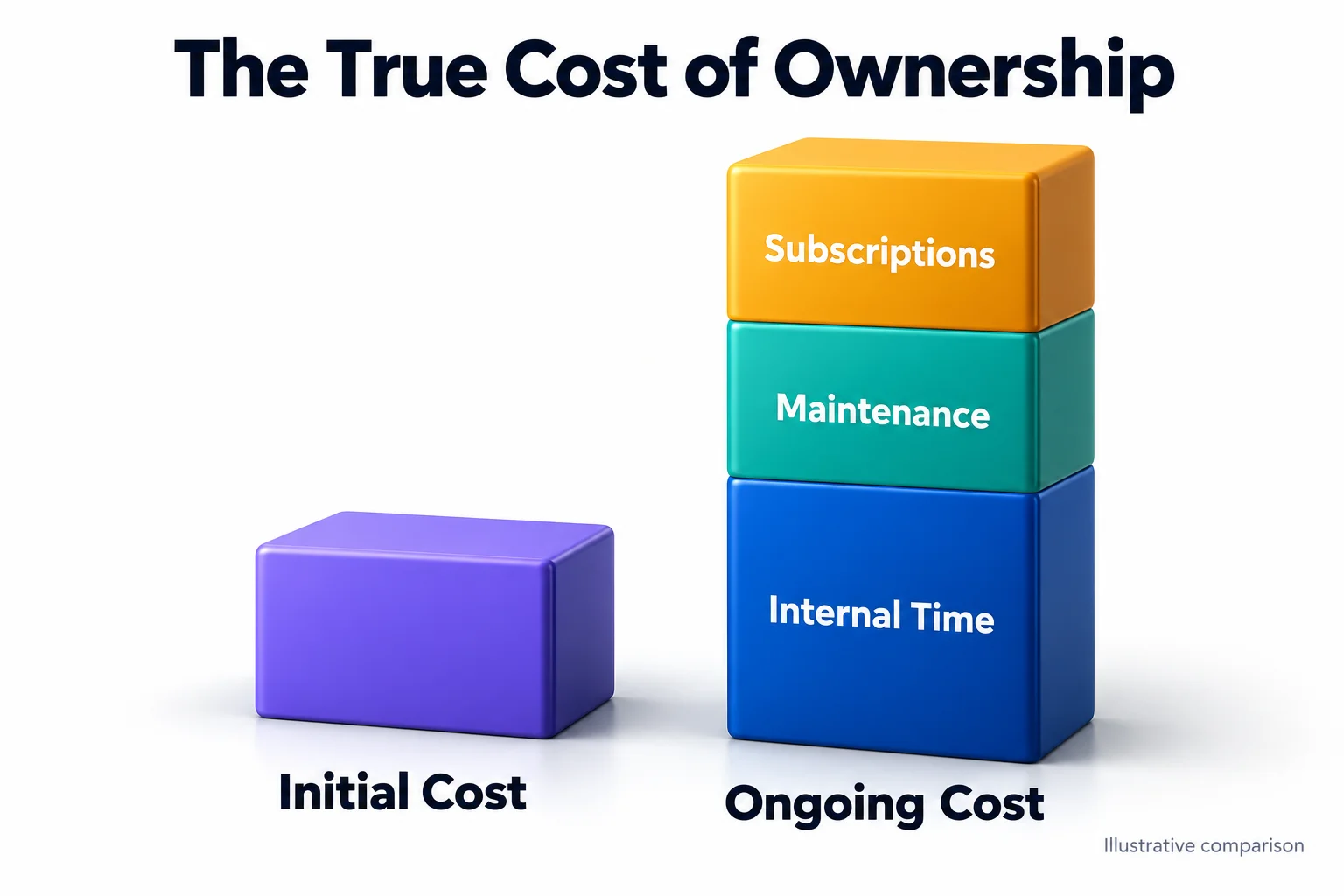
An AI subscription can reduce initial production costs. It does not account for every task needed to launch and operate the website.
Include:
- Content preparation and factual review.
- Layout revisions and mobile checks.
- Domains, subscriptions, apps, and usage charges.
- Forms, analytics, and integrations.
- Specialist fixes and ongoing support.
- Time spent administering the site.
A professional quote may include some of this work. Check the scope before comparing totals.
Calculate ownership cost
Ownership cost = initial delivery + recurring services + support + internal time + migration costs
For example, suppose a platform and its required apps cost RM1,200 a year. Your team spends 40 hours setting up and checking the website.
At an assumed internal cost of RM100 per hour, the first-year total is RM5,200 before external fixes.
These are illustrative figures, not market prices or a Ulement quotation. The calculation makes internal effort visible.
Compare one-year and three-year costs using actual quotations. Account for renewal rates, support boundaries, and likely changes.
Speed: Measure time to an accepted website
AI can produce an initial draft quickly. Launch still depends on approved content, working features, and completed checks.
Consider a six-page service website. Generating layouts may take little time. Agreeing service descriptions, preparing photographs, checking enquiry delivery, and obtaining stakeholder approval can take longer.
Professional delivery also depends on those decisions.
Measure the full period from an agreed brief to an approved launch. Record revision time and work performed by your team.
Design quality: Check more than the homepage
Review the pages and states your business will actually use:
- Long service descriptions.
- Different image sizes.
- Mobile navigation.
- Form errors and confirmation messages.
- Empty search results.
- New pages created by your content team.
A coherent website needs rules for these situations. Otherwise, each update becomes another design decision.
AI can generate options. A designer can establish and apply a visual system. Either output needs checking against real content.
User experience: Organise around customer decisions
A service website should help visitors establish whether the business can meet their needs.
That usually means explaining the service, its scope, relevant evidence, and the next step. Navigation should follow those questions.
For an organisation with several audiences, this requires more planning. A customer, job applicant, supplier, and existing account holder may need different routes through the same website.
At Ulement, we define audiences, tasks, and page relationships before detailed design. That gives the layout a structure to support.
Functionality: Test the difficult requirement early
“Booking system” can describe very different projects.
One website might link to an appointment service. Another might assign staff by location, check availability, take deposits, and update customer records.
The page count could be identical. The development and maintenance requirements would differ substantially.
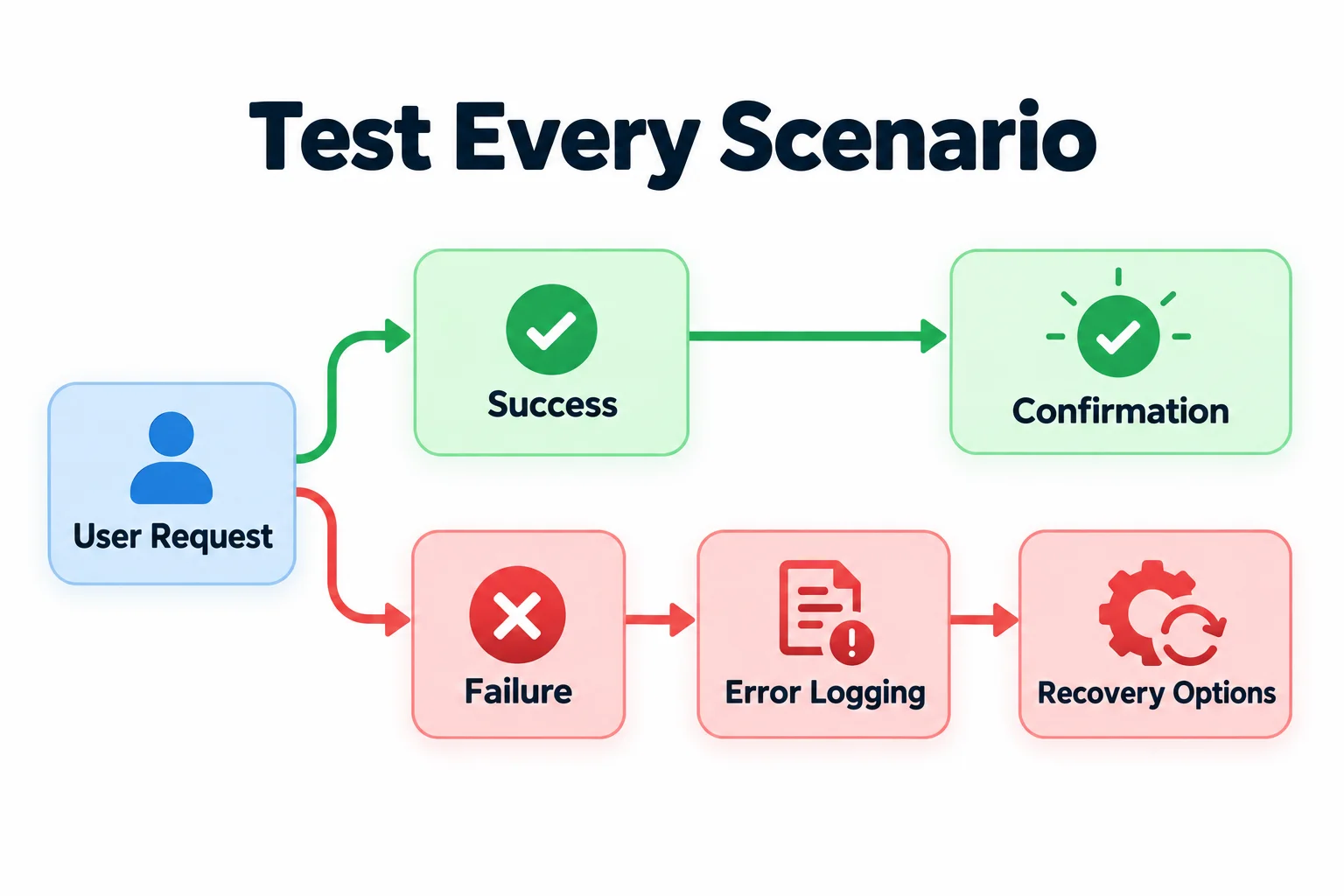
Ask for a demonstration of the complete workflow, including failures:
- What happens when a payment fails?
- What happens when an integration is unavailable?
- Can staff correct an incorrect submission?
- Are access restrictions enforced?
- Where are errors recorded?
Confirm the behaviour before committing to a platform.
SEO: Inspect the delivered website
An AI-built website can be suitable for search. A professionally built website can contain indexing, content, and performance problems.
Check the implementation:
- Can search engines access the important pages?
- Does each page answer a clear user need?
- Are titles, headings, and descriptions editable?
- Are internal links crawlable?
- Are canonical URLs and index settings appropriate?
- Can old URLs redirect to relevant replacements?
- Does structured data match the visible content?
Google Search Central’s guidance on generative AI content calls for reviewing AI-generated material for accuracy and trustworthiness. That review also applies to titles, descriptions, image alternatives, and structured data.
Ask what an “SEO-ready” claim includes. Request the settings and test results behind it.
If an existing website is struggling, a technical SEO assessment can help establish the cause before you commission a rebuild.
Check mobile performance
Test representative pages on phones and realistic connections. Include forms, navigation, and other important interactions.
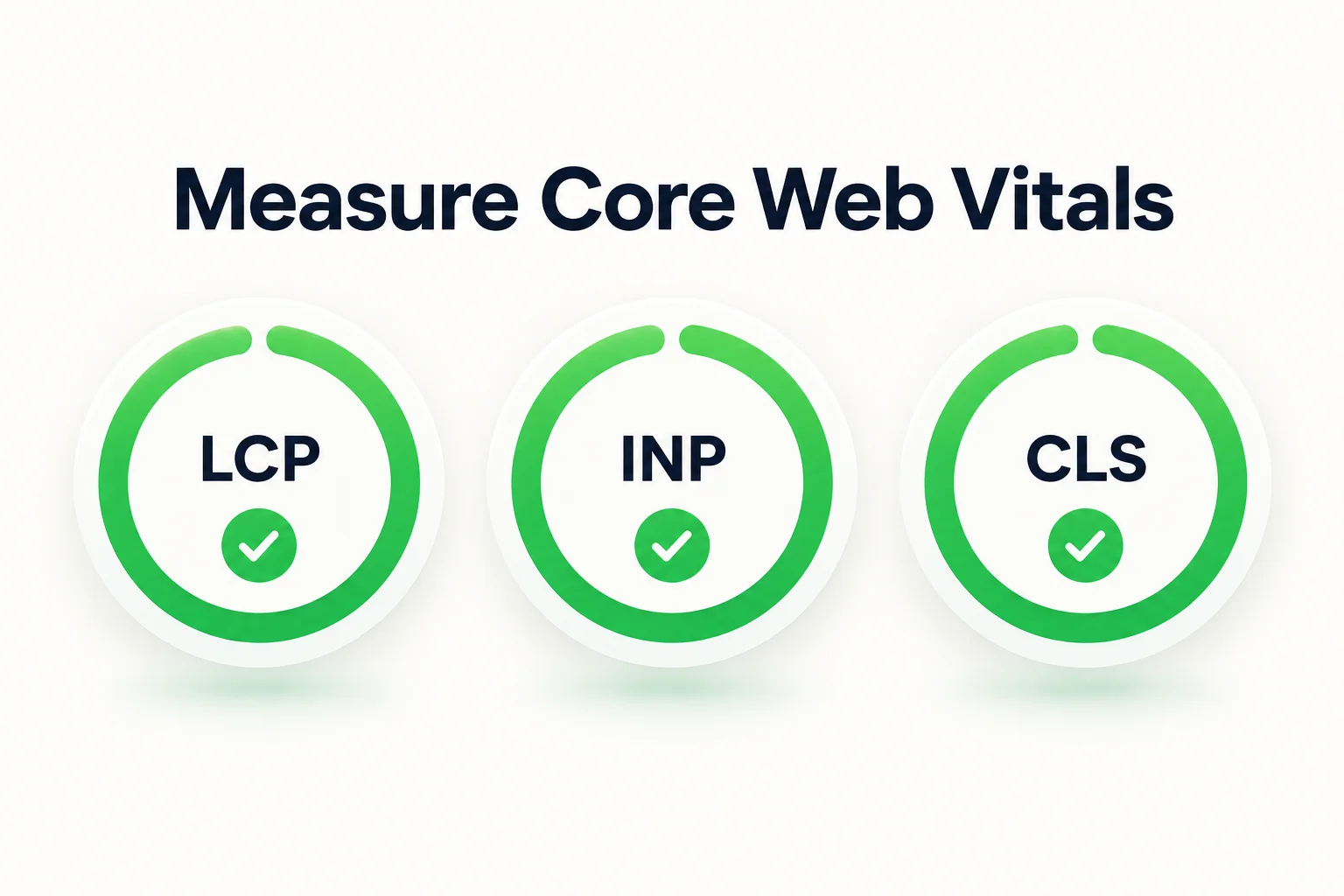
Google’s good Core Web Vitals thresholds are:
| Metric | Measures | Good threshold |
|---|---|---|
| Largest Contentful Paint | Loading | 2.5 seconds or less |
| Interaction to Next Paint | Responsiveness | 200 milliseconds or less |
| Cumulative Layout Shift | Visual stability | 0.1 or less |
The Web Vitals guidance evaluates the 75th percentile of visits, with mobile and desktop considered separately. Laboratory tests help diagnose issues before launch, while real-user data shows how the live website performs.
Accessibility, security, and privacy: Define responsibility
These requirements belong in the scope and acceptance criteria.
Accessibility
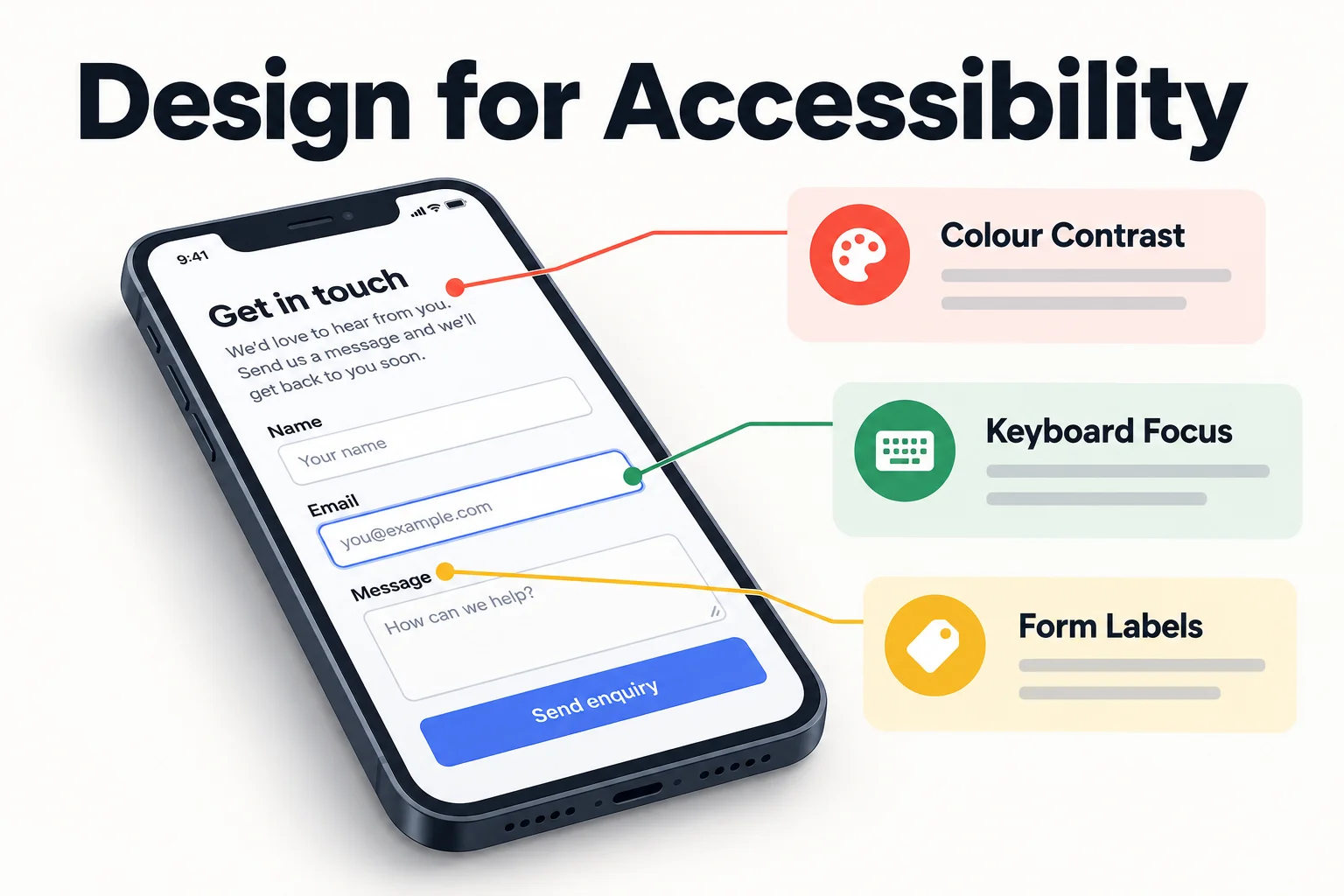
Check keyboard access, visible focus, headings, contrast, image alternatives, form labels, and error handling. Include manual testing of important journeys.
W3C’s Easy Checks provide an initial review, not a complete accessibility assessment. Automated tools only cover part of the work.
Agree the target standard, testing scope, and defect-resolution process.
Security
A managed platform may handle infrastructure while you control administrator accounts, integrations, and collected data. Document that division.
Generated applications and custom websites also need review of authentication, permissions, dependencies, secret storage, validation, and recovery. The OWASP Top 10 provides a reference for major web application security risks.
Assign an owner for updates, incidents, and recovery.
Privacy and rights
Review an AI service’s data terms before entering confidential information.
For the website, record what information is collected, where it goes, who can access it, and how long it is retained. Check licences and usage rights for code, fonts, photographs, and generated assets.
Obtain legal advice where the requirements need interpretation.
Which approach fits your website?
Service websites and portfolios
An AI builder can be sufficient when you have clear content, standard features, and someone available to manage the site.
Professional input becomes useful when the unresolved work concerns positioning, navigation, content, or enquiry quality.
Landing pages and campaign experiments
AI can help produce and revise a limited campaign page quickly.
Define the audience, offer, action, and measurement first. If the project expands to accounts, payments, or sensitive data, review the architecture before adding those functions.
Ecommerce
An established commerce platform may suit a standard catalogue and sales process.
Custom pricing, fulfilment rules, subscriptions, and operational integrations need closer technical review. Test failed payments, refunds, stock changes, and notifications alongside successful orders.
Content-heavy and multilingual websites
Prioritise content structure, editor permissions, translation relationships, search, and publishing approvals.
For an English and Bahasa Melayu website, test the editing process and navigation in both languages. AI-assisted translation still needs review by someone competent in the language and subject.
Portals and regulated organisations
Use a professionally accountable process when permissions, sensitive records, or formal governance requirements shape the project.
AI can assist delivery. Qualified people must approve the architecture, review the implementation, and verify the required controls.
How to compare options fairly
1. Write one brief
Specify the audience, business goal, pages, content, features, integrations, deadline, and maintenance owner.
Separate launch requirements from later improvements.
2. Set mandatory requirements
Treat essential integrations, access controls, publishing workflows, and export capabilities as pass-or-fail requirements.
Remove options that cannot meet them.
3. Test representative work
Give each option the same content and tasks. Include a typical page, mobile navigation, a working form, the hardest workflow, and a routine editing task.
Record the time, corrections, external spend, and internal effort required.
4. Score the remaining trade-offs
Compare functional fit, ownership cost, brand fit, editing effort, support, and delivery time.
Weight these according to your business. Record the evidence behind each score.
This article provides a decision framework. It does not report a controlled comparison of specific platforms or agencies.
How to run a hybrid project
Use AI for tasks that can be reviewed efficiently, such as layout alternatives, content drafts, prototypes, and defined development work.
Assign people to approve requirements, factual claims, design decisions, integrations, and release readiness.
Set three checkpoints:
- Before production: Approve the brief, structure, content requirements, and platform.
- Before launch: Verify the agreed journeys, functionality, accessibility, security, and performance.
- At handover: Confirm account access, documentation, training, and support responsibilities.
The person maintaining the site should understand the system they receive. Arrange website maintenance and support around its actual dependencies.
Check ownership and exit options
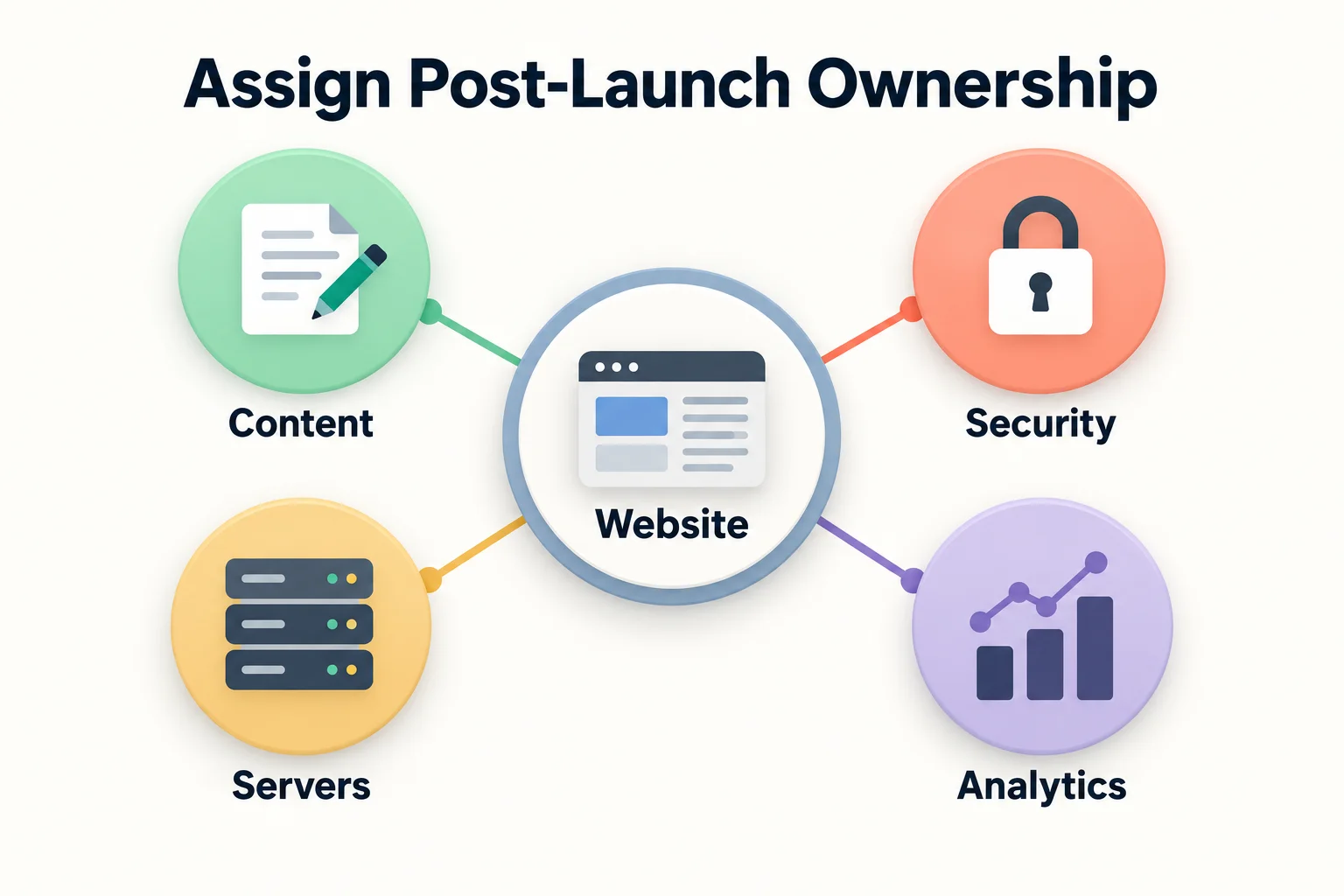
Keep the domain and essential accounts under your organisation’s control.
Ask what can be exported. Content, static pages, source code, and a working application are different exports.
Confirm whether another provider can maintain the site, which licences remain necessary, and how forms, integrations, and stored data would move.
For an established website, plan migration SEO before changing platforms or URLs. Record existing performance, map affected pages, test redirects, and monitor the live result.
Frequently asked questions
Can AI replace a professional web designer?
AI can handle some layout and production tasks. Straightforward projects may need little professional involvement.
Research, brand decisions, complex interactions, and delivery review still require capable people. The project requirements determine how much specialist work is needed.
Can an AI-built website rank on Google?
Yes. Its search performance depends on the content, implementation, competition, and other ranking signals.
Google Search Central’s generative AI content guidance focuses on useful, accurate content that complies with its search policies.
Do you need coding skills?
Managed builders can support routine editing without coding.
Generated applications may require technical skills for deployment, debugging, security, and maintenance. Test the tasks your team will perform after launch.
Who owns an AI-generated website?
Ownership and usage rights depend on contracts, service terms, asset licences, and applicable law.
Check domain ownership, account control, content exports, code access, and asset rights separately.
Can a designer improve an existing AI website?
Often, provided the platform allows the required changes.
Have the current website assessed first. Keep what works and define the changes needed. A rebuild should have a clear business and technical reason.
When is professional delivery worth the cost?
When specialist work resolves requirements your team cannot reliably handle internally.
Ask the provider to connect the proposed work to specific needs, deliverables, and acceptance criteria.
Decide what your team can own
Use an AI builder when its features fit the requirements and your team can manage the remaining work. Commission professional delivery when you need specialist judgement or delivery capacity. Combine them where AI reduces effort within a defined process.
At Ulement, we agree the structure, technical requirements, and responsibilities before production.
Discuss your website requirements with your current platform, business goals, required features, and maintenance constraints.