
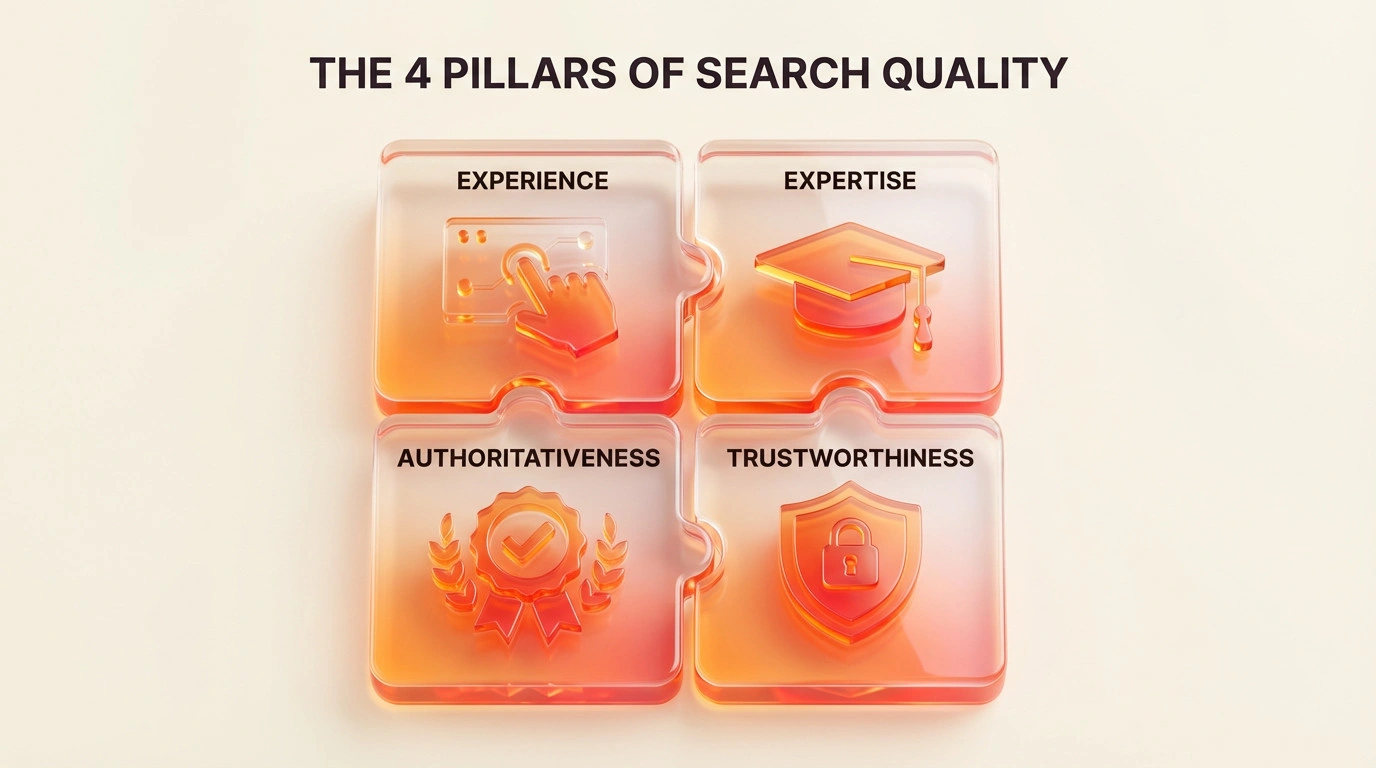
E-E-A-T describes qualities Google considers when assessing content: Experience, Expertise, Authoritativeness and Trustworthiness. It is not a score to add to a website or a ranking switch to turn on. Show who created the content, what evidence supports it and how the information stays accurate.
Key points
- Put accuracy and trust first, especially for health, finance and safety topics.
- Identify the people responsible for content and support important claims with evidence.
- Update or remove information that is outdated, unattributed or no longer defensible.
What does E-E-A-T mean for SEO?
E-E-A-T stands for Experience, Expertise, Authoritativeness and Trustworthiness. Google describes these qualities in its guidance on creating helpful, reliable, people-first content. Its automated systems use a range of signals to identify helpful and reliable information. E-E-A-T itself is not a specific ranking factor.
Google added Experience to the E-A-T framework in 2022. First-hand experience can make guidance more useful. For example, a plugin review that explains the configuration tested and the limits encountered gives readers information they cannot get from a generic summary.
Google’s quality raters help assess whether changes to Search systems return useful results. Their ratings do not directly set page rankings. The rater guidelines can help site owners review their content, but they are not a checklist that guarantees positions.
Experience makes content more useful
Describe what was actually done, observed or learnt. Separate first-hand experience from opinion, estimates and sourced information. If a claim comes from another source, link to it and explain any limits.
How does E-E-A-T relate to YMYL?
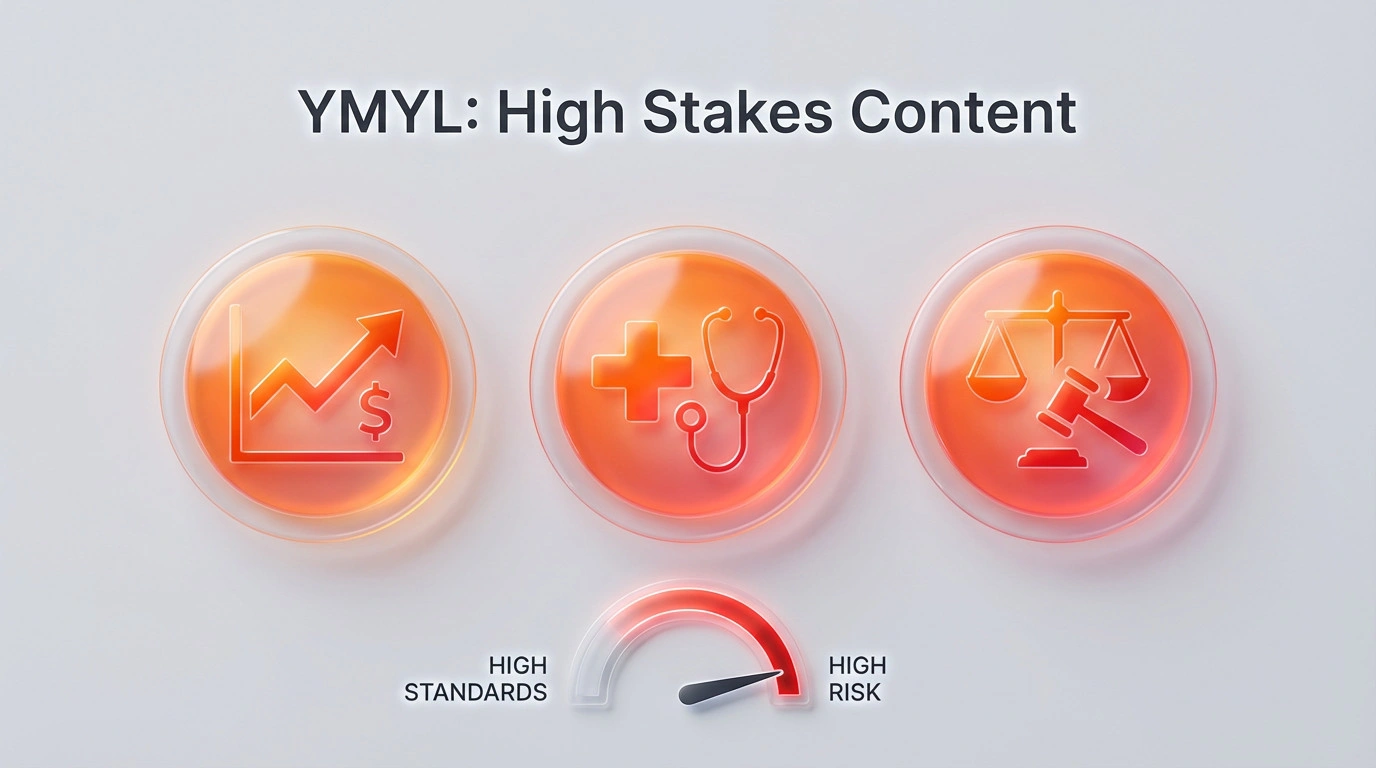
YMYL means “Your Money or Your Life”. It covers topics that can significantly affect a person’s health, financial stability, safety or wellbeing. Inaccurate information in these areas can have real consequences, so accuracy and responsible sourcing matter.
Do not assume every website in an industry receives the same label. Consider each page’s topic and purpose. Medical treatment guidance, for example, needs appropriate evidence and review. A clinic opening-hours page needs accurate information that visitors can confirm.
Make a WordPress site easier to trust
Improve information readers can verify. Author profiles, business details, privacy pages, security and editorial processes should describe how the organisation actually works. A plugin or structured data alone does not prove expertise.
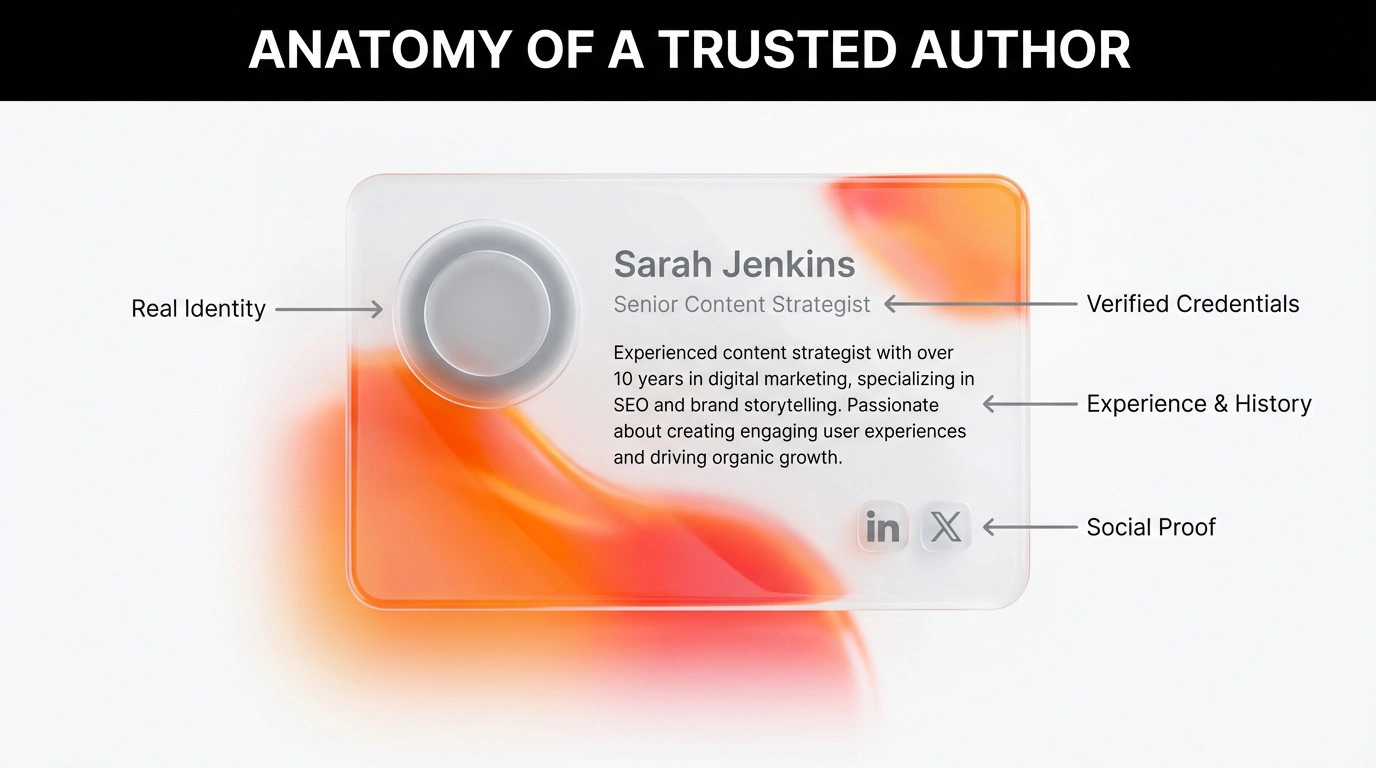
1. Complete author profiles
Use real names and describe experience or qualifications relevant to the topic. Link to work the author actually produced. Avoid titles that cannot be verified. If a specialist reviews an article, state the reviewer’s role and what they checked.
2. Use structured data accurately
Structured data describes entities and their relationships in a machine-readable format. Use it when it matches information visible on the page. For example, Person can describe an author and Organization can describe a business. Keep names, URLs and other details consistent.
Structured data can help systems understand content. It does not verify credentials, automatically improve rankings or guarantee a special search display. Check Google’s current documentation for supported search features and test the output after changes.

3. Explain who operates the business
About, Contact, privacy and terms pages should describe the real organisation and its processes. Provide working ways to get in touch and registration details where relevant and appropriate to publish. A registration number or policy page does not make a site trustworthy by itself.
4. Moderate comments and user content
Review comments, customer feedback and user submissions through a consistent process. Remove spam and personal information that should not be public. Keep useful discussion and do not alter or hide fair criticism just to protect a brand’s image.
5. Maintain technical security
Use HTTPS and security controls that suit the system. Limit administrator access, update supported software, keep backups and test recovery. Security protects users and site operations; it does not prove that content is accurate.

Show experience and expertise in the content
Do more than repeat information already published across many sites. Explain a process, data or decision that can be supported. Separate fact from personal experience and identify who reviewed sensitive information.
Use first-hand evidence with context
Photos, test results and case studies can help when they are relevant and provide enough context. State the method, date and limits. Do not present selected examples as guaranteed outcomes or as representative of every customer.
Update content when there is a reason
Review claims, links, instructions and screenshots when products or rules change. Record substantive changes and the review date. Changing a date without improving the content does not make it newer or more useful.
Link to sources that support the claim
Link directly to official documents, research or original data where possible. Confirm that each source supports the sentence. If evidence is insufficient, qualify or remove the claim.
Build a reputation beyond the website
Reputation develops through customer experience, referrals and verifiable third-party information. No single type of link or mention guarantees authority. Avoid buying links, fabricating reviews or claiming recognition without evidence.
For local businesses, keep the name, address and phone number consistent on business profiles and relevant pages. Respond professionally to reviews without disclosing customer information. Reviews are customer feedback, not proof that every claim on a website is true.
Review content regularly
Use these questions in a content audit:
- Does the page have a clear purpose and help its reader?
- Can readers identify the author and anyone who reviewed the content?
- Are important claims supported by sources that remain accurate and relevant?
- Is experience described with enough context and qualification?
- Do business details, links and next steps work?
- Are advertising and sponsored content distinguished from editorial material?
- Are access controls, backups and site security maintained?
Monitor customer enquiries, complaints and brand mentions to identify issues that may need a response. A forum complaint is not a Google ranking measure, but it may point to a service problem worth investigating.
Structured data to consider
Choose structured data types based on content that is genuinely present. Article can describe an article. Person and Organization can describe an author and business. Use FAQPage or another type only when its current Google requirements are met and the information is visible to users. Check Google and Schema.org documentation, then validate the output on the live page.
Common questions
Should E-E-A-T changes go straight onto a live site?
Use staging if a change could affect availability, data, layout or search visibility. A small change that is easy to reverse can be made on a live site after a suitable backup and test.
What should be recorded before technical work starts?
Record the current state, relevant logs, URLs, integrations and recovery point. Without a baseline, it is difficult to confirm an improvement or find the cause of a problem.
When should a specialist be involved?
Get help when the work affects security, payments, personal data, search migration or infrastructure that cannot be tested and restored safely.
For relevant implementation work, see Ulement’s technical SEO service.