
A website can look polished and still make its purpose difficult to understand. Visitors may struggle to find the right service, while search systems may have trouble accessing or interpreting the information. The issue is rarely appearance alone. It is the gap between the visual experience and the underlying content, structure and evidence.
When design hides important information

Large headings, animation and image-heavy layouts can draw attention, but they do not explain what a business does by themselves. If key copy is embedded in images, hidden behind interactions or rendered only after fragile scripts run, some users and automated systems may not receive the same information. Keep essential text as selectable, crawlable content and provide working links and labels.
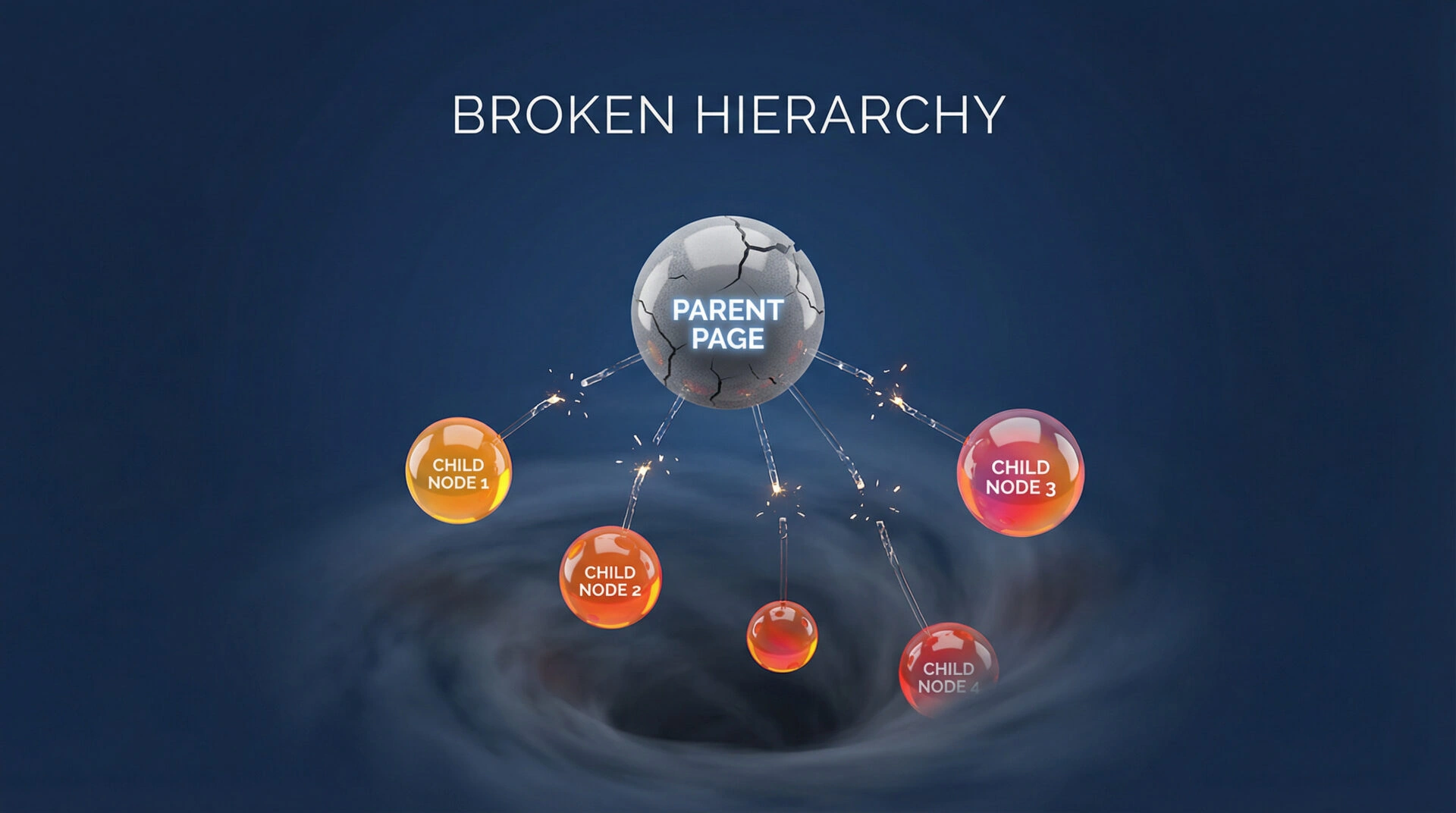
Use a logical heading order and semantic HTML to describe the page structure. Give each page a clear subject and purpose. Make important services reachable through ordinary links, and ensure mobile layouts remain usable without hover or complex gestures. These practices support accessibility and help people and software interpret the page; they do not guarantee a search ranking or AI citation.
When content creates a maze
Publishing more pages does not automatically clarify an organisation’s expertise. Similar articles, overlapping service pages and inconsistent names can make the site harder to navigate. Organise content around real user needs. Connect supporting articles to the relevant service or evidence, and consolidate pages when they repeat the same answer without adding useful detail.
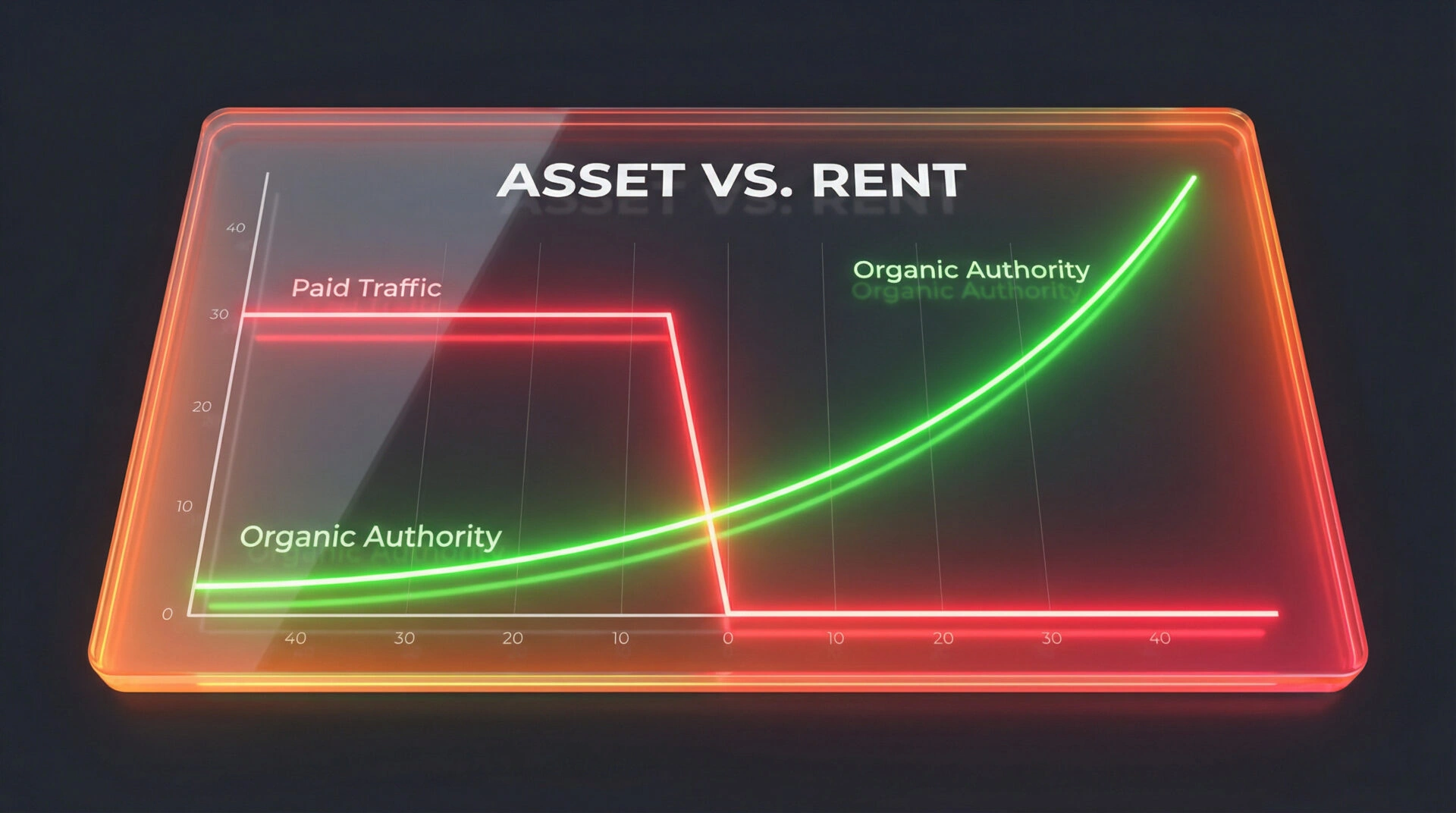
Explain who provides a service, where it is available and what its limits are. Attribute claims, keep dates current where they matter, and use structured data only when it accurately reflects visible page content. Google says structured data is machine-readable information that may help systems understand content and can make pages eligible for certain search features; it must follow the guidelines and match the page.
A practical review
- Ask a new visitor what the organisation does and what action to take. Check whether the page answers both quickly.
- Review the rendered HTML, headings, links, mobile layout and keyboard use.
- Test that important pages load, return the intended status and can be reached by internal links.
- Check claims against current evidence and verify that metadata and structured data match the visible page.
- Measure user tasks and search performance after changes. Do not infer a cause from one score or short-term fluctuation.
Good web design makes meaning clear to people. Sound architecture gives that meaning a structure that systems can process. Both need to support the same content and business purpose.