
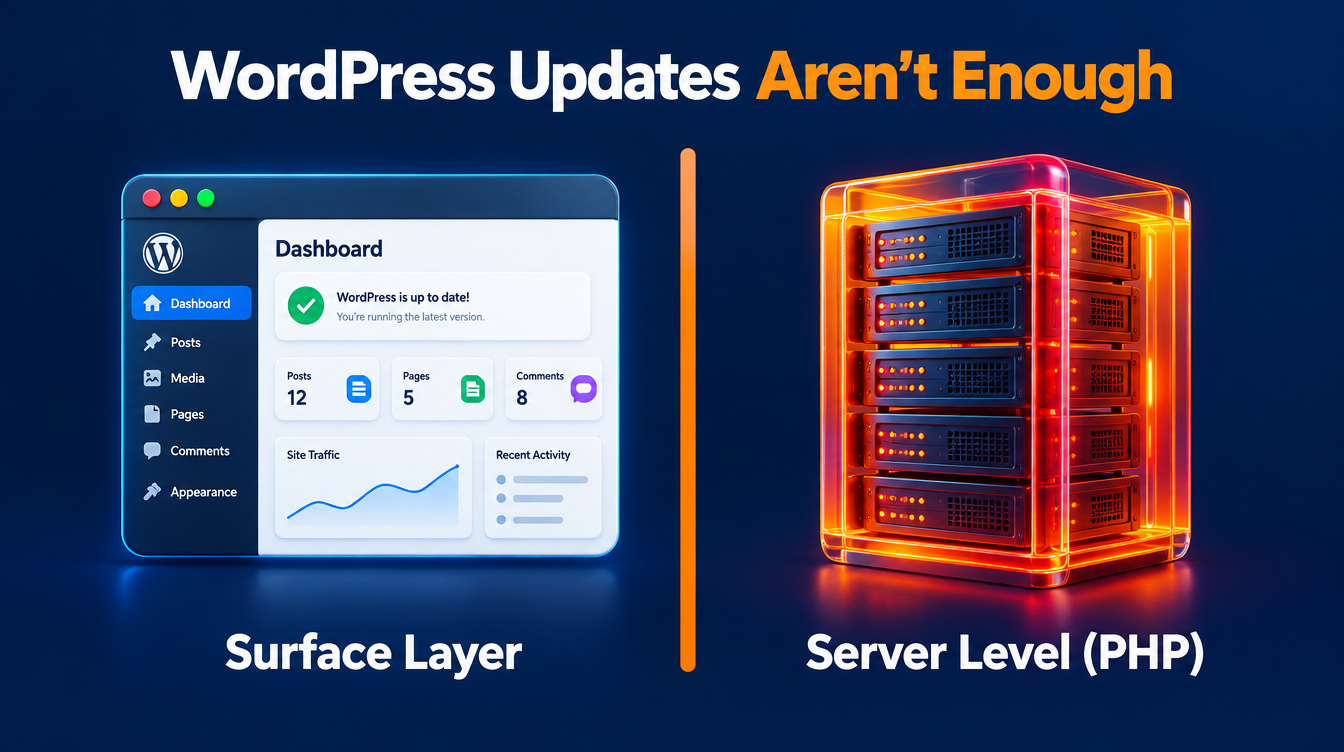
If you own a WordPress website, ask your hosting provider whether your server has received the PHP2Shell security update. Updating WordPress and its plugins does not apply this server-level fix.
If you have been reading about PHP2Shell, PHP security and WordPress hosting on Eat2Die, your next step is practical: confirm the patch, check that your website works, and establish who maintains the software underneath it.
Key takeaways
- PHP2Shell affects PHP, the software that runs WordPress.
- Your hosting provider or server administrator needs to apply the fix.
- An updated WordPress dashboard does not confirm that PHP has been patched.
- Ulement can help review your setup, coordinate the required work, and verify your website afterwards.
What is PHP2Shell?
PHP2Shell is the name used for two critical vulnerabilities in PHP. Successful exploitation can allow an attacker to run code on an affected server without signing in. The PHP team identifies mod_php as the configuration at highest risk; whether a specific site is affected depends on its PHP runtime and hosting vendor’s packages.
The PHP security announcement confirms that fixes were released on 21 October 2026 in versions 8.2.35, 8.3.36, 8.4.27, and 8.5.12. Some hosting providers use vendor packages with backported fixes, so the version number alone may not give you the full answer.
For WordPress owners, this means checking the hosting environment as well as the website itself.
Does a security plugin protect my website?
A security plugin can provide useful protection within WordPress, but it cannot install the PHP update on your server.
PHP’s technical advisory confirms an attack path that can run before WordPress or its plugins begin processing the request. Get confirmation from whoever manages your hosting, even if your security plugin reports no problems.
Does Cloudflare replace the PHP update?
An external web application firewall can inspect requests before they reach your server. Cloudflare has deployed PHP2Shell protections, but still tells customers to patch PHP. Ask your provider to confirm the relevant rules are active and whether direct access to the origin server bypasses them.
Keep the PHP update on your action list even if you use Cloudflare.
What should you do now?
1. Ask your hosting provider to confirm the fix
First, open Tools → Site Health → Info → Server in your WordPress dashboard and note the PHP version. The WordPress Site Health documentation explains this screen. Send the version with your enquiry; it helps identify your setup but does not prove a vendor patch is installed.
Send this question to your hosting provider or server administrator:
Has the PHP runtime serving my website been patched for CVE-2026-109618 and CVE-2026-109619? Please confirm the active PHP version or patched vendor package, when the update was completed, and that the processes serving the website are running the patched build.
Include staging sites, subdomains, and older website copies that remain publicly accessible.
If you manage your own server, this responsibility sits with your server administrator. A hosting account does not automatically include server maintenance.
2. Check your backup and recovery arrangements
Confirm that you have a recent backup of both the website files and database, know where it is stored, and know who can restore it.
Ask when recovery was last tested. A backup is more useful when someone has verified that it can restore a working website.
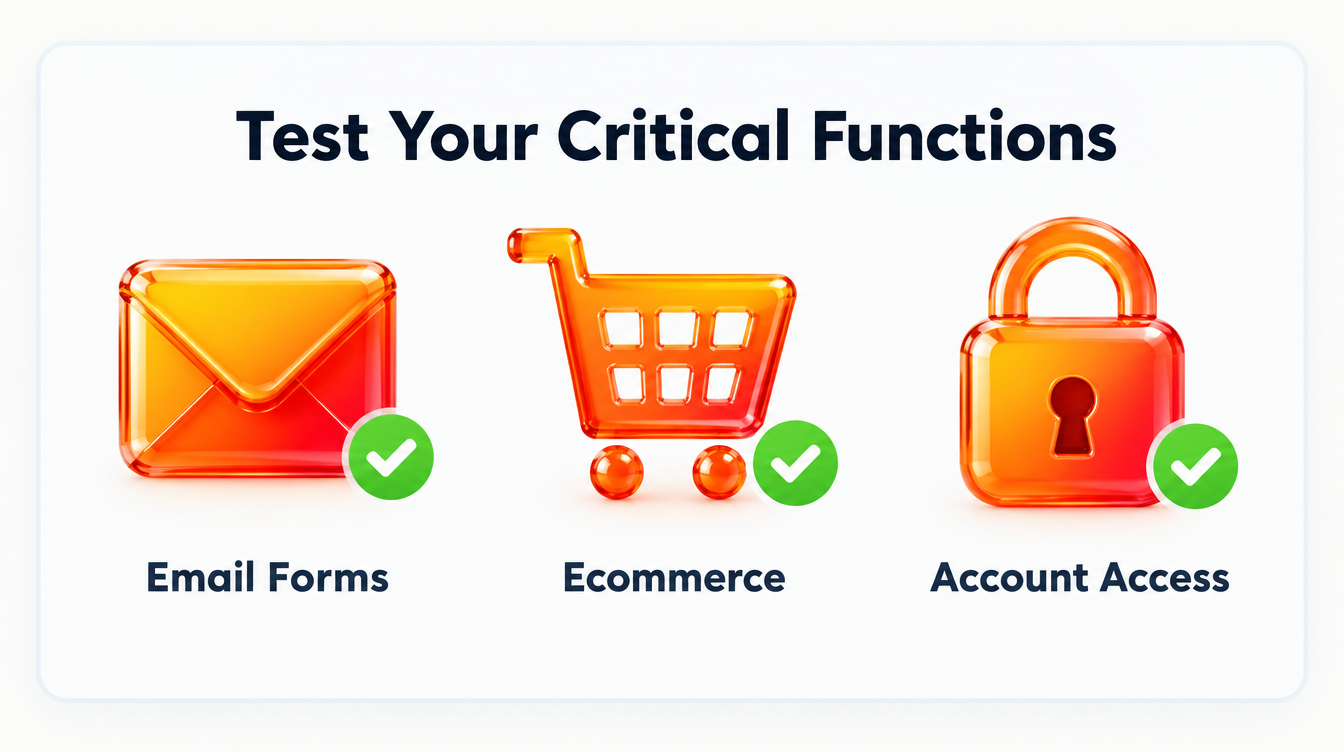
3. Test the functions your business depends on
After the update, check more than the homepage.
Submit an enquiry form and confirm that the email arrives. Test account access, uploads, and connected services. For an online shop, check the purchase and payment process.
Assign someone to record the results so the work has a clear completion point.
4. Investigate suspicious activity separately
If you notice unfamiliar administrator accounts, unexpected redirects, altered content, or unexplained server activity, request an investigation.
Applying a patch does not establish whether the website was previously compromised. Keep relevant logs and ask your technical provider to assess the evidence.
What if your host cannot patch the server yet?
Ask for a patching timeframe, the temporary protections in place, and their limitations. If the delay leaves an unacceptable risk, ask your administrator whether to restrict public access before requests reach PHP. A WordPress maintenance-mode plugin does not provide that boundary. Agree how enquiries or orders will be handled during any interruption.
If an old plugin or theme prevents a PHP upgrade, request a compatibility assessment and an upgrade plan. Avoid treating a temporary restriction as the completed fix.
What if your website uses PHP 7.4 or 8.1?
PHP 8.1 and older no longer receive normal upstream updates. Some vendors provide backported fixes, and PHP has supplied minimal source backports for 7.4, 8.0, and 8.1 for this incident. Ask for explicit confirmation that your installed package covers both vulnerabilities, then plan a supported upgrade. PHP’s advisory explains the options.
PHP 8.2 reaches end of life on 31 December 2026. It can receive this security fix, but an upgrade plan should account for that deadline. Choose a supported branch your website and integrations can run reliably.
How Ulement can help
You do not need to work out the server configuration yourself. You need someone who can establish what is running, explain the risk, and coordinate the right action.
Ulement can help with:
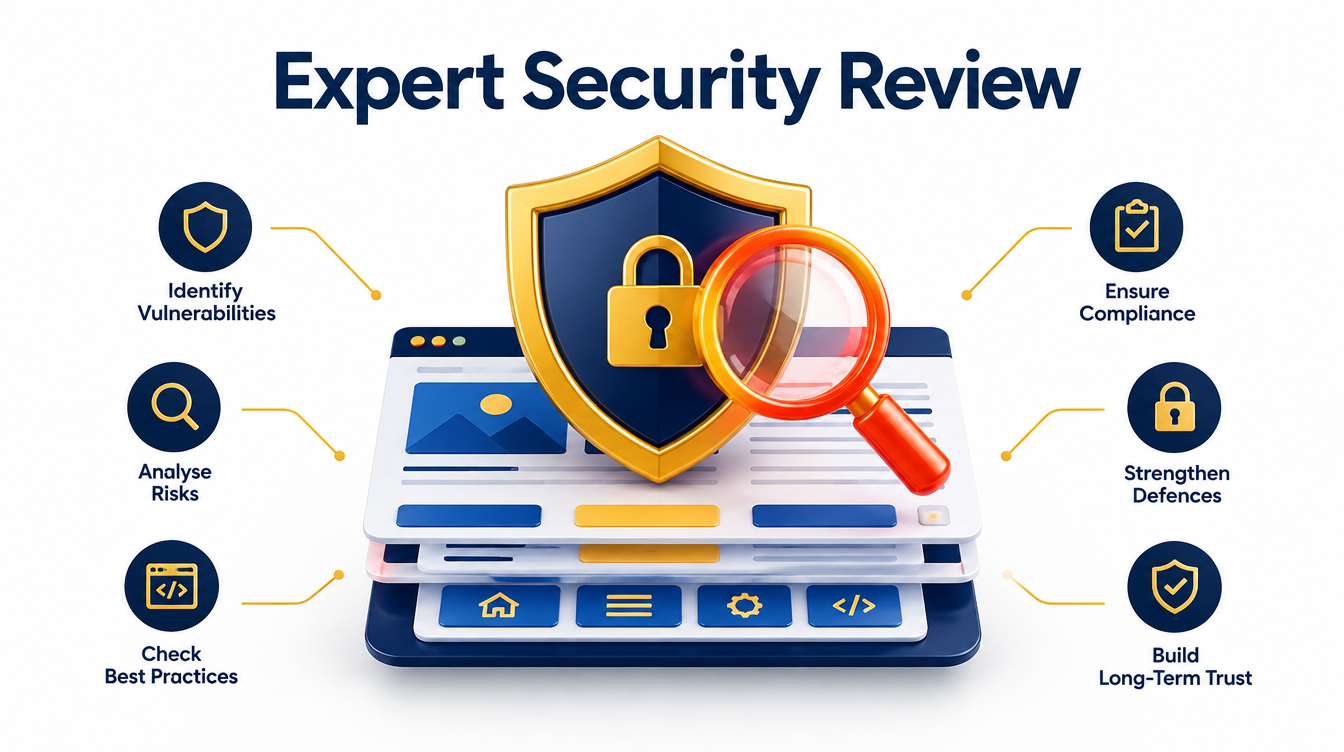
- A focused security review: Check the website and hosting setup, identify outstanding work, and clarify who owns each action.
- Update coordination: Work with your hosting provider or server administrator to confirm the patch and check application compatibility.
- Website verification: Test critical functions after the change and document any remaining issues.
- Ongoing maintenance: Define a support scope covering updates, monitoring, backups, recovery checks, and escalation, with infrastructure responsibilities stated explicitly.
When scoping a review, agree the deliverables: a record of your PHP and hosting setup, patch evidence or prioritised outstanding actions, documented checks of business functions, and an upgrade plan where legacy software blocks progress. Ongoing support should name who handles server updates, website updates, and incident escalation.
For broader support, discuss our server management and WordPress maintenance services. We can define the work around your existing hosting arrangement and the team responsible for your website.
We still encounter this with clients: one server remains to be patched, but the person who managed the account has left and nobody else can access the client’s cloud portal. Without an agreed access and escalation path, essential security work can stop at the portal login. A fully managed arrangement with Ulement can assign responsibility for tracking the work and coordinating access with the client. The client should retain ownership of its cloud account, with delegated access and staff offboarding documented.
If your existing provider can confirm the fix and provide clear evidence, keep that record. If the answer is unclear, a focused review can establish what needs attention before you commit to broader work.
Request a WordPress security review from Ulement. Share your website address, hosting provider, and any update confirmation you have received so we can assess the next step.
Sources checked on 22 October 2026: PHP security announcement, PHP advisory for CVE-2026-109618, and PHP advisory for CVE-2026-109619.