How to Speed Up a WordPress Website: Measure, Diagnose and Fix
Improve WordPress performance by measuring Core Web Vitals, diagnosing hosting and page bottlenecks, then testing targeted fixes without breaking key functions.
WordPress performance problems rarely have one universal fix. A site may be slow because of server response, a heavy theme or page builder, database work, large media, fonts or third-party scripts. Installing several optimisation plugins without finding the bottleneck can add conflicts and make diagnosis harder.
1. Measure representative pages
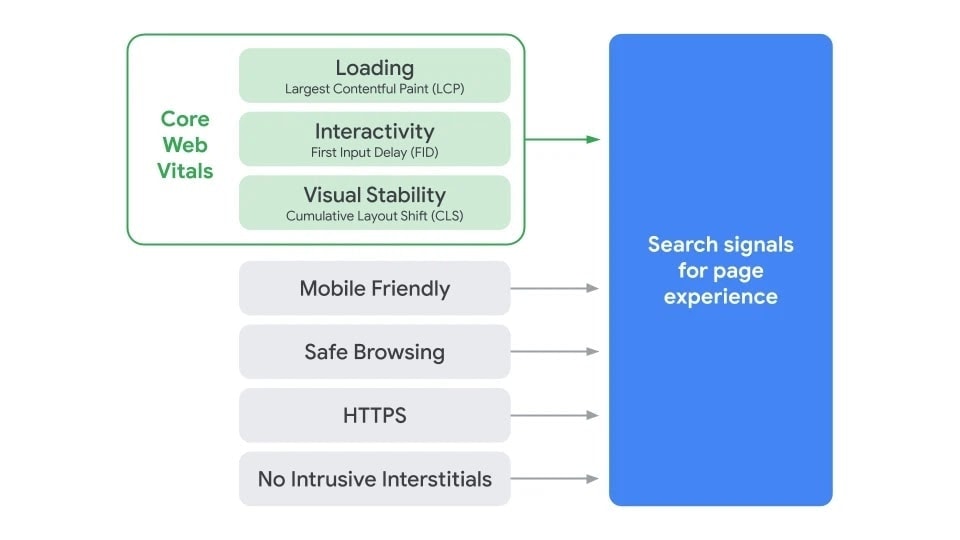
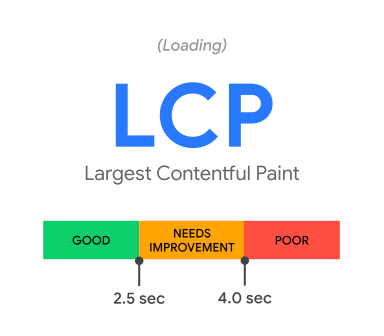
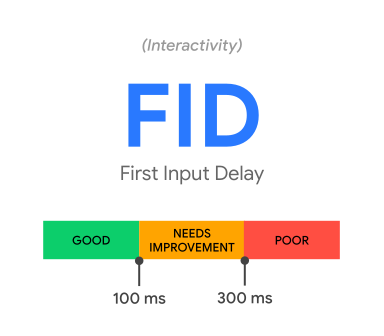
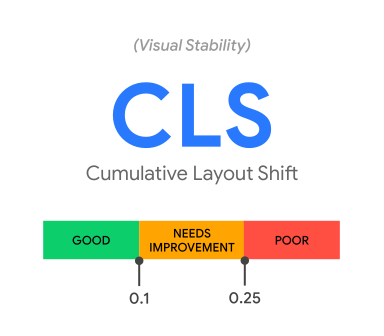
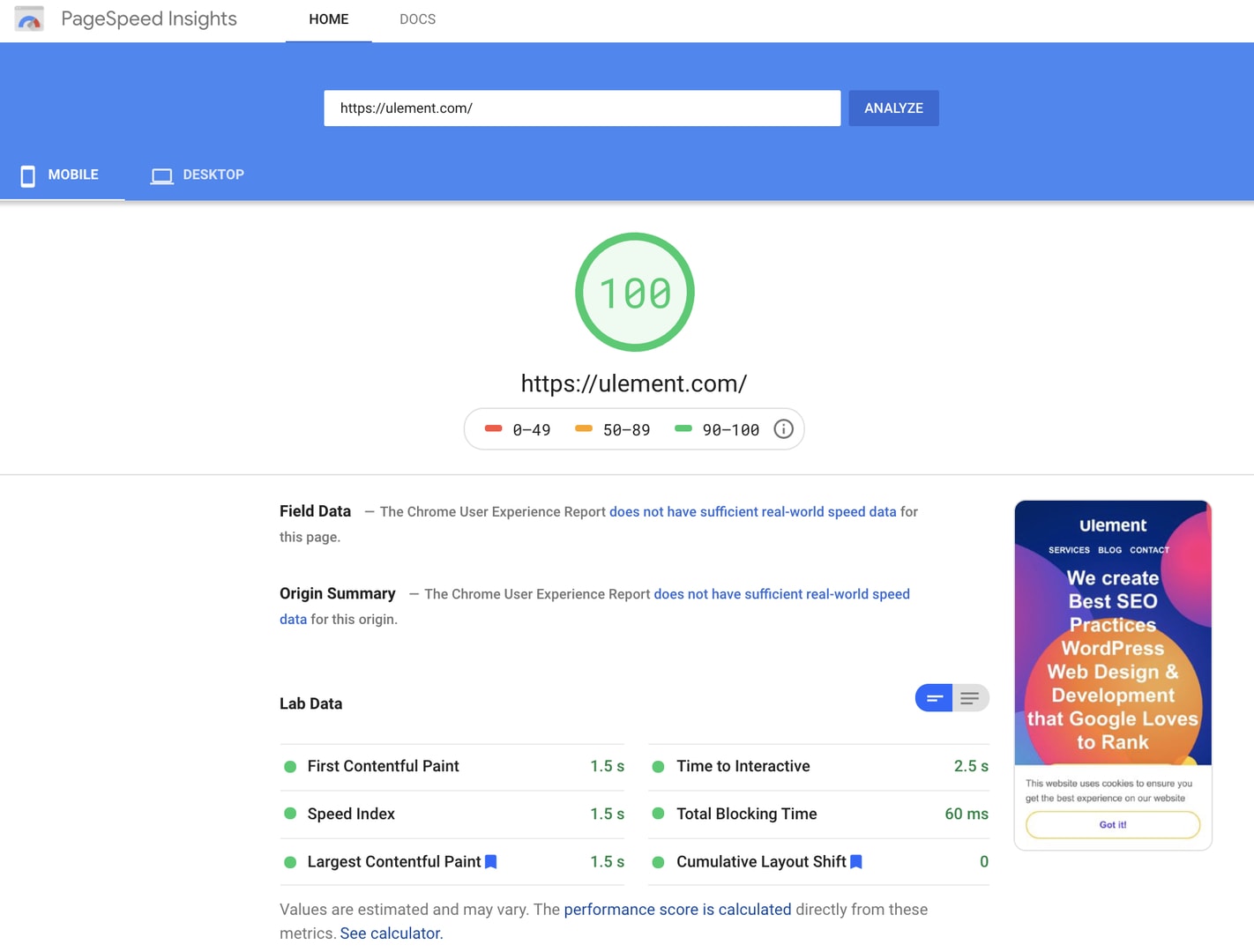
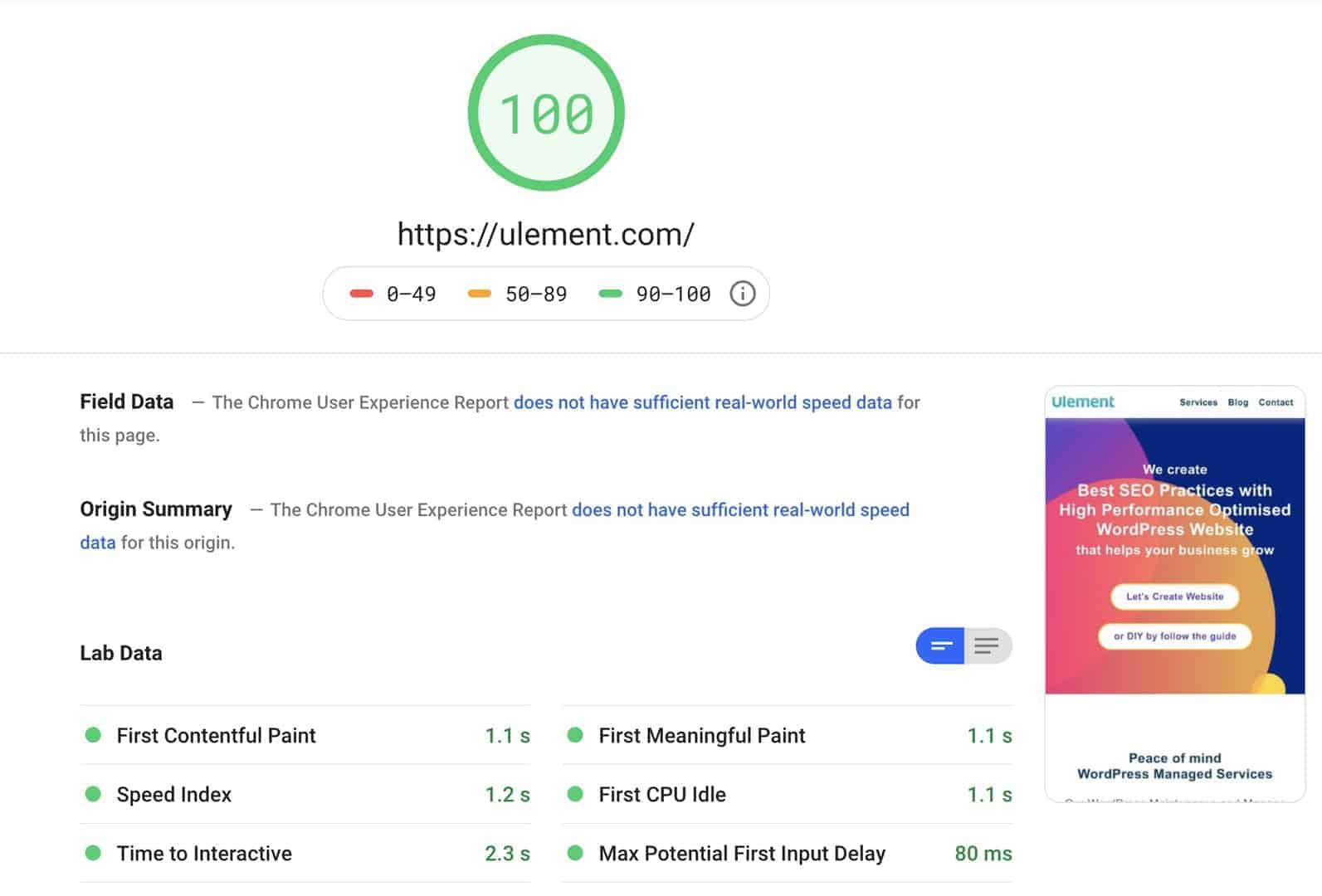
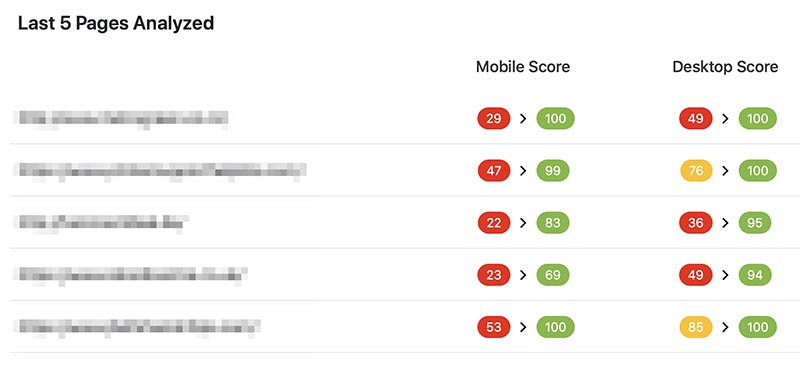
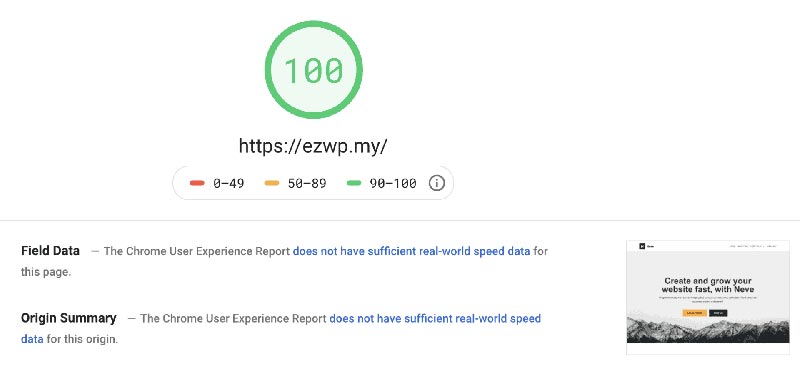
Test the homepage, a content page, a key landing page and any important checkout or enquiry flow on mobile and desktop. Use field data where available and repeatable lab tests to investigate. Google’s current Core Web Vitals good thresholds are LCP within 2.5 seconds, INP below 200 milliseconds and CLS below 0.1 at the 75th percentile. These measures describe user experience; a score does not guarantee a search position.
Test the homepage, a content page, a key landing page and any important checkout or enquiry flow on mobile and desktop.Test the homepage, a content page, a key landing page and any important checkout or enquiry flow on mobile and desktop.Test the homepage, a content page, a key landing page and any important checkout or enquiry flow on mobile and desktop.Test the homepage, a content page, a key landing page and any important checkout or enquiry flow on mobile and desktop.Test the homepage, a content page, a key landing page and any important checkout or enquiry flow on mobile and desktop.Test the homepage, a content page, a key landing page and any important checkout or enquiry flow on mobile and desktop.Test the homepage, a content page, a key landing page and any important checkout or enquiry flow on mobile and desktop.Test the homepage, a content page, a key landing page and any important checkout or enquiry flow on mobile and desktop.Test the homepage, a content page, a key landing page and any important checkout or enquiry flow on mobile and desktop.Test the homepage, a content page, a key landing page and any important checkout or enquiry flow on mobile and desktop.Test the homepage, a content page, a key landing page and any important checkout or enquiry flow on mobile and desktop.Test the homepage, a content page, a key landing page and any important checkout or enquiry flow on mobile and desktop.Test the homepage, a content page, a key landing page and any important checkout or enquiry flow on mobile and desktop.Test the homepage, a content page, a key landing page and any important checkout or enquiry flow on mobile and desktop.Test the homepage, a content page, a key landing page and any important checkout or enquiry flow on mobile and desktop.Test the homepage, a content page, a key landing page and any important checkout or enquiry flow on mobile and desktop.Test the homepage, a content page, a key landing page and any important checkout or enquiry flow on mobile and desktop.Test the homepage, a content page, a key landing page and any important checkout or enquiry flow on mobile and desktop.Test the homepage, a content page, a key landing page and any important checkout or enquiry flow on mobile and desktop.Test the homepage, a content page, a key landing page and any important checkout or enquiry flow on mobile and desktop.Test the homepage, a content page, a key landing page and any important checkout or enquiry flow on mobile and desktop.Test the homepage, a content page, a key landing page and any important checkout or enquiry flow on mobile and desktop.Test the homepage, a content page, a key landing page and any important checkout or enquiry flow on mobile and desktop.Test the homepage, a content page, a key landing page and any important checkout or enquiry flow on mobile and desktop.Test the homepage, a content page, a key landing page and any important checkout or enquiry flow on mobile and desktop.
2. Separate server and browser work
If many pages start slowly, check server capacity, PHP and database work, caching and external requests.
If many pages start slowly, check server capacity, PHP and database work, caching and external requests. If the server responds promptly but the page still feels slow, inspect image weight, render-blocking resources, long JavaScript tasks and layout shifts. Compare logged-in and logged-out views where caching behaves differently.
If many pages start slowly, check server capacity, PHP and database work, caching and external requests.If many pages start slowly, check server capacity, PHP and database work, caching and external requests.If many pages start slowly, check server capacity, PHP and database work, caching and external requests.If many pages start slowly, check server capacity, PHP and database work, caching and external requests.If many pages start slowly, check server capacity, PHP and database work, caching and external requests.If many pages start slowly, check server capacity, PHP and database work, caching and external requests.
Resize images to their display dimensions and use an appropriate modern format.
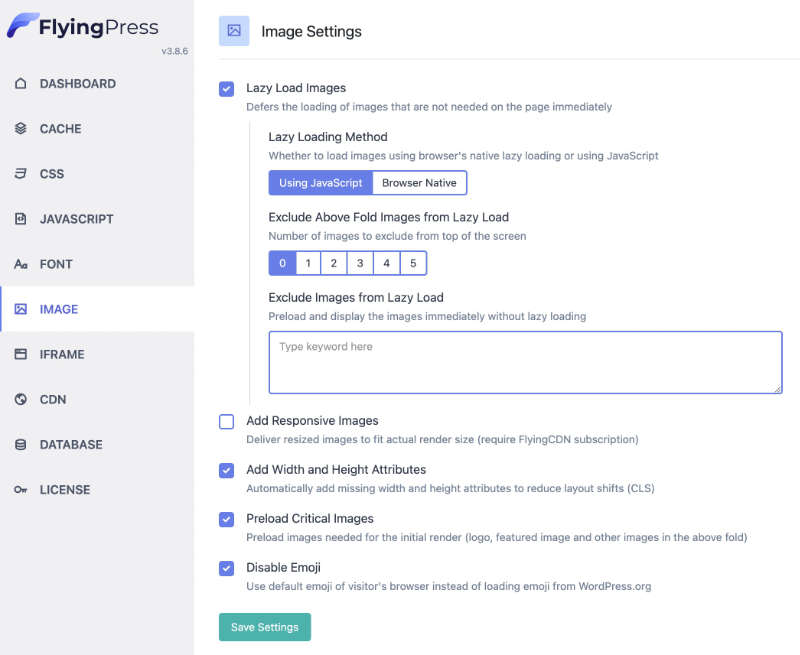
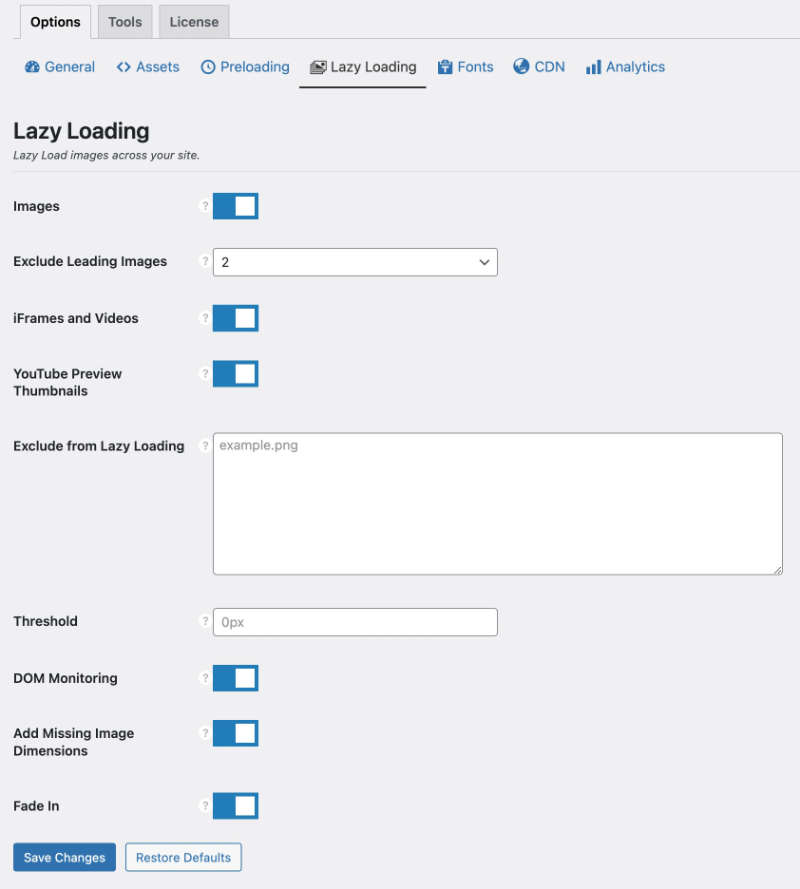
Load below-the-fold media lazily, but do not delay the main visible image unnecessarily.
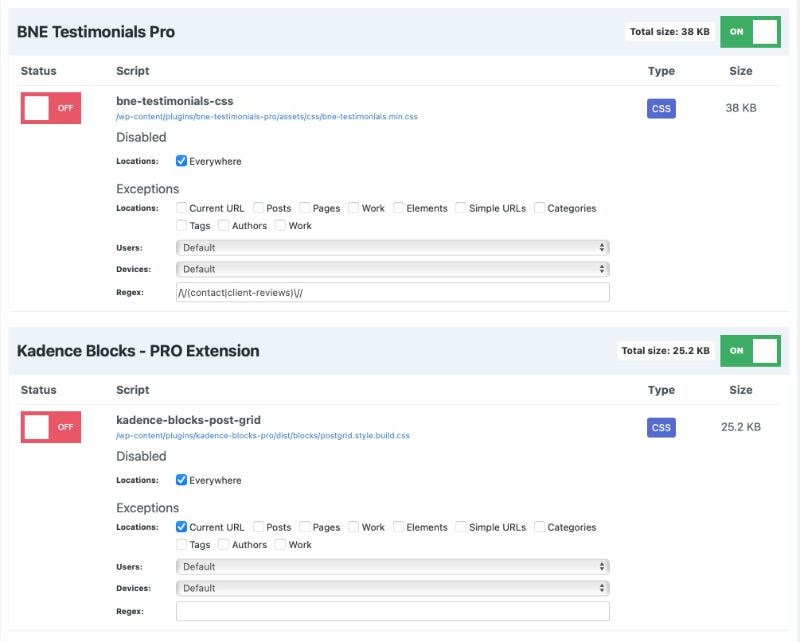
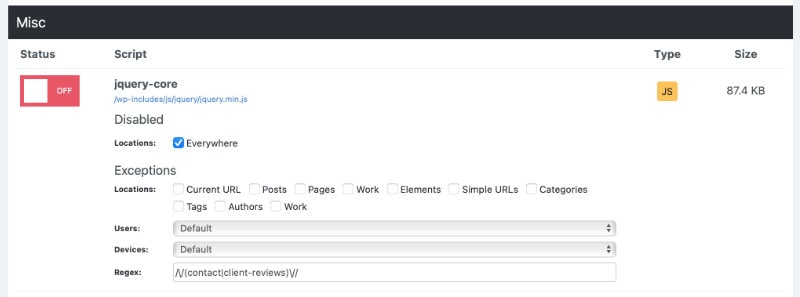
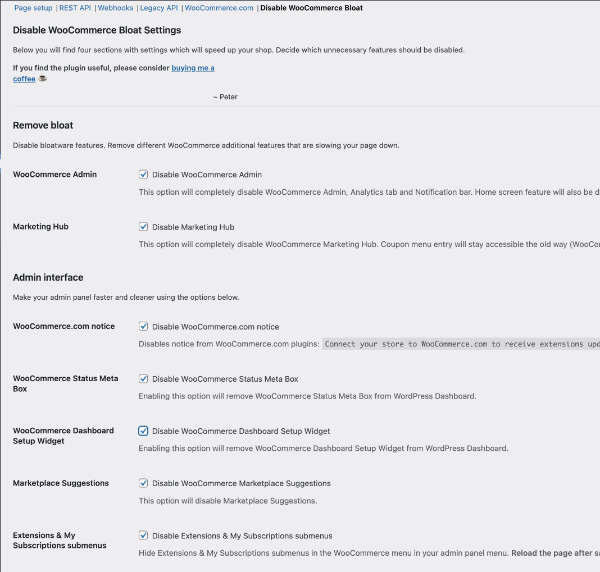
Remove plugins, theme features and scripts that the site no longer needs, after checking dependencies.
Cache suitable pages and assets. Exclude personalised, transactional or otherwise dynamic responses where caching would show the wrong content.
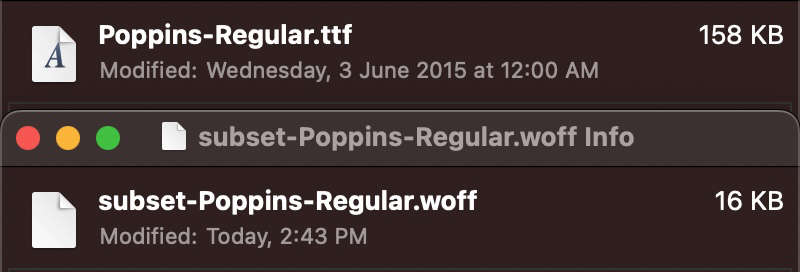
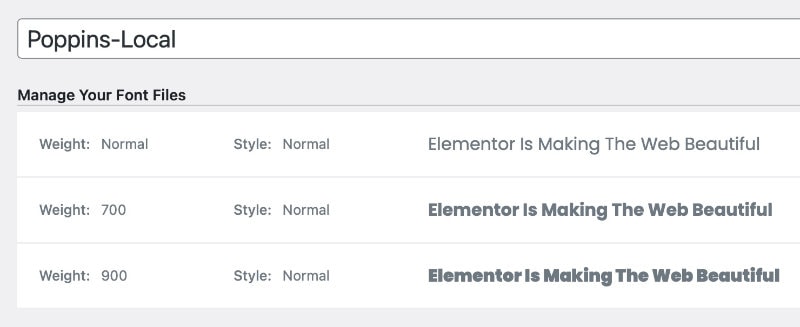
Reduce font files and weights, and reserve layout space for images, embeds and banners.
Review third-party tools. A chat widget, advertising tag or tracking script can affect performance even when it is hosted elsewhere.
4. Retest the complete task
Make one substantial change at a time and repeat the same tests. Verify forms, menus, search, checkout, consent controls and analytics. Review field data after enough real visits have accumulated. A fast homepage is of little use if the path to enquiry is broken.
Should I install a speed plugin?
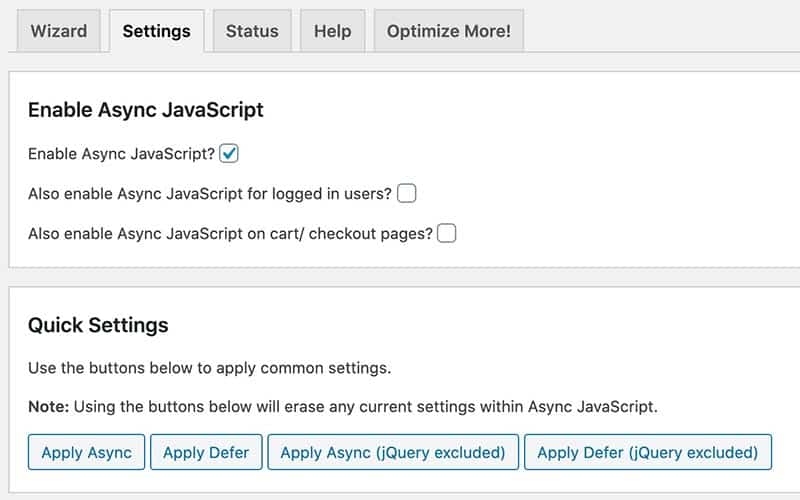
Use a plugin only when its features address a measured need and work with the site’s stack. Back up first, test on staging when possible, and keep a record of settings. Plugins cannot compensate for every hosting or architecture problem.
Insights
Useful advice about websites and WordPress.
Clear articles about web design, WordPress, SEO, security, speed and maintenance.