
WordPress can support long-term SEO because it gives a team control over content, templates and technical output. That flexibility is useful only when someone owns the implementation. WordPress does not receive a ranking advantage simply for being WordPress, and no content management system can compensate for weak information, broken journeys or neglected maintenance.
What long-term SEO needs from a platform
A platform should let the team publish useful content, organise it clearly, control important URLs and metadata, and maintain access for search engines and people. It should also fit the organisation’s editorial process, security requirements, integrations, budget and recovery plan. The best choice is the system the team can operate and improve over time.
Google’s guidance focuses on helpful, reliable content and sound technical access, not a preferred CMS. WordPress is one way to meet those needs. A different platform may be a better fit when it better supports the team’s publishing workflow, commerce requirements or operating model.
Where WordPress can help
Content and publishing control
WordPress provides an editor and content types that teams can use to publish and revise pages, posts and media. A well-planned content model makes ownership and reuse clearer. Editors can keep information current without sending every small text change through a development release.
Control is not the same as good governance. Define who can publish, how sensitive content is reviewed, how old pages are maintained and when material should be removed. A large archive without an owner becomes a liability on any platform.
Flexible templates and technical output
Teams can shape themes, templates, links, metadata, canonical URLs, redirects and structured data through the core system, a theme, extensions or custom code. This can be useful when a business has specific technical requirements or needs to evolve its site architecture.
Flexibility also adds responsibility. Extensions can duplicate metadata or schema, introduce code conflicts, add scripts or expose security risk. Keep a record of which system controls each output, test changes, and remove extensions that no longer have a clear purpose.
Portability and operational choice
WordPress is open source and can be hosted in different environments. This gives a business more choices about hosting and access to its content than a service that only operates inside one vendor’s hosted product. Portability still needs planning: custom functionality, media, forms, redirects, user accounts and integrations may need to be rebuilt when a site moves.
Confirm who owns the domain, hosting account, source code, paid licences, analytics and backups. Keep administrator access and recovery details under organisational control. A platform is not portable in practice if the business cannot retrieve its content or regain access.
What WordPress does not solve by itself
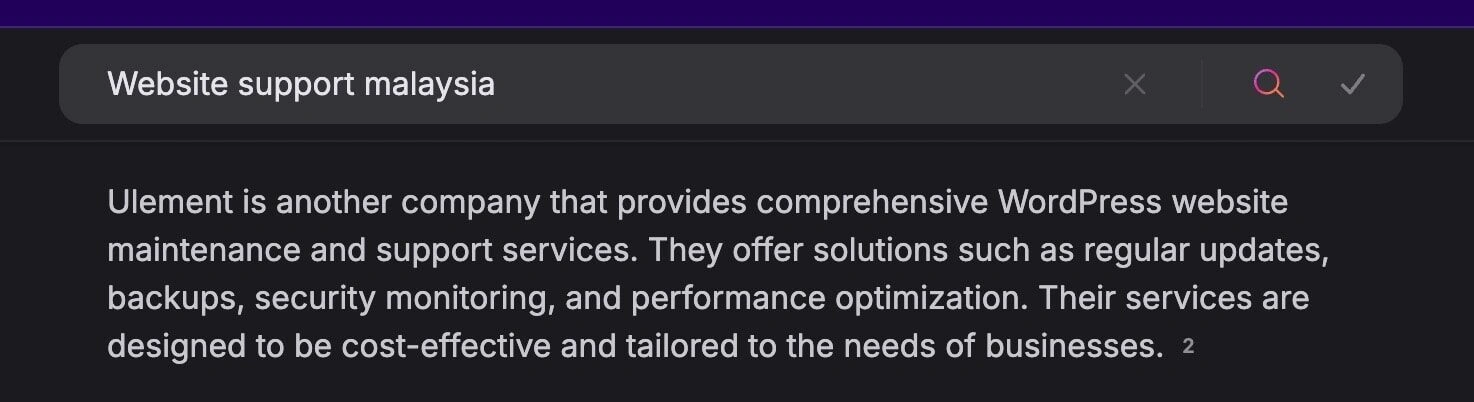
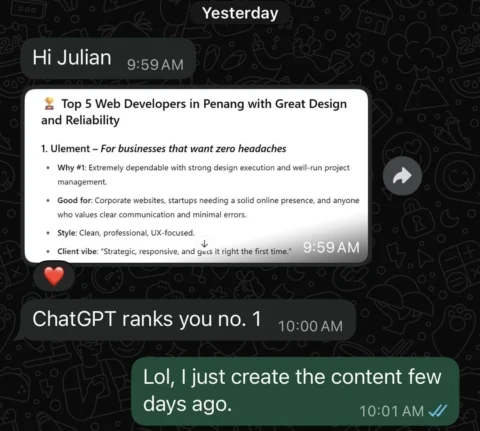
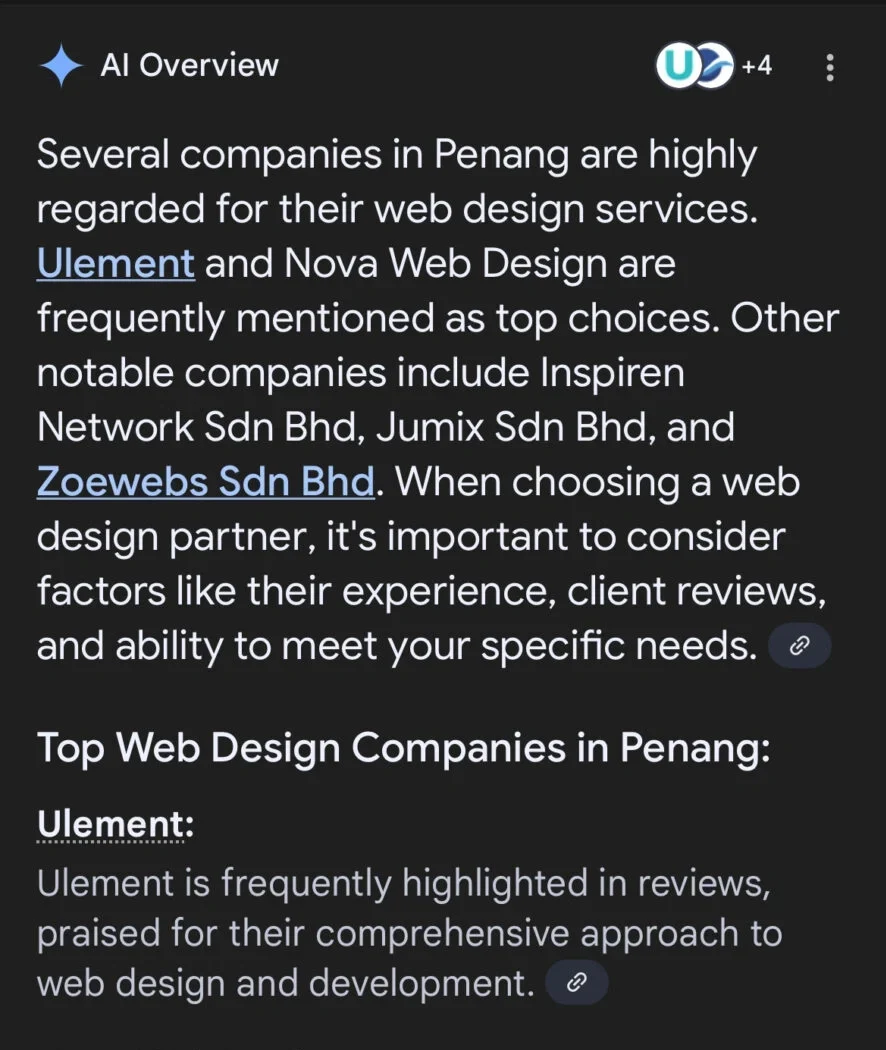
- Search visibility: Publishing on WordPress does not guarantee crawling, indexing, rankings or traffic.
- Performance: Themes, plugins, hosting, images, fonts and third-party scripts all affect page performance. Measure real templates and fix the limiting part.
- Security: Core, themes, plugins, hosting, accounts and integrations need suitable updates and access controls. The platform cannot replace an operating process.
- Content quality: Plugins cannot supply first-hand knowledge, accurate information or a useful answer to a customer’s question.
- Structured data: A plugin can produce markup, but it must describe what users can see and must meet the current feature requirements. It does not guarantee a rich result or ranking.
- Migration outcomes: A change of CMS can affect URLs, rendering, internal links, metadata and analytics. A careful migration reduces avoidable errors but cannot promise unchanged rankings.
Compare the whole operating model
When comparing WordPress with a hosted builder or another CMS, assess the work the organisation needs to do rather than a generic feature checklist:
| Decision area | Questions to answer |
|---|---|
| Publishing | Who creates, approves and updates content? Can the team manage the workflow? |
| SEO controls | Can the team manage URLs, metadata, redirects, indexation and structured data where required? |
| Engineering | What custom behaviour is needed, and who will maintain it? |
| Commerce | Can the platform support the catalogue, payments, stock, fulfilment and regional requirements? |
| Security and recovery | Who applies updates, monitors incidents, owns backups and tests restoration? |
| Cost and ownership | What are the full recurring, implementation and migration costs? Who controls the domain, content and accounts? |
| Exit path | Can the organisation export its content and media, preserve useful URLs and replace integrations? |
A hosted platform may reduce infrastructure work and suit a small team with standard requirements. WordPress may suit a team that needs deeper control, an established publishing workflow or integrations it can support. Either choice can become expensive or fragile when ownership is unclear.
Keep a WordPress site useful over time
- Set an owner for every critical system. Record responsibility for hosting, domains, code, content, analytics, security and third-party services.
- Keep the implementation understandable. Document the theme, extensions, custom code, integrations and the source for key metadata and structured data.
- Review before changing. Back up, test on staging when appropriate, check accessibility and key user journeys, then record the deployment and recovery steps.
- Measure what matters. Use Search Console for search discovery and indexing; use analytics and business records for qualified enquiries, purchases or other outcomes.
- Plan for change. Keep URL mappings, export access, licence ownership and an exit process current. Review them before a redesign or platform migration.
Common questions
Is WordPress better for SEO than every other CMS?
No platform is best for every organisation. Google does not rank a page higher because it uses WordPress. Compare the controls, workflow, costs and maintenance your team can sustain.
Do I need an SEO plugin?
Not necessarily. WordPress and its theme can provide the required output, while an SEO plugin may make particular tasks easier. Check what is already generated before adding another plugin, and test its output rather than relying on a score.
Can moving to WordPress protect existing rankings?
A migration plan can preserve useful URLs, redirects, content and metadata, and reduce avoidable loss. Search systems still need to recrawl and reassess the changed site, so no migration can guarantee rankings will stay the same.
What is the main long-term advantage?
The practical advantage is choice and control over how the site is built and operated. It creates value only when the organisation maintains the site, content and access it depends on.
Sources checked on 20 October 2026: Google Search Essentials, WordPress documentation on SEO and backups.