
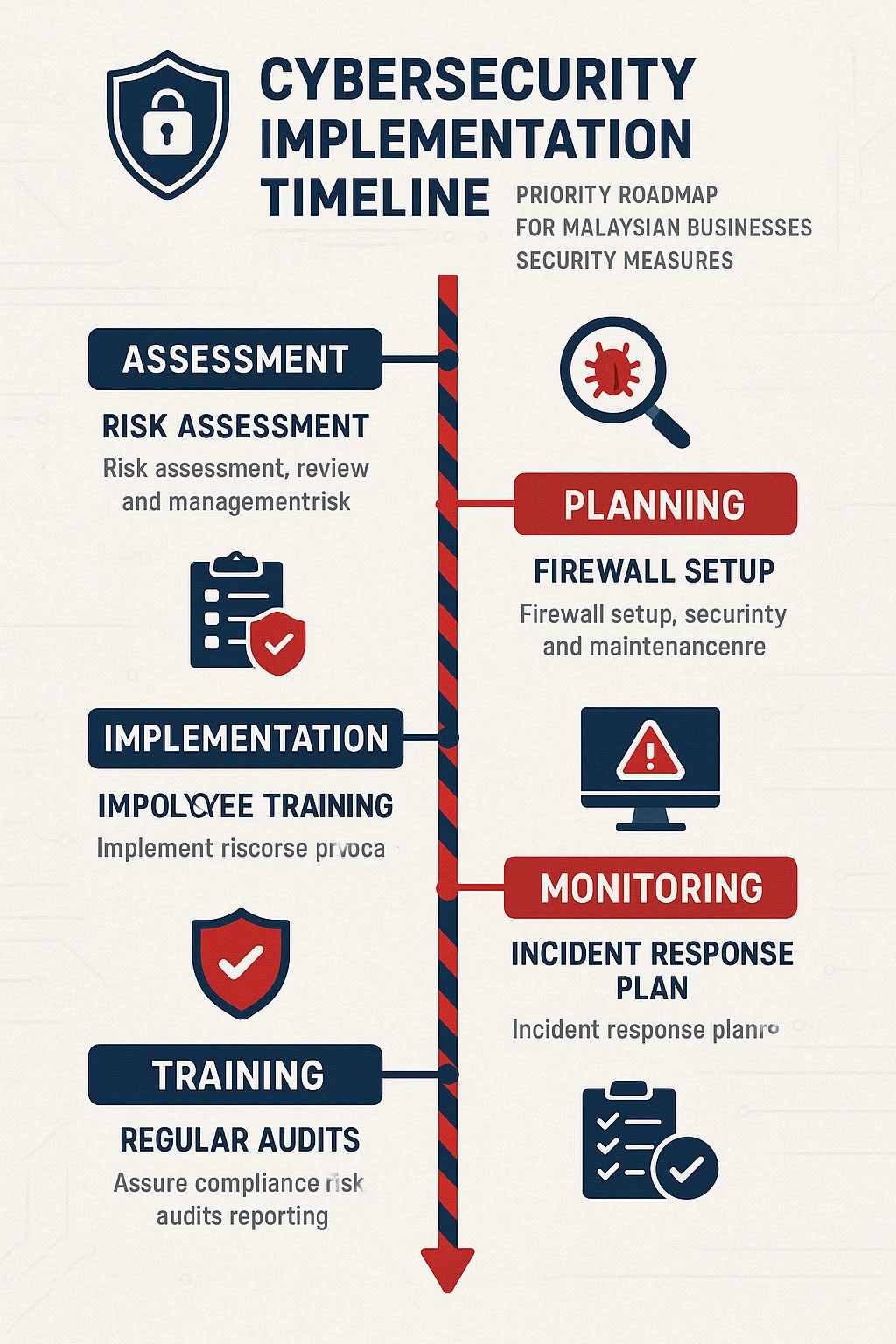
Website security is an operating responsibility, not a plugin setting. Malaysian organisations should identify the systems and data their website depends on, restrict unnecessary access, maintain supported software, monitor changes and prepare a tested recovery path. The right controls depend on business impact, exposure and applicable obligations; no single checklist makes every website secure.
Start with assets, access and impact
List the domains, DNS, hosting accounts, applications, databases, integrations and data flows that support the site. Identify who owns each account, which suppliers can access it and what would happen if the service were unavailable or altered. Include staging environments, email, payment services and external identity providers where they connect to the site.
Use individual accounts, least privilege and multifactor authentication where available. Remove access when a staff member or supplier no longer needs it. Keep recovery contacts and account ownership current. Shared credentials make it harder to determine who made a change and to revoke only the access that is no longer needed.
Maintain software and supply-chain controls
Use supported versions of WordPress, themes, plugins, server software and libraries. Remove components that are unused, abandoned or obtained from untrusted sources. Before updates, confirm compatibility, backups and rollback arrangements; test significant changes in staging where feasible.
Keep an inventory of third-party services and integrations. Check who can publish code, access customer data or change DNS. A reputable plugin can still introduce risk if it is unmaintained, configured incorrectly or given more access than the site requires.
Protect the hosting and application layers
Use HTTPS with correctly configured certificates, restrict administrative access based on actual operational needs and avoid exposing development tools or backups publicly. Configure file access and server rules for the hosting environment rather than applying generic permission commands blindly. Use a web application firewall as one layer of defence, not as a substitute for updates, access control or secure application design.
Review forms and integrations for input validation, authentication, rate limits and error handling. Store only data the business needs, define retention and deletion processes, and avoid putting sensitive information in URLs, public logs or diagnostic output.
Detect and respond
Monitor for failed logins, unexpected administrator accounts, file changes, unusual outbound traffic, certificate problems and service errors. Keep logs long enough to support investigation, with access and retention appropriate to the data they contain. Alert routing should reach someone who can assess and act on the signal.
Prepare an incident plan with an owner, hosting and supplier contacts, containment options, evidence handling, decision authority, communications and recovery checks. Test the plan. If personal data or regulated services may be involved, consult the responsible privacy, security and legal advisers about applicable reporting duties. This article is not legal advice.
Back up files and databases to a separate location, restrict backup access and test restoration. A backup is useful only if it is complete, available and recoverable within the business’s actual requirements.
Prioritise remediation
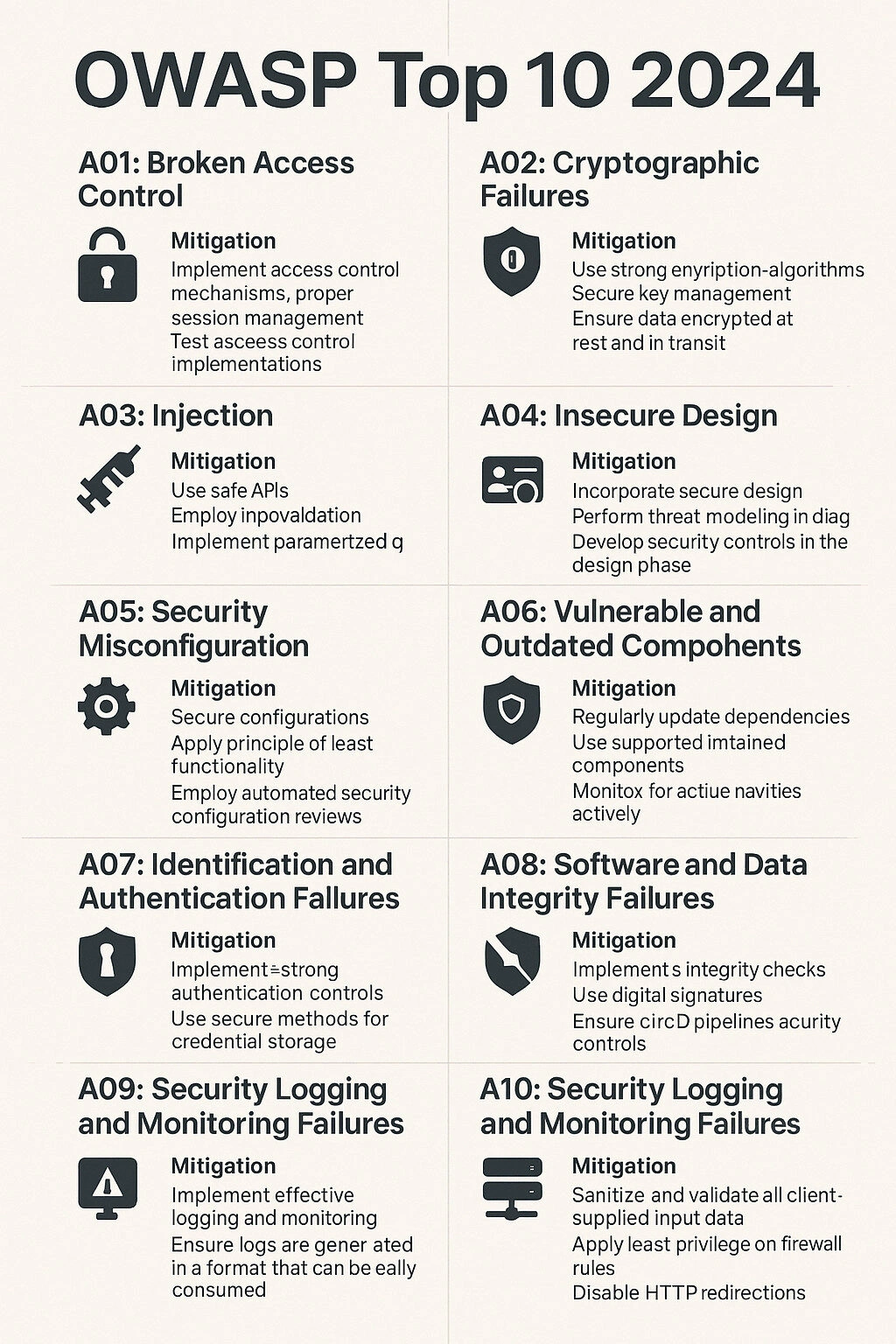
Use a recognised framework such as NIST Cybersecurity Framework 2.0 to organise governance, identification, protection, detection, response and recovery. For application risks, OWASP Top 10:2025 is a current awareness resource, not a complete audit standard or a list of Malaysian incident rates.
Prioritise a finding by exploitability, exposure, data or service impact, available mitigations and the time needed to reduce the risk. Record an owner and deadline. Verify fixes and document accepted residual risk rather than treating a scanner score as proof of security.
Common questions
Does a security plugin make a website secure?
No single plugin can cover account ownership, hosting, software supply chain, data handling, backups, incident response and all application flaws. Security is a set of controls that must work together and be maintained.
How often should website security be reviewed?
Review it when the site, supplier, data use or threat exposure changes, and on a cadence suited to the business. Check critical access and backup recovery regularly. A fixed schedule does not replace event-driven review.
What should a Malaysian business do after a suspected compromise?
Contact the host and the organisation’s incident owner. Preserve relevant evidence, contain the affected service in a controlled way, assess connected systems and obtain qualified response support where required. Do not promise that a site is clean based only on a scanner result.
Sources checked on 20 October 2026: WordPress hardening guidance, NIST Cybersecurity Framework 2.0, OWASP Top 10:2025.