
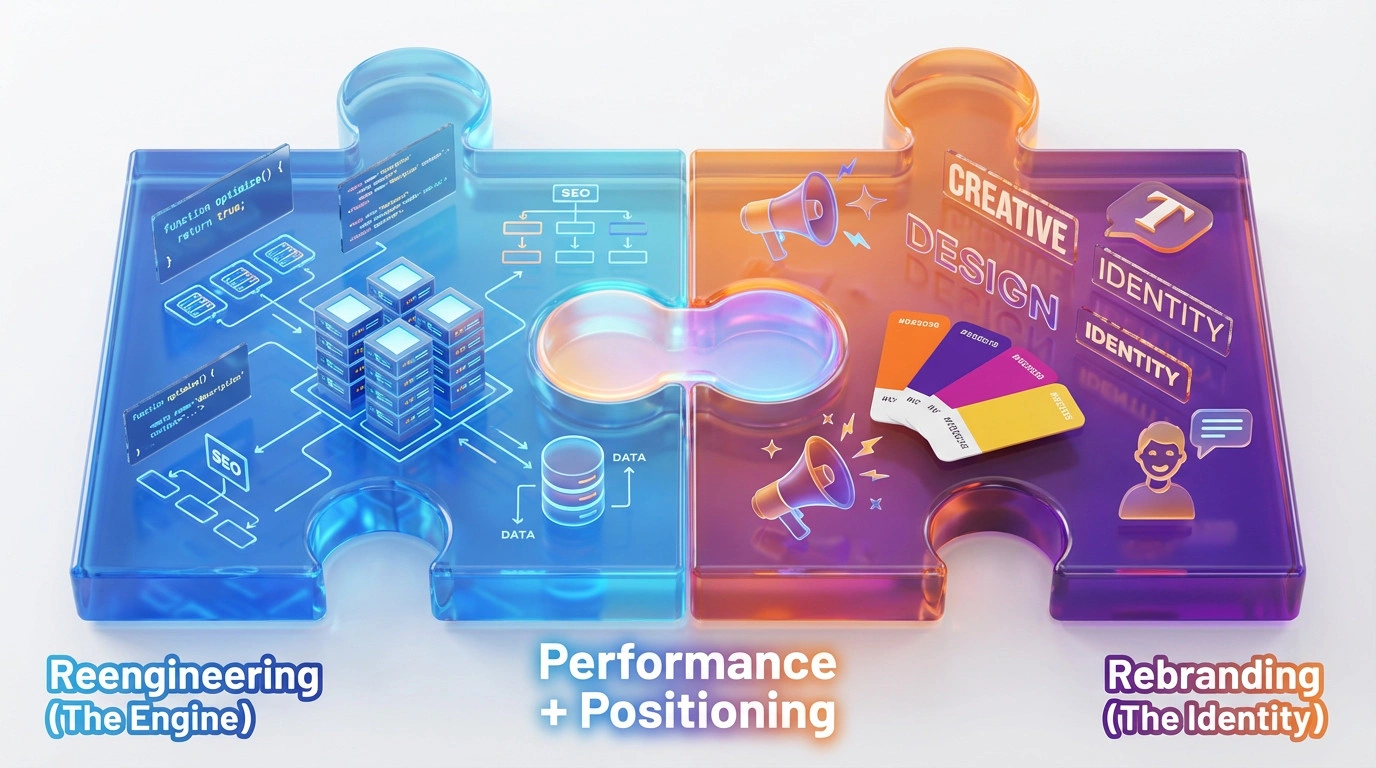
An enterprise website can become difficult to change because its content, technology and decision-making have grown in different directions. A revamp is justified when the business case calls for more than a visual update. It may involve reworking information architecture, systems, governance, content and brand presentation together. The scope should follow evidence from users and operations, not a preference for rebuilding everything.
Refresh, redesign or revamp?
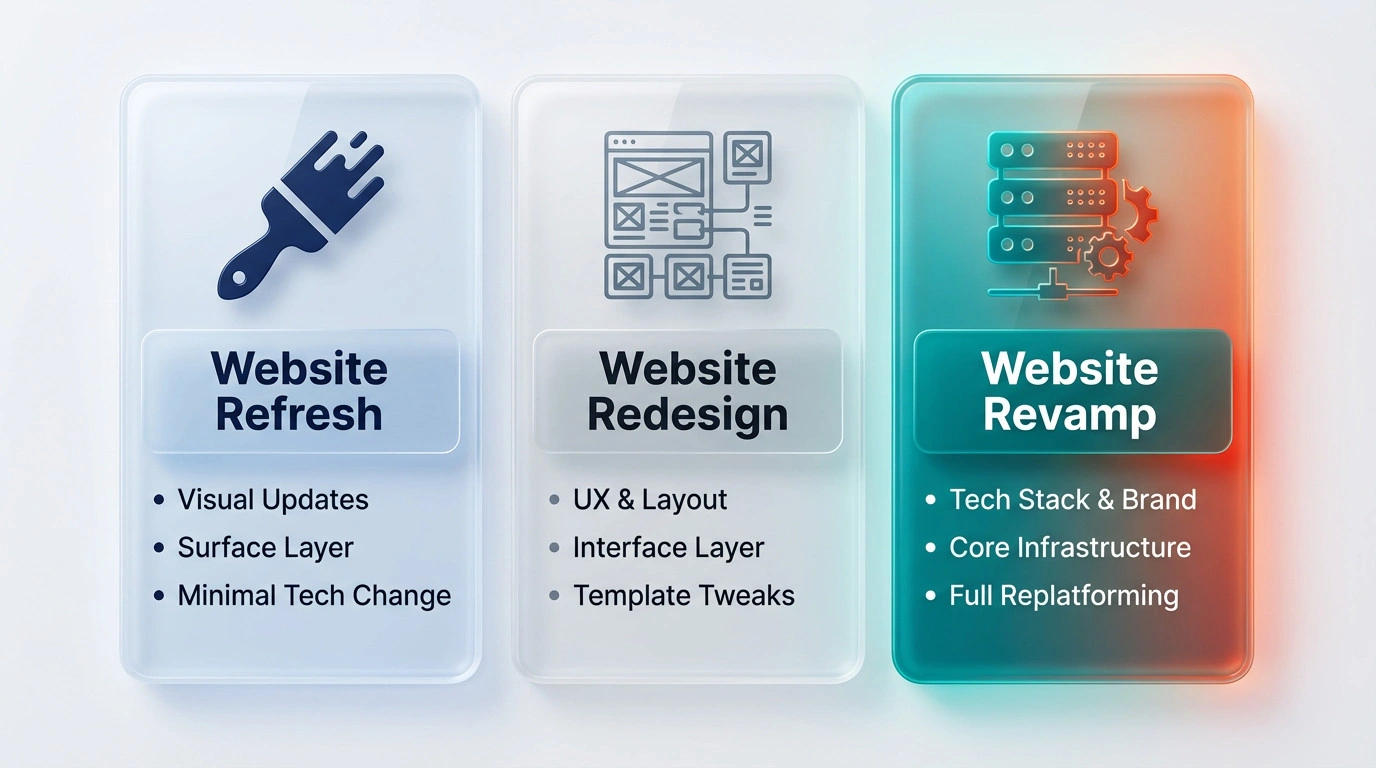
A refresh changes a limited part of the existing site, such as copy or visual details. A redesign changes page layouts and interactions while retaining much of the underlying platform. A revamp may include those changes plus a new content model, platform or integrations. These are working distinctions rather than universal industry definitions; set the scope in the project brief.
Signs that a larger change may be warranted
- Staff cannot update important information without an avoidable technical queue.
- The site structure no longer reflects the organisation’s services or audiences.
- Core tasks are difficult across devices, languages or assistive technology.
- Critical integrations, analytics or security responsibilities are unclear.
- Content ownership is fragmented and pages repeat, contradict or hide essential facts.
- Maintenance and change costs are high because the platform is poorly understood or unsupported.
Traffic alone does not prove that a revamp is needed. Review user research, search data, support requests, content audits, security findings and operating costs before setting a direction.

A controlled project sequence
1. Agree governance and outcomes
Name the business sponsor, decision-makers, content owners and technical leads. Set goals that can be measured, such as task completion, qualified enquiries, publishing time or fewer content errors. Record constraints, approvals, procurement steps and accessibility requirements that apply to the organisation.
2. Audit content and systems
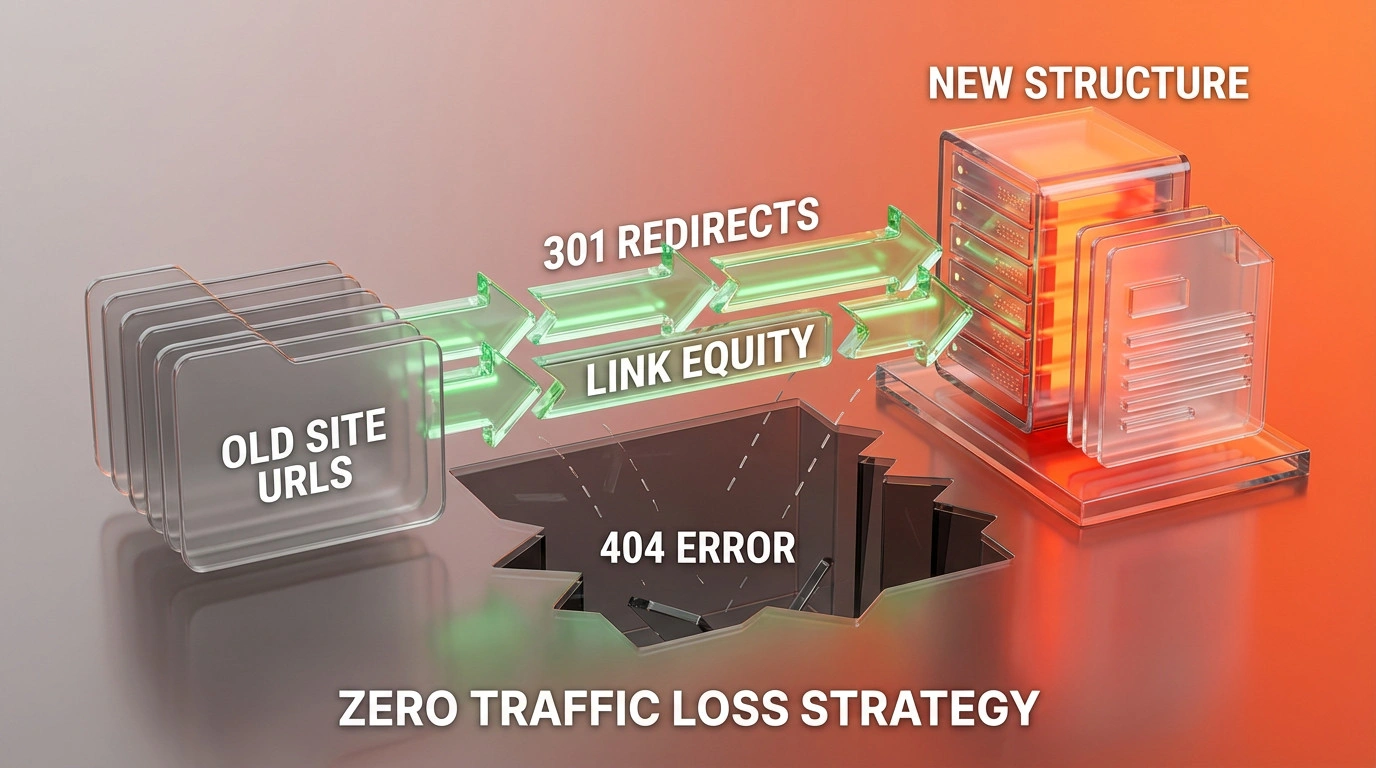
Inventory URLs, templates, integrations, analytics, forms, documents and account owners. Decide what to keep, rewrite, combine or retire. Map important old URLs to relevant destinations and define who approves the content and redirects.
3. Design and build around real tasks
Test the proposed information architecture with users. Define reusable content types and permissions. Plan how the CMS, search, CRM, identity provider and other systems exchange data. Confirm security, accessibility, performance and multilingual requirements with the delivery teams before detailed design is signed off.
4. Test migration and release
Use a staging site to test content rendering, links, forms, access roles, analytics, redirects, language alternates and recovery. Provide owners and evidence for each acceptance check. Launch in a controlled window with named decision-makers and a documented rollback or recovery plan.
Questions before approval
Does the written scope identify owners, exclusions, dependencies, acceptance criteria, ongoing costs and handover? Can the organisation maintain the system after launch? A successful revamp is a site that supports business tasks and can be operated responsibly, not simply a new visual layer.