
A technical SEO checklist is useful when it helps find and prioritise problems that affect important pages. It is not a list of warnings to clear without context. Start with access and indexation, then check templates, internal links, rendering, structured data and performance.
Key takeaways
- Confirm that important pages return the right response, can be crawled and are eligible for indexing.
- Use Search Console, server logs and URL tests to investigate specific URLs and patterns.
- Fix shared template problems before treating many affected pages one by one.
- Structured data should accurately match visible content; it does not guarantee a rich result or AI citation.
- Prioritise by business impact, evidence, affected pages and effort.
1. Confirm access and status codes
Check that important pages load successfully and return the intended HTTP status. Investigate server errors, redirect chains, unexpected soft 404s and blocked resources. Use robots.txt to manage crawling, not as a reliable way to remove a URL from search results. Use an appropriate noindex directive when a page should not be indexed, and make sure the crawler can access it to see that directive.
Review Search Console’s Page Indexing and Crawl Stats reports, server logs and URL Inspection for examples. A report may group similar URLs, so inspect representative pages and confirm whether the issue affects important content.
2. Review indexation and URL signals

Check canonical tags, redirects, sitemap entries, pagination and duplicate URL variants. Canonical tags are signals, not commands, and search engines may select another canonical. Each important page should have consistent internal links and a clear preferred URL. Redirect changed URLs to the closest relevant destination and update internal links rather than relying on redirects indefinitely.
Include only canonical, indexable URLs in the XML sitemap. A sitemap helps search engines discover URLs but does not guarantee crawling or indexing. After a migration, use a redirect map and monitor response codes, indexing and important landing pages.
3. Test mobile and page experience
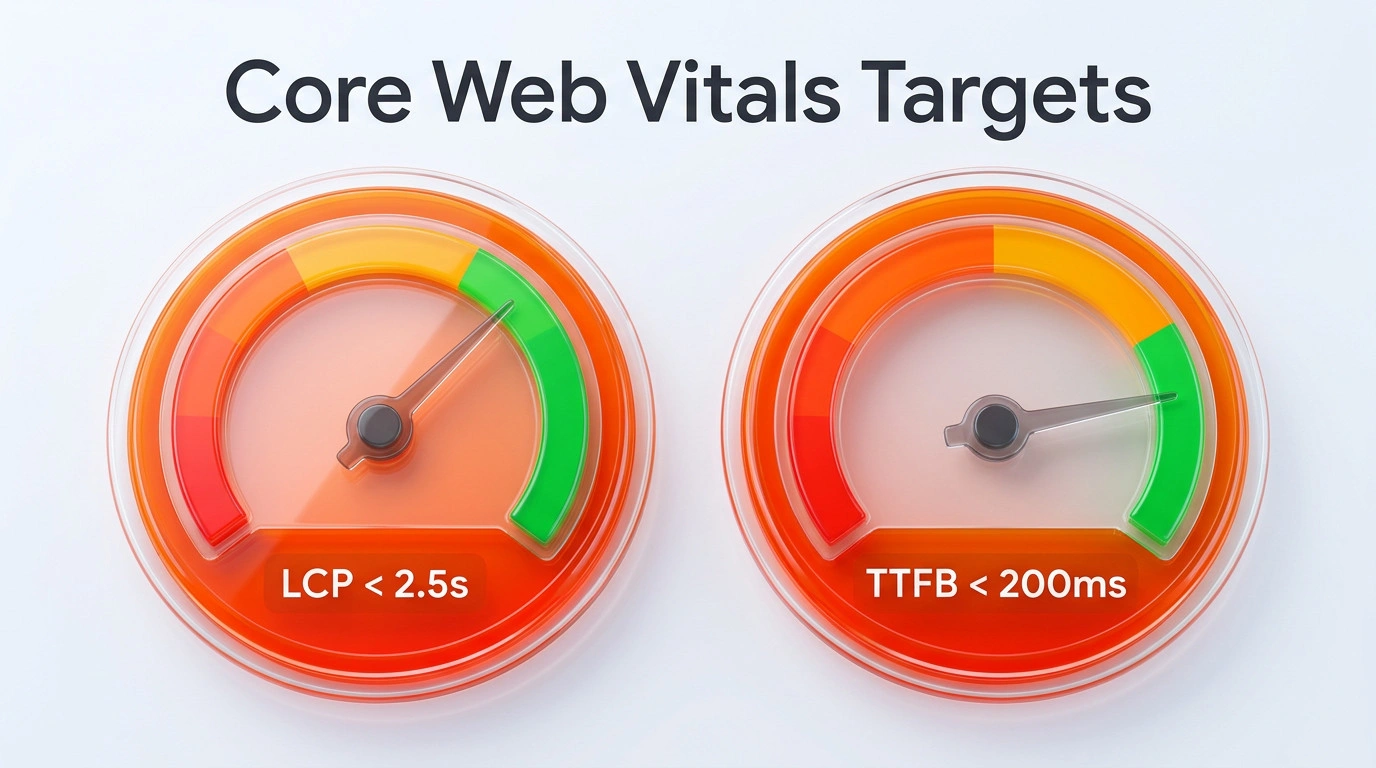
Make key tasks work on common screen sizes and input methods. Check the real page for layout shifts, blocked controls, unreadable text, intrusive overlays and slow interactions. Use field data and lab tools for different questions. Core Web Vitals measure loading, interactivity and visual stability; a passing score does not guarantee rankings or compensate for poor content.
Optimise images and fonts, avoid unnecessary scripts, cache suitable assets and inspect slow templates. Test the page as users experience it, especially forms, navigation and checkout.
4. Check JavaScript rendering
Search engines may process JavaScript, but rendering has limits and depends on resource access and implementation. Ensure important content and links are present in rendered HTML, and avoid requiring an interaction before essential content appears. Test representative URLs with URL Inspection and a browser. Use server rendering or static rendering where it improves reliability, accessibility or performance for the product, not as a ranking promise.
5. Review site structure and internal links
Use a structure that helps people and crawlers reach important pages. Check navigation, breadcrumbs, contextual links, orphan pages and excessive click depth. Use descriptive link text and maintain links when URLs change. Consolidate genuinely redundant pages only after deciding which URL and content should remain.
6. Validate structured data
Choose Schema.org types and properties that accurately describe the visible page or entity. Check syntax with appropriate validators and review Google Search Central’s current supported search features. A valid Schema.org type does not automatically qualify for a Google rich result. Keep structured data aligned with visible information and remove stale values.
Structured data can present page meaning to crawlers in a more organised form. It must match what the page says and shows. It does not guarantee rankings, rich results, inclusion in an AI answer or citation.
7. Check metadata, language and security basics
Review unique, accurate titles and descriptions, heading structure, image alternatives, language declarations, canonical URLs and reciprocal language alternates. Check that private or staging content is not exposed and that production pages are served securely. Security headers and access controls should be configured for the site’s architecture and tested to avoid breaking required functions.
8. Monitor and prioritise

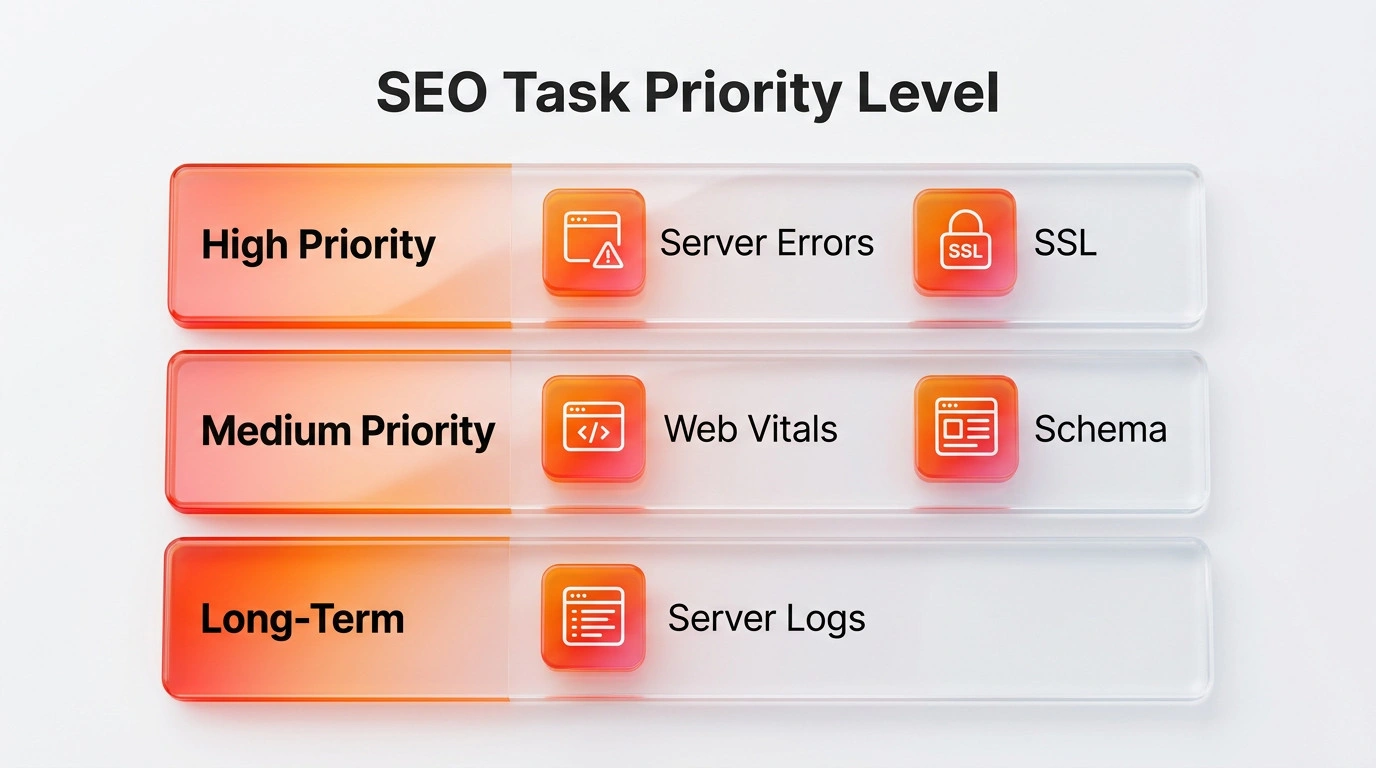
Create an issue list with affected templates and URLs, evidence, business impact, owner, proposed fix and acceptance test. Fix access failures on valuable pages first, then widespread template issues and measurable experience problems. Recheck affected pages after deployment and record what changed. Search performance can fluctuate for many reasons, so do not attribute every movement to one technical edit.
For a broader plan, see our technical SEO service. Google Search Central’s documentation on crawling and indexing, technical requirements and JavaScript SEO is the primary reference for Google-specific behaviour.
Quick review sequence
- Select important page groups and representative URLs.
- Check status codes, crawler access and indexability.
- Check canonicals, redirects, sitemap entries and internal links.
- Test rendered content, mobile journeys, forms and key interactions.
- Validate structured data and metadata.
- Rank issues by impact and fix shared causes first.
- Retest after release and monitor for unintended effects.
Frequently asked questions
Does a technical SEO audit guarantee higher rankings?
No. An audit identifies technical issues and opportunities. Rankings also depend on relevance, competition, content, links, user context and other factors.
Does structured data help AI systems cite a page?
Structured data can describe page meaning in a consistent format, but systems vary in whether they use it. It must match the visible page. It is not a guaranteed citation method.
Should every warning be fixed?
No. Confirm whether the warning affects important URLs, what caused it and whether a fix has a measurable purpose. Some tool warnings are informational or do not apply to a particular site.
Sources and review notes
Reviewed on 20 October 2026. Google-specific guidance links above were checked against Google Search Central. Search features and documentation can change; verify the current documentation during an audit.