
A redesign can preserve its visual brief and still damage useful search traffic if the underlying page system is not mapped first. Technical SEO architecture is the plan for how content, URLs, templates, internal links and technical signals work together before and after the change.
Key takeaways
- Inventory valuable URLs and page groups before replacing templates or paths.
- Design navigation and internal links around real visitor tasks.
- Test redirects, canonical signals, language alternates and indexing before launch.
Start with an inventory

Collect current URLs from the sitemap, analytics, Search Console and the CMS. Record page purpose, traffic or enquiry value, inbound links, template, language and owner. Identify duplicates, outdated pages, useful content and technical problems. Keep the source and date of each dataset; tools may show different sets of URLs.
Decide which pages remain, change, combine or retire. Map every changed URL to its closest relevant destination. Do not redirect unrelated pages to the homepage just to avoid a 404. Preserve important content and confirm that the destination serves the same user need.

Design the information and link structure
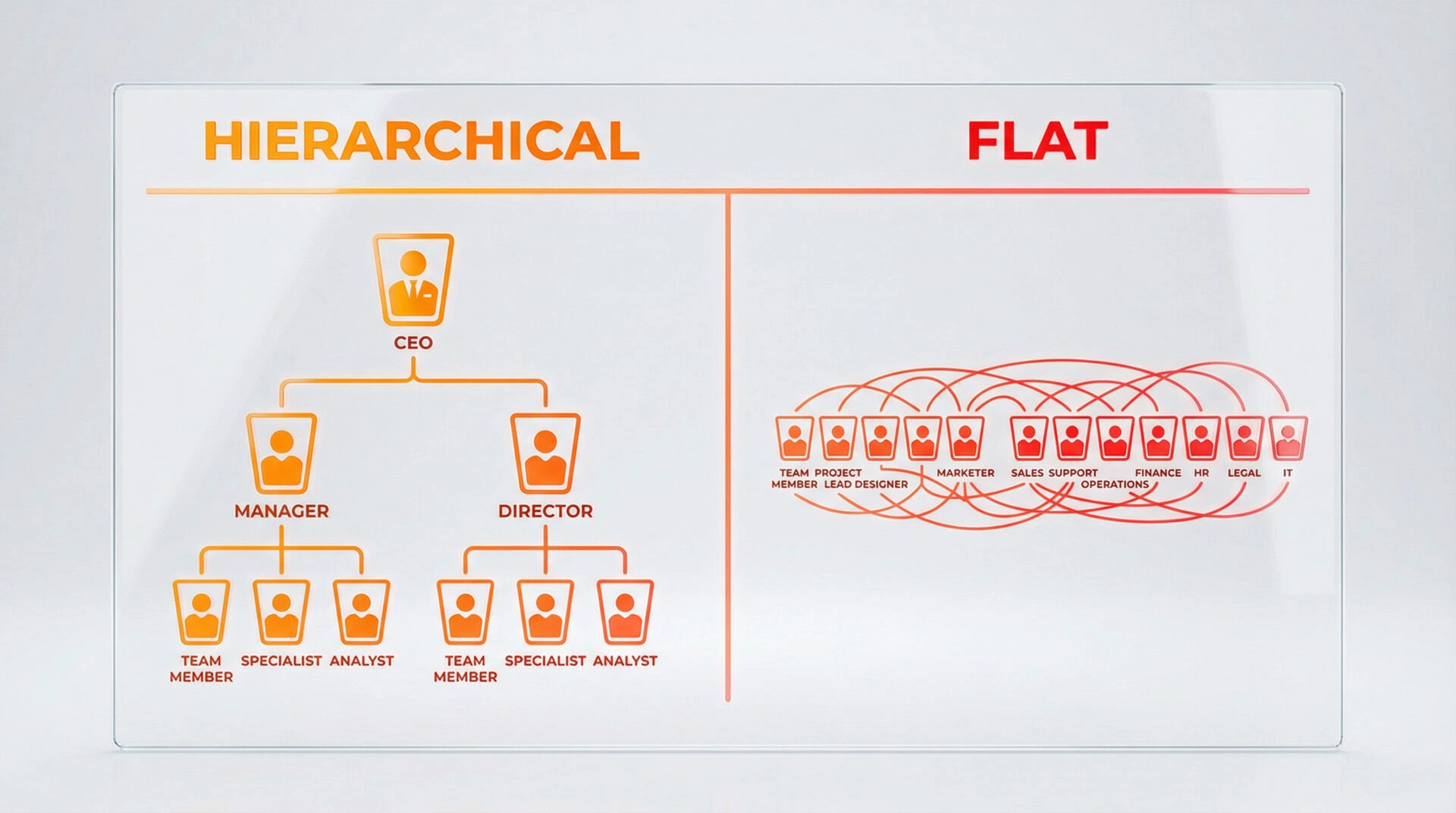
Group pages by user and business purpose. Navigation labels should help people predict what they will find. Link related pages where the connection helps a visitor continue a task. Avoid orphan pages and arbitrary depth rules; the right structure depends on the site’s size and how users navigate it.
Plan page templates for titles, headings, metadata, canonical URLs, language alternates and structured data. Ensure important content is rendered as accessible text. For multilingual routes, map each language version explicitly and link only to genuine equivalents.
Prepare the migration
Build a URL mapping and test redirects, status codes, internal links, canonicals, hreflang and sitemap entries on staging. Check representative mobile pages, forms and integrations. Freeze unnecessary content and URL changes during launch so problems are easier to isolate.
Google’s site-move guidance recommends preparing the new site, mapping old URLs, using permanent redirects where appropriate and monitoring Search Console. Expect recrawling and ranking fluctuations; there is no fixed completion time. Google’s AI features guidance confirms that AI search does not change the need for accessible, indexable pages and sound technical foundations.
Measure after launch
Check high-value old and new URLs, crawl errors, index coverage, traffic and enquiries. Compare equivalent date ranges and page groups. Record technical fixes and owners; do not assume a short-term fluctuation proves the redesign has failed or succeeded.
Common questions
Should every old URL redirect to the closest page?
Redirect when a relevant replacement exists. If the content has been intentionally retired with no equivalent, a clear 404 or 410 may be more accurate than a misleading redirect.
Does a flat URL structure improve rankings?
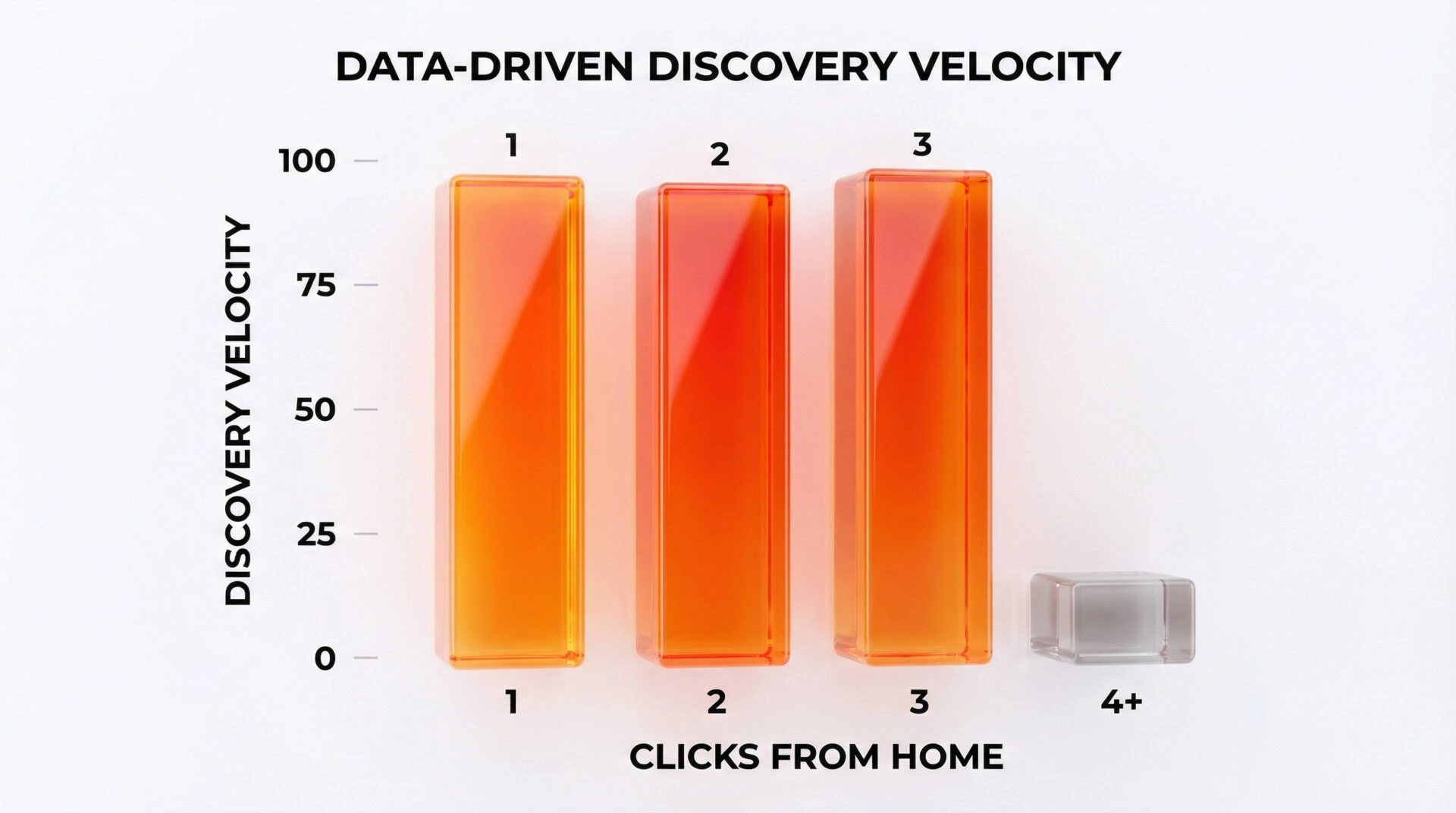
There is no universal URL-depth formula. Make pages easy to find and understand through navigation and useful links.
When should SEO architecture be reviewed?
Before design and development lock in templates, URL changes and content relationships. Late corrections can require rebuilding work already completed.