
When search traffic falls, another round of link building or a broad content rewrite may make the problem harder to diagnose. Start by finding what changed, where it changed and whether the business lost impressions, clicks, rankings or conversions. SEO recovery is an investigation and prioritised repair process, not a guaranteed return to a previous position.
1. Confirm the pattern
In Google Search Console, compare the affected period with a relevant previous period and the same period a year earlier where useful. Check web, image, video and news search separately. Segment by query, page, country and device. Analytics can add conversion context, but its sessions will not match Search Console clicks exactly.
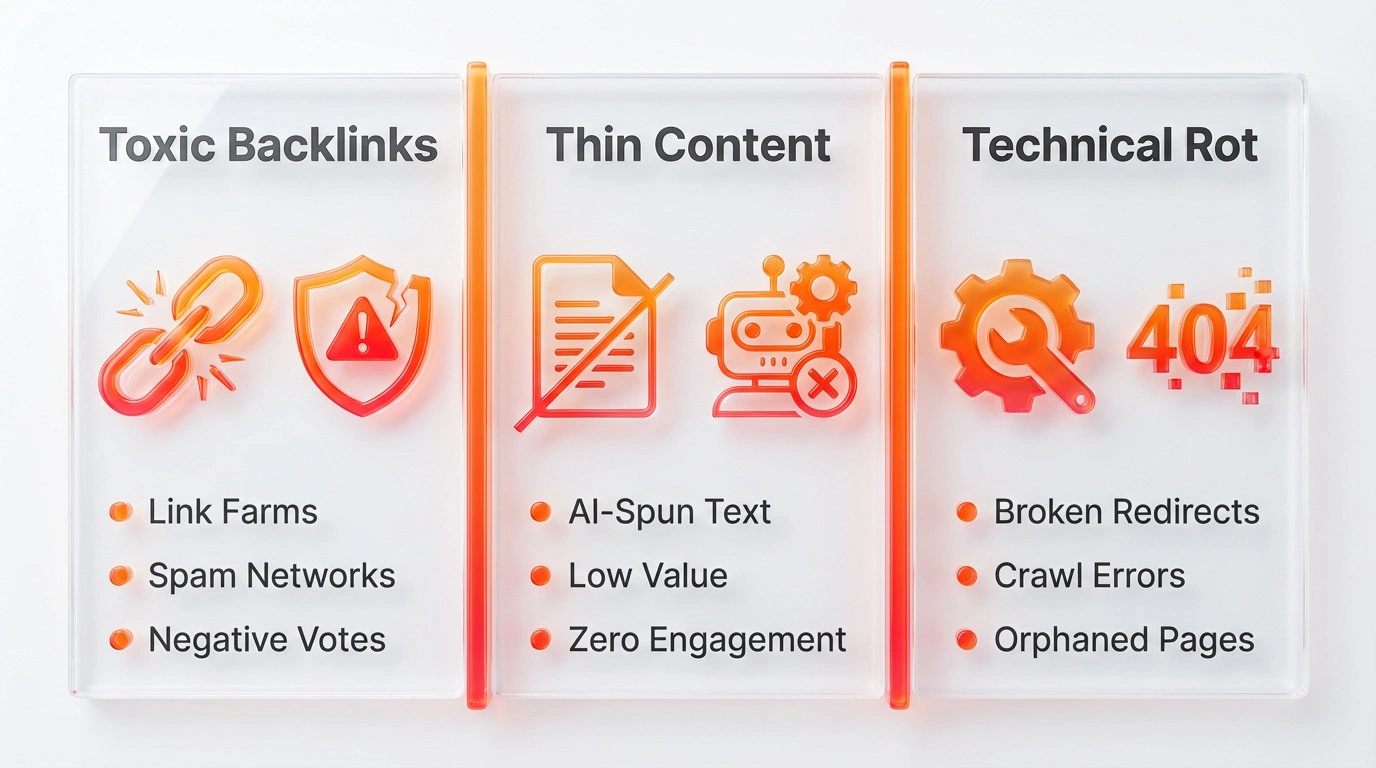
Use Google Trends and business records to check seasonality, demand, stock, campaigns and changes in the market. Review the Search Status Dashboard for major updates and the Search Console Manual Actions and Security Issues reports for site-specific notices.
2. Find the likely cause
- Impressions and clicks both fall: check demand, indexation, a migration, sitewide changes and the pages or topics most affected.
- Impressions hold but clicks fall: review the queries, search appearance, title and description, and whether the result still matches user intent.
- Only some pages fall: inspect those URLs, templates, internal links and recent content changes.
- Conversions fall while search traffic stays similar: examine forms, checkout, tracking and changes in lead quality before treating it as an SEO problem.
Google advises waiting until a confirmed core update has finished, then comparing appropriate periods. A change that coincides with an update does not prove that the update caused it.
3. Repair with evidence
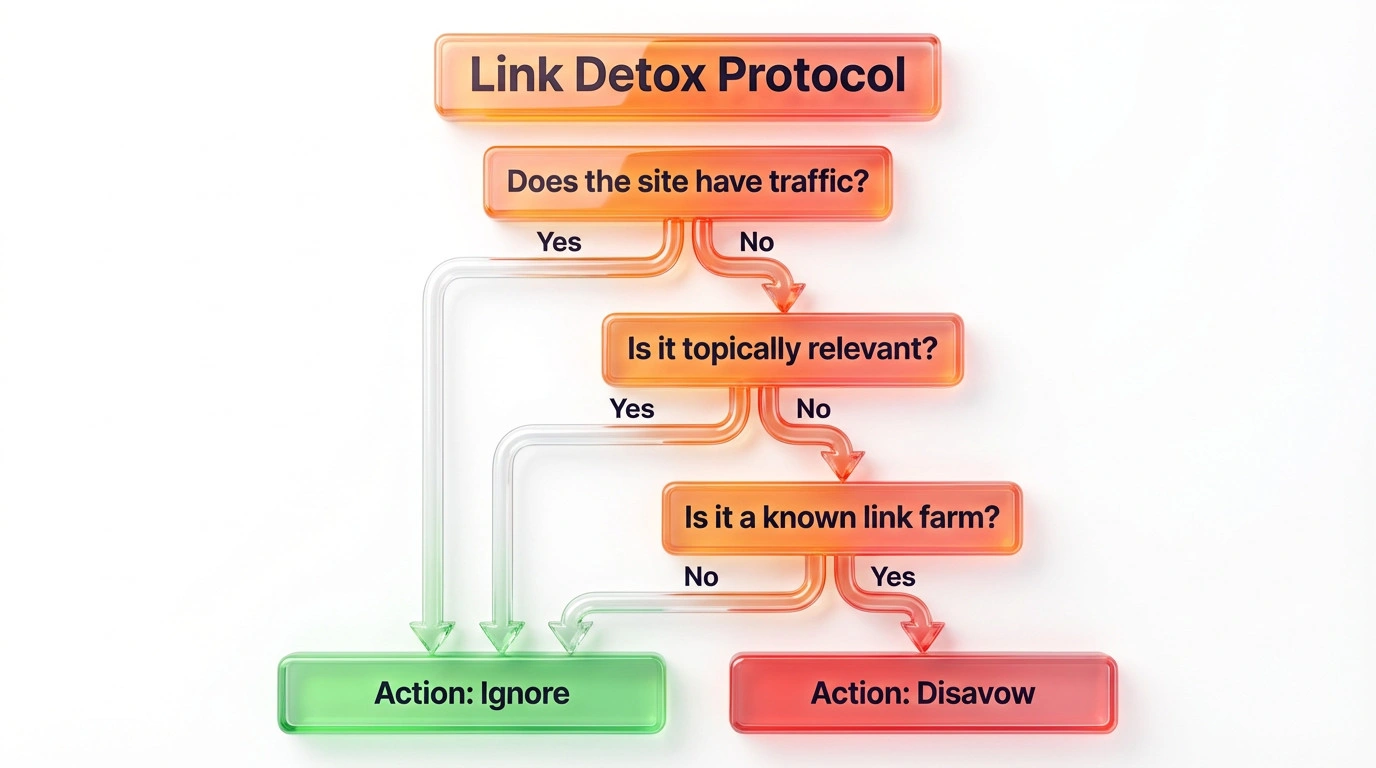
Fix technical errors that prevent useful pages from loading, being crawled or being indexed. Correct migration redirects and internal links. Improve content when it is inaccurate, outdated, duplicated or no longer meets the reader’s need. Do not remove pages or disavow backlinks simply because an automated tool labels them low quality. Google says the disavow tool is an advanced feature and should generally be used only where there is a considerable number of artificial links and a manual action or likely manual action.
Record each change, owner and expected signal. Allow time for recrawling, then compare the same pages and queries. Keep rankings, impressions, clicks, conversions and revenue distinct in reporting.
Can an SEO recovery service guarantee rankings?
No. A competent service can investigate causes, carry out agreed repairs and report evidence. Search engines control ranking and timing, and recovery outcomes vary.