
A broken link sends a visitor to a page that is missing or unavailable. The right fix depends on why the link fails and whether the destination still exists elsewhere. Start by checking the source and intended destination. Then update the link, restore the content, redirect to a genuine replacement or leave a proper not-found response.
Key takeaways
- Confirm the status and intended destination before changing a URL.
- Update internal links at their source when the correct page has moved.
- Redirect only to a relevant replacement; do not send unrelated URLs to the homepage.
- Use a real 404 or 410 response when removed content has no replacement.
- Recheck important links after publishing and site migrations.
What counts as a broken link?
A link is broken when its destination cannot be reached as intended. It may point to a deleted page, a mistyped URL, an old domain, a moved file or a temporarily unavailable service. A browser can show a 404, 403, 5xx error or connection problem. Not every failure is permanent, so check the URL, response and context before taking action.
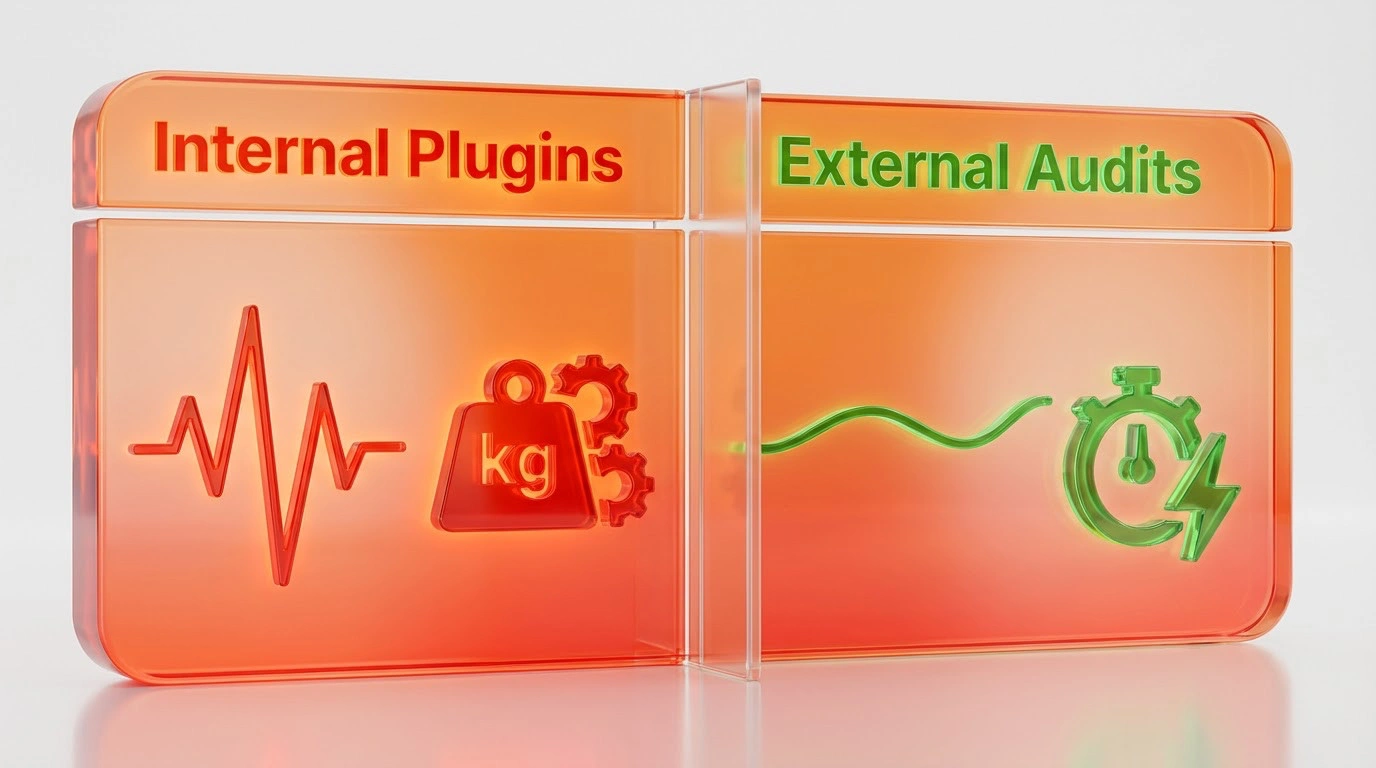
Internal links are under your control. External links may fail because another site changed its content or access rules. A crawl report is a starting point, not a complete diagnosis. Some tools report redirects, blocked requests or temporary errors as issues even when a visitor can still reach the destination.
Find and verify broken links

Use a site crawler to check internal links and record the source page, destination URL, response and anchor text. Search Console can report crawl issues for Google, while server logs and analytics may help identify frequently visited dead URLs. Review key templates and important page groups, not just a single tool’s list.
Open the URL in a browser and check the response code. Confirm whether the target has moved, whether the source contains a typo, and whether the failure is temporary or permission-related. For an external link, look for the publisher’s current replacement page rather than guessing a new address.
Choose the right fix
Update the link directly
If a page has moved and you control the source page, change the link to the correct current URL. This avoids relying on a redirect for an internal link and keeps the journey clear.
Add a relevant redirect
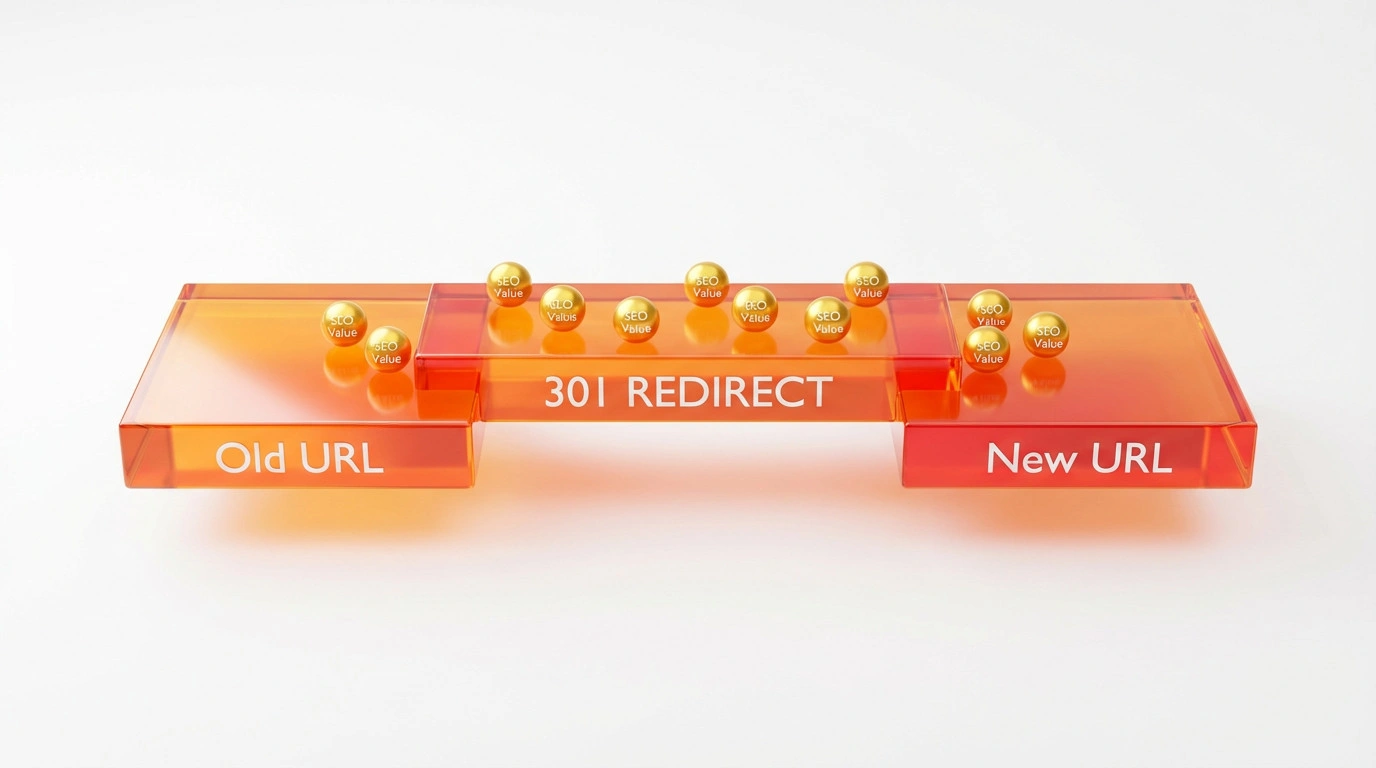
Use a permanent redirect when content has moved to a clear replacement. Map the old URL to the closest equivalent page and update internal links where possible. Avoid redirect chains and broad rules that send many unrelated pages to the homepage. A redirect should help the visitor complete the task they came to do.
Restore or replace useful content
If a removed page still serves a real user need, restore it or publish a suitable replacement. Preserve the original URL when practical. A replacement should match the old page’s purpose closely enough that visitors are not misled.
Return a proper not-found status
Google’s crawl error guidance explains how to handle soft 404s. If there is no relevant replacement, return a genuine 404 or 410 response and provide a helpful error page with navigation and search. Do not return a normal 200 status for a page that only says the content is missing.
Handle external links carefully
If an external page disappears, check the publisher’s site for an updated destination or a suitable alternative source. If none exists, remove the link or explain that the resource is no longer available. Do not redirect a visitor to unrelated content simply to avoid an error report.
For backlinks pointing to your site, identify the referring page and the expected destination. If the target has a relevant replacement, set a redirect and update the destination page. If it has no replacement, decide whether restoring the original page is worthwhile. Do not create thin substitute pages just to catch old URLs.
Prevent link problems from returning
Use stable URL patterns and keep an inventory of important routes. When publishing, test links in context. During a redesign or migration, create a source-to-destination redirect map, check it before launch and crawl the new site after launch. Assign an owner for link reports and repeat the check after changes to navigation, content or domains.
A broken URL does not automatically damage the rest of a site’s rankings. Fix links because they disrupt people, waste staff time and can prevent access to useful content. Google advises returning an appropriate status for missing pages and redirecting only when content has moved to a suitable destination.
Frequently asked questions
Do 404 pages hurt SEO?
A genuine 404 for content that no longer exists is a normal web response. It does not automatically harm the rest of the site. Make sure important pages are not returning 404 by mistake, and provide a useful not-found page for visitors.
Should every broken link redirect to the homepage?
No. A homepage is rarely a relevant replacement for every missing page. Redirect only when there is a close, useful destination; otherwise return a proper not-found response.
Can a plugin find every broken link?
No tool finds every issue in every context. A crawler can discover many internal link problems, but confirm results manually, especially for forms, JavaScript links, access-controlled pages and temporary outages.
For broader technical checks, see our technical SEO service.
Sources and review notes
Reviewed on 20 October 2026. Google Search Central guidance on crawl errors and soft 404s and redirects was checked. Confirm response codes and replacements on the live site before making bulk changes.