
A landing page works best when it helps one audience take one clear next step. A page builder can assemble the layout, but it cannot decide the offer, supply credible evidence or make a weak form useful. Define those parts before opening the editor.
Key takeaways
- Give the page one main audience, offer and call to action.
- Use Visual Composer to structure the content, then check the rendered page at real screen sizes.
- Test form delivery, tracking, accessibility and performance before sending traffic.
Plan the page before building it
Write down the visitor, the problem they are trying to solve, the offer and the action you want them to take. Decide what happens after the action: a thank-you page, email, booking or sales follow-up. Keep the page focused and remove navigation or links that compete with the primary action unless visitors need them to make an informed decision.
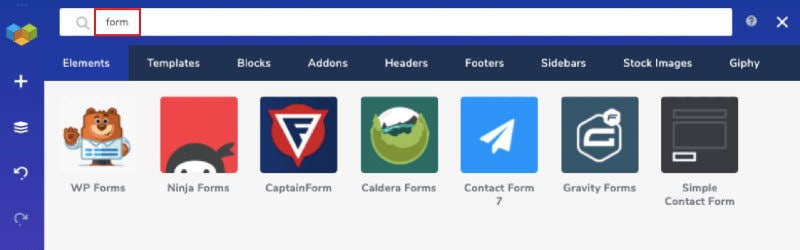
Prepare the headline, concise explanation, relevant proof and answers to likely concerns. Use only claims you can support. Decide which information the form actually needs; each additional field can add friction and should have a reason.
Create the page in Visual Composer
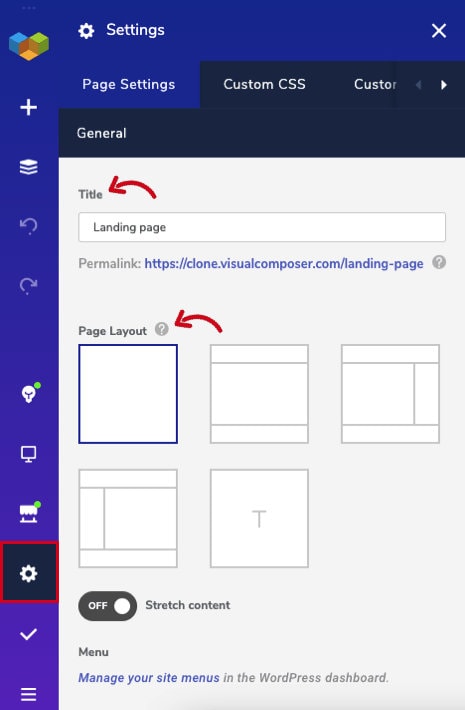
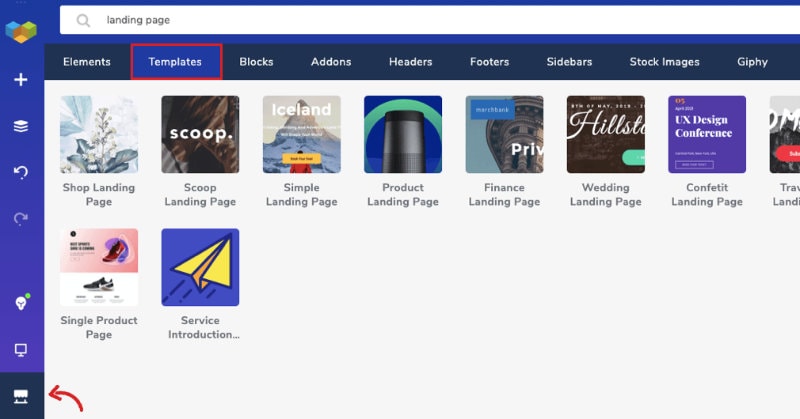
Use Visual Composer’s installation guide to install and activate the Website Builder. Then follow its create a new page guide to make a page, choose a layout and add elements in the editor.
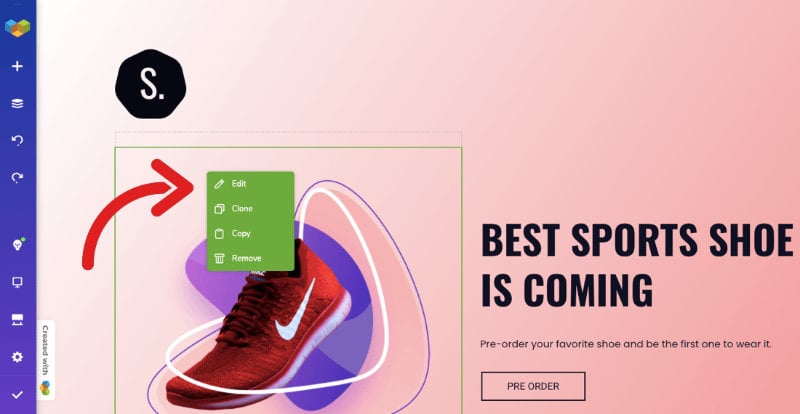
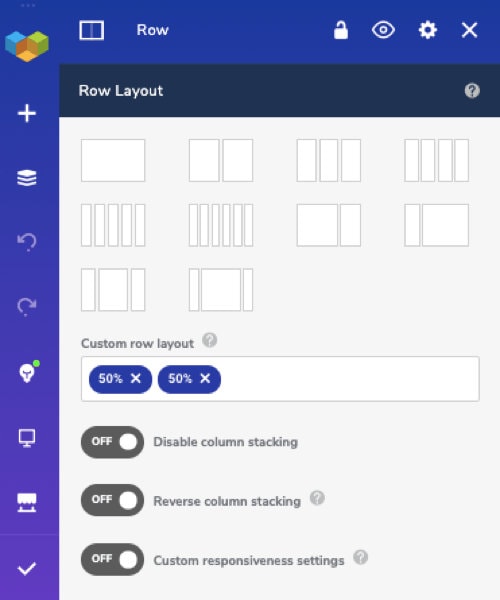
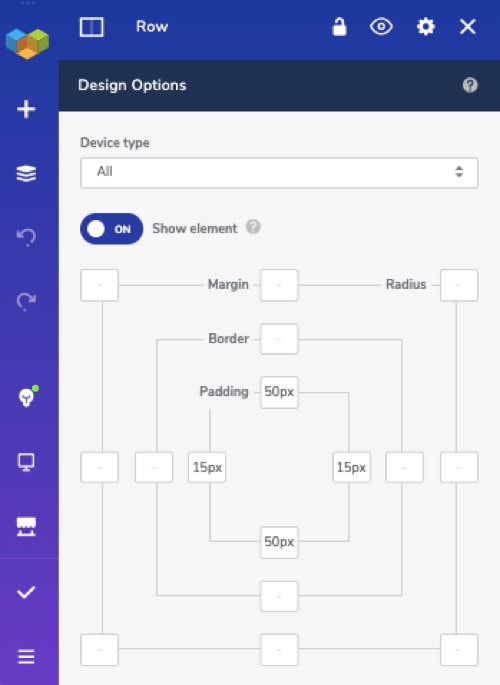
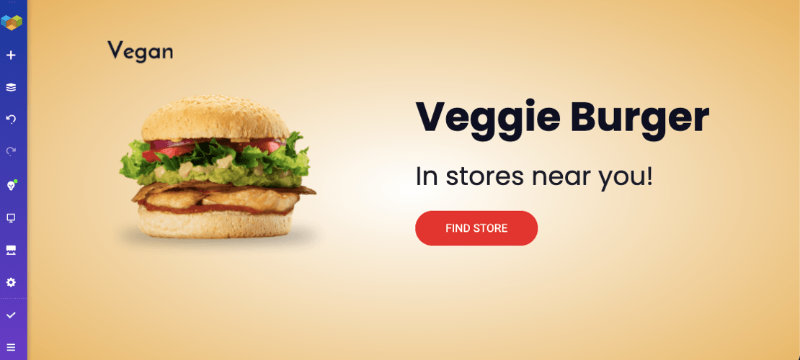
Build the page in a clear order: headline and offer, supporting detail, evidence, practical answers, form or booking action, and a final reminder of the next step. Use rows and content elements to organise sections. Reuse the site’s established colours, type and spacing. Keep headings meaningful and avoid adding motion or decoration that distracts from the task.
The Visual Composer product comparison explains how Website Builder and WPBakery Page Builder differ. Confirm which editor is installed before following a tutorial or choosing an element.
Test the complete journey
Preview at desktop and mobile widths. Check text wrapping, tap targets, image crops, contrast, keyboard navigation and focus visibility. Submit the form with valid and invalid data. Confirm that the recipient receives it, the visitor gets the expected confirmation, consent wording is present where required, and analytics records the intended event without exposing form contents.
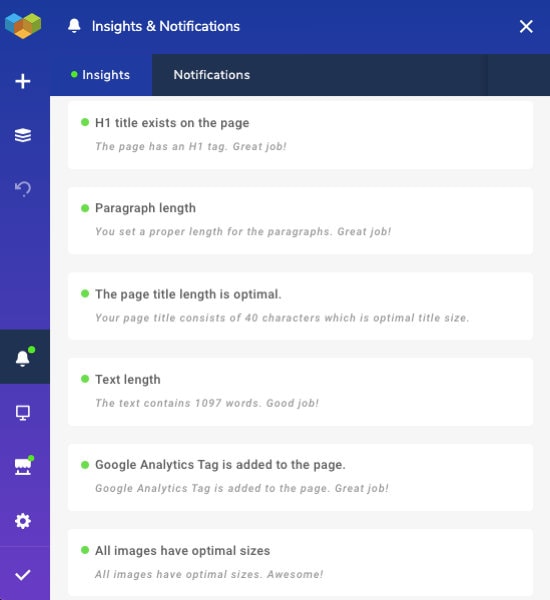
Check the page title and description, canonical URL, indexation setting and internal links. Measure the live page and remove unnecessary assets if they create a verified delay. A page-builder preview alone does not confirm the production experience.
Frequently asked questions
Is Visual Composer the same as WPBakery?
No. They are separate products with different editors and workflows. Confirm the installed product before using instructions.
Should the landing page have the full site navigation?
That depends on the visitor’s task. A focused campaign may need fewer competing links, but users should still have access to information needed to assess the offer and organisation.
Is the page ready when it looks right in the editor?
No. Test the published rendering, form delivery, tracking, mobile layout, keyboard use and important links before directing visitors to it.
Sources and review notes
Reviewed 20 October 2026 against the current Visual Composer help centre and its guides to creating a page and installing the builder. Feature names and screen locations can change; follow the documentation for the installed release. No conversion increase is promised.