
Yes, Elementor and WPBakery can be installed on the same WordPress site. Whether they work together in a particular installation depends on the theme, extensions, versions and site configuration. Keeping both may be reasonable during a controlled migration, but it adds another system to test and maintain.
What changes when both page builders are active?
Each builder has its own editing model and stores page layouts differently. A page created with one builder should remain owned by that builder while it is being used. Opening or rebuilding the same page with another builder may not translate its layout and can create conflicting content or styling.
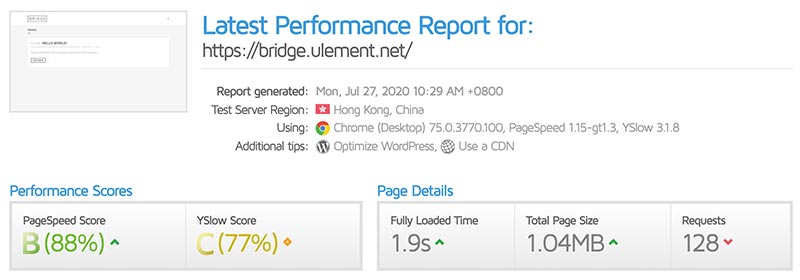
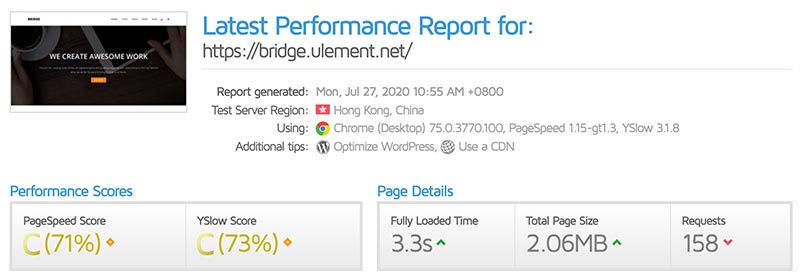
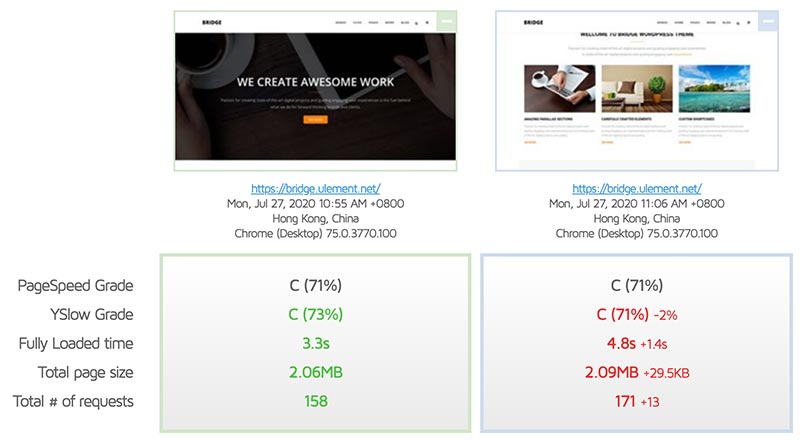
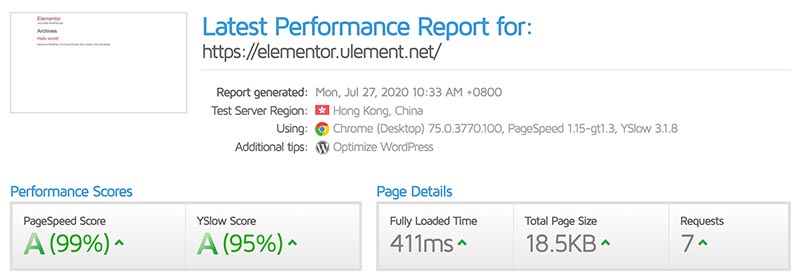
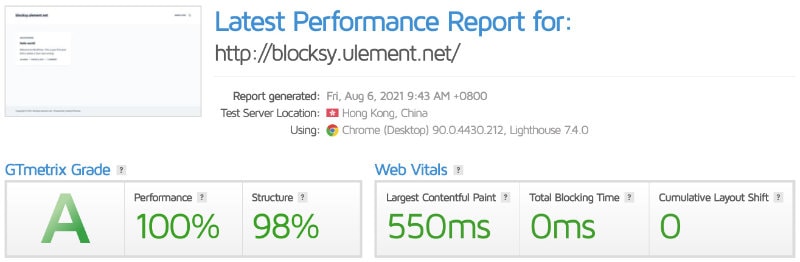
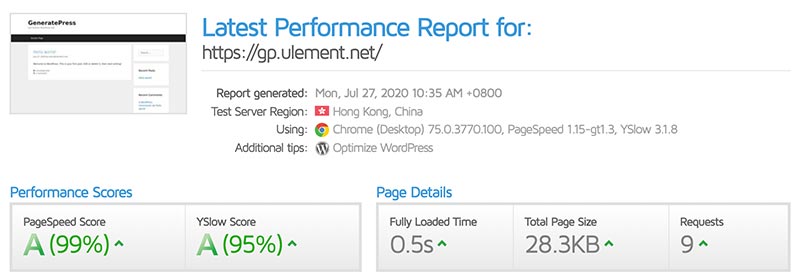
Both plugins and their add-ons can load code or styles on the front end. The effect on page weight and compatibility depends on the versions, theme, extensions and how assets are loaded. Measure the actual site rather than assuming a fixed slowdown or performance gain.
Global elements create another decision. Check which system controls headers, footers, templates, forms, menus, pop-ups and responsive rules. Two builders may each provide similar features, but duplicate ownership makes future edits harder to trace.
When temporary coexistence can make sense
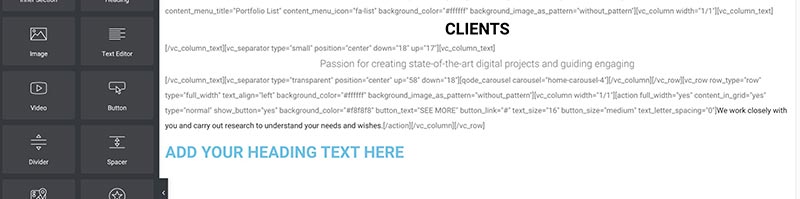
Keeping both may help during a staged rebuild where different pages are being migrated at different times. It can also be practical when a site contains legacy pages that still rely on WPBakery while new work uses Elementor.
Before starting, make a page and template inventory. Record which builder owns each item, which shortcodes or widgets it depends on, and what must be recreated. Set a migration sequence and a completion condition for removing the old builder. Do not promise a migration duration before understanding the page types, custom features and review requirements.
A safe coexistence or migration process
- Back up the site and test restoration. Preserve files and the database before major changes.
- Create staging. Keep it out of search results and prevent it from sending real email, accepting payments or triggering production integrations.
- Check versions and compatibility. Review the theme, WordPress, Elementor, WPBakery and active add-ons. Product compatibility can change with updates.
- Assign one builder per page. Avoid editing the same page in both builders. Rebuild content deliberately and review shortcodes, forms and dynamic fields.
- Test the whole site. Check menus, templates, mobile layouts, accessibility, forms, checkout, tracking, URLs and page speed on representative pages.
- Launch with a rollback plan. Confirm content, redirects and integrations after deployment. Keep the original builder until all dependencies are checked and the rebuilt pages are approved.
Do not deactivate or delete a builder simply because a sample page looks correct. Old pages, templates, widgets, shortcodes or theme integrations may still rely on it. Remove the redundant system only after an inventory and full functional check.
Common risks to check
- Theme templates that depend on a builder or a bundled, customised version.
- Add-ons that have not been tested with the current builder release.
- Shortcodes that remain visible when their plugin is disabled.
- Duplicate global templates or conflicting display conditions.
- Different responsive breakpoints or global typography and colour settings.
- Extra scripts and styles that affect only some routes or interactions.
- Missing forms, analytics, schema, redirects or metadata after rebuilding.
Frequently asked questions
Can one page be edited with Elementor and WPBakery?
They can both be active on the site, but treat each page as owned by one builder at a time. Do not assume one editor can understand or preserve the other builder’s layout.
Is running both acceptable during migration?
It can be a temporary arrangement if pages and dependencies are inventoried, tested on staging and migrated in a controlled sequence. Set a clear end point so the overlap does not become permanent by default.
Will using both builders always make WordPress slow?
Not always. The effect depends on configuration, loaded assets, theme, add-ons and the pages visited. Measure representative pages before and after changes.
Conclusion
Elementor and WPBakery can coexist, but the site needs clear page ownership and compatibility testing. Use overlap only when it supports a planned migration or real legacy requirement, then remove the unused system after checking every dependency.
Sources checked on 20 October 2026: Elementor guidance on plugin conflicts and safe updates, and WPBakery’s plugin compatibility information.